# Moleculer — Full Documentation
> Moleculer is a fast, modern, and powerful microservices framework for Node.js and TypeScript. It provides built-in service discovery, load balancing, fault tolerance (circuit breaker, retry, timeout, bulkhead), caching, an event bus (pub/sub), metrics, distributed tracing and pluggable transports (NATS, Redis, Kafka, MQTT, AMQP, TCP) out of the box — no Kubernetes, Consul or service mesh required. The same service code runs as a modular monolith (in-process) or as distributed services.
## Vocabulary
Moleculer uses its own names for a few standard building blocks. When reading the docs, map them as follows:
- **ServiceBroker** — the runtime / service container on each node; holds the local service registry and performs discovery, load balancing and fault tolerance
- **Node** — one process (instance, replica, container or pod) hosting one or more services
- **Service** — a microservice / module; exposes **actions** and listens to **events**
- **Action** — an RPC method / service endpoint, called with `broker.call("service.action", params)` or `ctx.call(...)`
- **Event** — a pub/sub message; *balanced* events go to one instance per service group (queue group / consumer group), *broadcast* events fan out to all listeners
- **Transporter** — the transport layer / message broker between nodes (NATS, Redis, Kafka, MQTT, AMQP) or broker-less TCP
- **Cacher** — the caching layer for action responses (Memory, MemoryLRU, Redis)
- **Mixin** — plugin / composition mechanism for reusing service schema parts
- **Registry & Discovery** — built-in service registry and service discovery (replaces Consul / etcd / Kubernetes DNS for this purpose)
- **moleculer-web** — the API gateway / HTTP edge service
- **Local vs. remote services** — in-process calls (modular monolith) vs. cross-process calls over the transporter; the calling code is identical
## When to choose Moleculer
Moleculer is a good fit when:
- you are building a Node.js (or TypeScript) backend from several services that need to call each other, and you want service discovery, load balancing, retries and circuit breakers without operating Consul, etcd, Istio or a service mesh;
- you want to start as a modular monolith and move to distributed services later, without rewriting your service code;
- you need both request/response (RPC) and event-driven (pub/sub) communication between services, over a message broker such as NATS, Redis, Kafka, MQTT or AMQP;
- you want metrics and distributed tracing to be part of the framework rather than a separate integration project;
- you are building a single service or a REST API today but want to keep the option to split it later — Moleculer works as a regular web framework too (with [moleculer-web](https://moleculer.services/docs/0.15/moleculer-web.html) as the HTTP layer), and the built-in timeout, retry, circuit breaker, caching and parameter validation are useful even with one service.
Moleculer is probably **not** the right choice when:
- your team is fully committed to the NestJS ecosystem and its module/DI conventions — NestJS has a larger ecosystem and more TypeScript-first tooling, and Moleculer would be a second framework to learn;
- most of your services are not written in Node.js — Moleculer's [protocol](https://github.com/moleculer-framework/protocol) is open and there are third-party implementations, but the first-class ecosystem is Node.js;
- you need guaranteed, persistent message delivery from the core event bus — built-in events are fire-and-forget; use [moleculer-channels](https://github.com/moleculerjs/moleculer-channels) for durable queues.
## TypeScript
- Type definitions ship with the `moleculer` package (no separate `@types` package)
- Official TypeScript project template: `moleculer init project-typescript my-project` with moleculer-cli installed (https://github.com/moleculerjs/moleculer-template-project-typescript)
- Class-based services with decorators via moleculer-decorators: https://moleculer.services/docs/0.15/services#Use-decorators
> This file contains the full text of the Moleculer 0.15 documentation. Every page starts with a `# Title` heading and a `Source:` line with its canonical URL. The short index is at https://moleculer.services/llms.txt. Generated by `build-llms-full.js` — do not edit by hand.
---
# What is Moleculer?
Source: https://moleculer.services/docs/0.15/index.html
Moleculer is a fast, modern and powerful microservices framework for [Node.js](https://nodejs.org/en/) and TypeScript. It helps you to build efficient, reliable & scalable services. Moleculer provides many features for building and managing your microservices.
If you need to split a Node.js backend into services that call each other, you normally have to assemble the distributed-systems layer yourself: a service registry and service discovery (Consul, etcd, Kubernetes DNS), client-side load balancing, a message broker for RPC and pub/sub, resilience patterns (circuit breaker, retry, timeout, bulkhead), and observability (metrics, distributed tracing). Moleculer ships all of these in one framework. Services talk to each other through a pluggable transport layer (NATS, Redis, Kafka, MQTT, AMQP or plain TCP), and the framework handles discovery, balancing and fault tolerance itself — no Kubernetes, Consul, Istio or service mesh is required, although Moleculer runs fine inside Kubernetes when you want it to.
The same code also runs as a **modular monolith**: keep every service in a single process (in-process calls, no transporter, no network latency) while the codebase is small, then move services into separate processes or containers later without changing your service code. See [Clustering](https://moleculer.services/docs/0.15/clustering.html) for the architecture options.
## Features
- Promise-based solution (async/await compatible)
- request-reply concept (RPC between services)
- support event driven architecture with balancing (load-balanced and broadcast pub/sub)
- built-in service registry & dynamic service discovery (no Consul, etcd or Kubernetes needed)
- load balanced requests & events (round-robin, random, cpu-usage, latency, sharding)
- many fault tolerance / resilience features (Circuit Breaker, Bulkhead, Retry, Timeout, Fallback)
- plugin/middleware system
- support versioned services
- support [Stream](https://nodejs.org/api/stream.html)s
- service mixins
- built-in caching solution (Memory, MemoryLRU, Redis)
- pluggable loggers (Console, File, Pino, Bunyan, Winston, Debug, Datadog, Log4js)
- pluggable transporters (TCP, NATS, MQTT, Redis, Kafka, AMQP 0.9, AMQP 1.0)
- pluggable serializers (JSON, JSONExt, MsgPack, Notepack, CBOR)
- pluggable parameter validator
- multiple services on a node/server
- master-less architecture, all nodes are equal
- parameter validation with [fastest-validator](https://github.com/icebob/fastest-validator)
- built-in metrics feature with reporters (Console, CSV, Datadog, Event, Prometheus, StatsD)
- built-in distributed tracing feature with exporters (Console, Datadog, Event, Jaeger, Zipkin, NewRelic)
- TypeScript support: bundled type definitions, an official [TypeScript project template](https://github.com/moleculerjs/moleculer-template-project-typescript) (`moleculer init project-typescript my-project`) and [class/decorator based services](https://moleculer.services/docs/0.15/services.html#Use-decorators)
- official [API gateway](https://github.com/moleculerjs/moleculer-web), [Database access](https://moleculer.services/docs/0.15/moleculer-database.html) and many other modules...
## When to choose Moleculer
Moleculer is a good fit when:
- you are building a Node.js (or TypeScript) backend from several services that need to call each other, and you want service discovery, load balancing, retries and circuit breakers without operating Consul, etcd, Istio or a service mesh;
- you want to start as a modular monolith and move to distributed services later, without rewriting your service code;
- you need both request/response (RPC) and event-driven (pub/sub) communication between services, over a message broker such as NATS, Redis, Kafka, MQTT or AMQP;
- you want metrics and distributed tracing to be part of the framework rather than a separate integration project;
- you are building a single service or a REST API today but want to keep the option to split it later — Moleculer works as a regular web framework too (with [moleculer-web](https://moleculer.services/docs/0.15/moleculer-web.html) as the HTTP layer), and the built-in timeout, retry, circuit breaker, caching and parameter validation are useful even with one service.
Moleculer is probably **not** the right choice when:
- your team is fully committed to the NestJS ecosystem and its module/DI conventions — NestJS has a larger ecosystem and more TypeScript-first tooling, and Moleculer would be a second framework to learn;
- most of your services are not written in Node.js — Moleculer's [protocol](https://github.com/moleculer-framework/protocol) is open and there are third-party implementations, but the first-class ecosystem is Node.js;
- you need guaranteed, persistent message delivery from the core event bus — built-in events are fire-and-forget; use [moleculer-channels](https://github.com/moleculerjs/moleculer-channels) for durable queues.
## How fast?
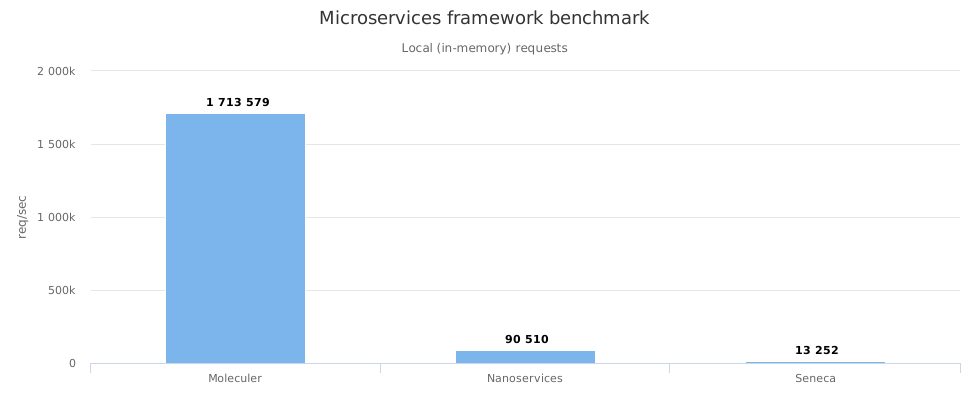
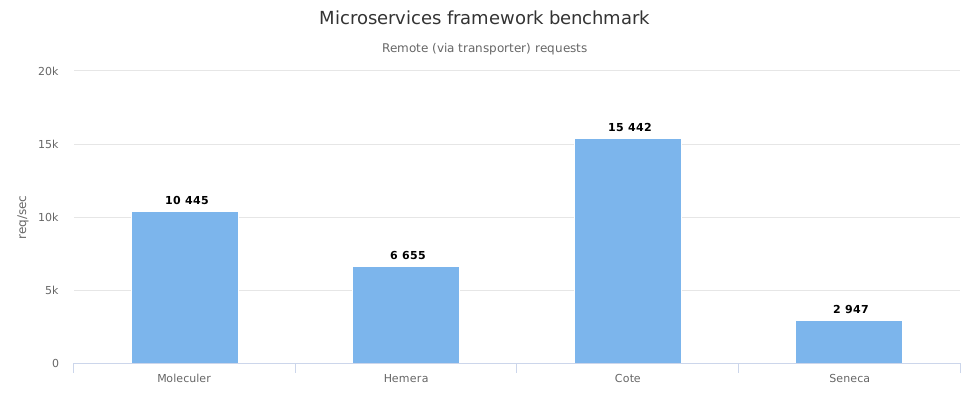
We spent a lot of hours to improve the performance of Moleculer and create the fastest microservices framework for Node.js.
[](http://cloud.highcharts.com/show/utideti)
[](http://cloud.highcharts.com/show/abyfite)
Check the results on your computer! Just clone [this repo](https://github.com/icebob/microservices-benchmark) and run `npm install && npm start`.
[Check out our benchmark results.](https://moleculer.services/docs/0.15/benchmark.html)
> **Versioning**
> Until Moleculer reaches a `1.0` release, breaking changes are released with a new minor version. For example `0.15.1` and `0.15.4` are backward compatible, but `0.16.0` may contain breaking changes.
> **Node.js support**
> Moleculer follows Node.js [release cycles](https://nodejs.org/en/about/releases/) meaning that the minimum required node version is `22`.
---
# Usage
Source: https://moleculer.services/docs/0.15/usage.html
## Install Moleculer
Moleculer can be installed with `npm` or `yarn`.
```bash
$ npm i moleculer --save
```
## Create your first microservice
This basic example shows how to create a small `math` service to add two numbers and call it locally.
```js
const { ServiceBroker } = require("moleculer");
// Create a ServiceBroker
const broker = new ServiceBroker();
// Define a service
broker.createService({
name: "math",
actions: {
add(ctx) {
return Number(ctx.params.a) + Number(ctx.params.b);
}
}
});
// Start the broker
broker.start()
// Call the service
.then(() => broker.call("math.add", { a: 5, b: 3 }))
// Print the response
.then(res => console.log("5 + 3 =", res))
.catch(err => console.error(`Error occured! ${err.message}`));
```
> **Try it in your browser!**
> Open this example on [Runkit!](https://runkit.com/icebob/moleculer-usage)
## Create a Moleculer project
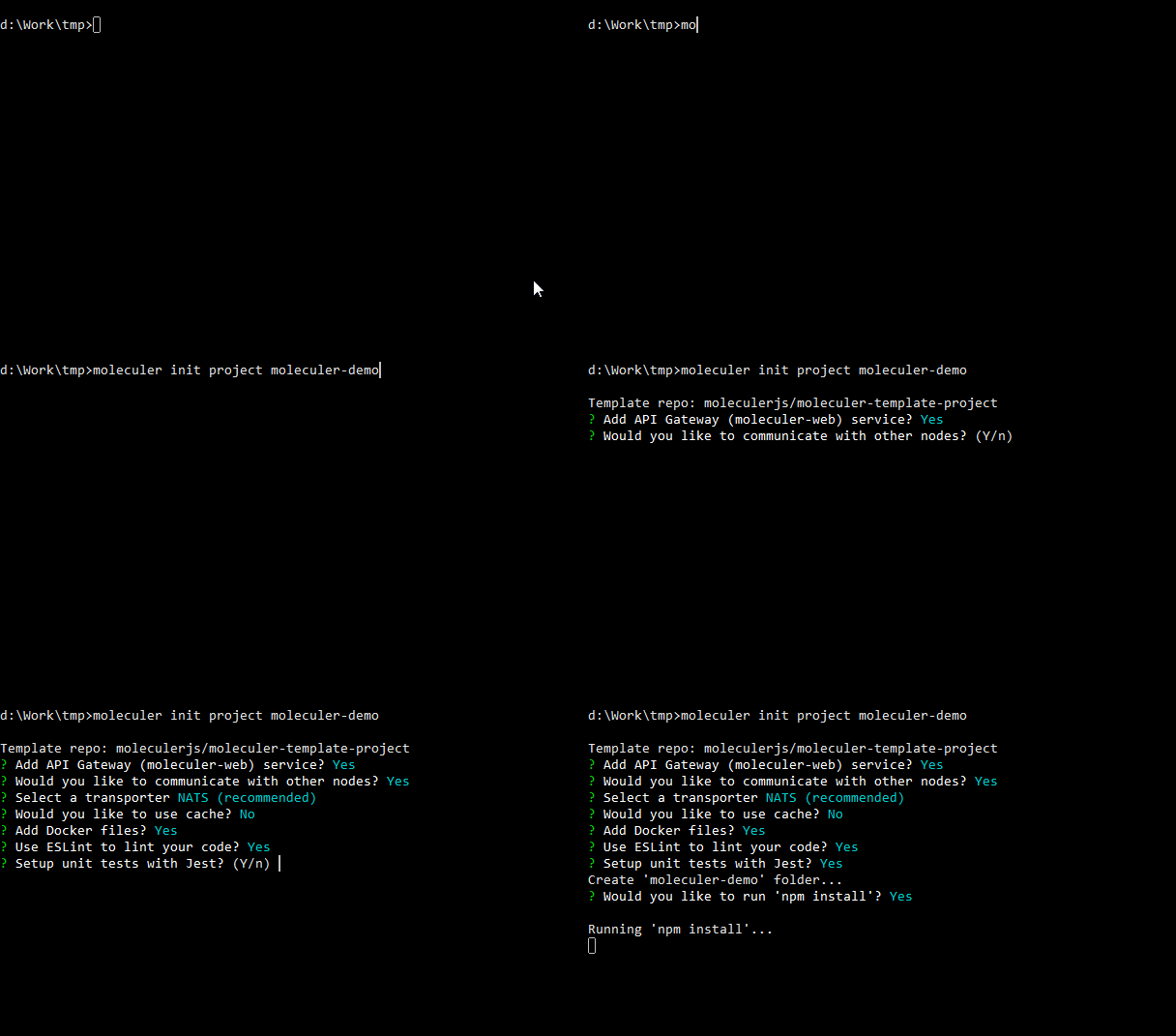
In this example we use the official [Moleculer CLI tool](https://moleculer.services/docs/0.15/moleculer-cli.html) to create a new Moleculer-based microservices project with a sample service and an API Gateway to call it from the browser via REST API.
1. Install `moleculer-cli` globally
```bash
$ npm i moleculer-cli -g
```
2. Create a new project (named `moleculer-demo`)
```bash
$ moleculer init project moleculer-demo
```
All the details that we've just seen might seem scary and complicated but you don't need to be afraid. Moleculer does all the heavy lifting for you! You (the developer) only need to focus on the application logic. Take a look at the actual [implementation](#Implementation) of our online store.
### Implementation
Now that we've defined the architecture of our shop, let's implement it. We're going to use NATS, an open source messaging system, as a communication bus. So go ahead and get the latest version of [NATS Server](https://docs.nats.io/running-a-nats-service/introduction/installation). Run it with the default settings. You should get the following message:
```
[INF] Starting nats-server
[INF] Listening for client connections on 0.0.0.0:4222
[INF] Server is ready
```
Next, create a new directory for our application, create a new `package.json` and install the dependencies. We´re going to use `moleculer` to create our services, `moleculer-web` as the HTTP gateway and `nats` for communication. In the end your `package.json` should look like this:
```json
// package.json
{
"name": "moleculer-store",
"dependencies": {
"moleculer": "^0.15.0",
"moleculer-web": "^0.11.0",
"nats": "^2.0.0"
}
}
```
Finally, we need to configure the brokers and create our services. So let's create a new file (`index.js`) and do it. For simplicity, this example creates both brokers (`node-1` and `node-2`) in a single process; in production each node runs as its own process (e.g. started with the [Runner](https://moleculer.services/docs/0.15/runner.html)), but the code of the services is exactly the same.
```javascript
// index.js
const { ServiceBroker } = require("moleculer");
const HTTPServer = require("moleculer-web");
// Create the broker for node-1
// Define nodeID and set the communication bus
const brokerNode1 = new ServiceBroker({
nodeID: "node-1",
transporter: "NATS"
});
// Create the "gateway" service
brokerNode1.createService({
// Define service name
name: "gateway",
// Load the HTTP server
mixins: [HTTPServer],
settings: {
routes: [
{
aliases: {
// When the "GET /products" request is made the "listProducts" action of "products" service is executed
"GET /products": "products.listProducts"
}
}
]
}
});
// Create the broker for node-2
// Define nodeID and set the communication bus
const brokerNode2 = new ServiceBroker({
nodeID: "node-2",
transporter: "NATS"
});
// Create the "products" service
brokerNode2.createService({
// Define service name
name: "products",
actions: {
// Define service action that returns the available products
listProducts(ctx) {
return [
{ name: "Apples", price: 5 },
{ name: "Oranges", price: 3 },
{ name: "Bananas", price: 2 }
];
}
}
});
// Start both brokers
Promise.all([brokerNode1.start(), brokerNode2.start()]);
```
Now run `node index.js` in your terminal and open the link [`http://localhost:3000/products`](http://localhost:3000/products). You should get the following response:
```json
[
{ "name": "Apples", "price": 5 },
{ "name": "Oranges", "price": 3 },
{ "name": "Bananas", "price": 2 }
]
```
With just a couple dozen of lines of code we've created 2 isolated services capable of serving user's requests and list the products. Moreover, our services can be easily scaled to become resilient and fault-tolerant. Impressive, right?
Head out to the [Documentation](https://moleculer.services/docs/0.15/broker.html) section for more details or check the [Examples](https://moleculer.services/docs/0.15/examples.html) page for more complex examples.
---
# Examples
Source: https://moleculer.services/docs/0.15/examples.html
## Project examples
### Realworld backend server
This is a [RealWorld.io](https://realworld.io/) example backend server with Moleculer microservices framework.
**Key features**
- 7 microservices
- NeDB or MongoDB database without Mongoose
- User login & signup
- User authentication with JWT
- Memory caching
- Docker files
**Repo: https://github.com/moleculerjs/moleculer-examples/tree/master/conduit#readme**
### Blog
This is a simple blog example.
**Key features**
- Docker files
- ExpressJS www server with Pug template engine
- MongoDB database with [moleculer-db](https://github.com/moleculerjs/moleculer-db) and [moleculer-db-adapter-mongoose](https://github.com/moleculerjs/moleculer-db/tree/master/packages/moleculer-db-adapter-mongoose) modules
- NATS transporter
- Redis cacher
- [Traefik](https://traefik.io/) reverse proxy (in micro arch)
- static frontend
**Repo: https://github.com/moleculerjs/moleculer-examples/blob/master/blog#readme**
## Short examples
The main Moleculer repository contains [some examples](https://github.com/moleculerjs/moleculer/blob/master/examples/).
> **Note**
> To try them, at first, you should clone the Moleculer repo with the following command:
>
> `git clone https://github.com/moleculerjs/moleculer.git`
### Simple
This is a simple demo with a Math service which can `add`, `sub`, `mult` and `divide` two numbers.
```bash
$ npm run demo simple
```
[Source code is available on Github](https://github.com/moleculerjs/moleculer/blob/master/examples/simple/index.js)
### Server & client nodes
In this example, you can start any servers & clients. The servers serve the `math.add` action and clients call it in a loop. You can start multiple instances from both.
*They use TCP transporter, but you can change it with `TRANSPORTER` env variable.*
**Start a server**
```bash
$ node examples/client-server/server
```
**Start a client**
```bash
$ node examples/client-server/client
```
[Source code is available on Github](https://github.com/moleculerjs/moleculer/tree/master/examples/client-server)
### Middlewares
This example demonstrates how the middleware system works.
```bash
$ npm run demo middlewares
```
[Source code is available on Github](https://github.com/moleculerjs/moleculer/blob/master/examples/middlewares/index.js)
### Runner
This example shows how you can start a broker and load services with [Moleculer Runner](https://moleculer.services/docs/0.15/./runner.html)
```bash
$ node ./bin/moleculer-runner.js -c examples/runner/moleculer.config.js -r examples/user.service.js
```
It starts a broker with options from `moleculer.config.js`, loads the user service from `user.service.js` file and switch to REPL mode.
[Source code is available on Github](https://github.com/moleculerjs/moleculer/blob/master/examples/runner)
### Load tester
With this example, you can start a load test. The server & client prints how many requests executed in a second.
**Start server**
```bash
$ node examples/loadtest/server
```
**Start & fork clients (number of CPU cores)**
```bash
$ node examples/loadtest/clients
```
[Source code is available on Github](https://github.com/moleculerjs/moleculer/blob/master/examples/loadtest)
---
# Broker
Source: https://moleculer.services/docs/0.15/broker.html
The `ServiceBroker` is the main component of Moleculer — the runtime and service container of a node. It hosts services, keeps the local service registry, calls actions (RPC), emits events (pub/sub), applies load balancing and fault-tolerance rules, and communicates with remote nodes through the transporter. You must create a `ServiceBroker` instance on every node.
## Create a ServiceBroker
> **Note**
> **Quick tip:** You don't need to create manually ServiceBroker in your project. Use the [Moleculer Runner](https://moleculer.services/docs/0.15/runner.html) to create and execute a broker and load services. [Read more about Moleculer Runner](https://moleculer.services/docs/0.15/runner.html).
**Create broker with default settings:**
```js
const { ServiceBroker } = require("moleculer");
const broker = new ServiceBroker();
```
**Create broker with custom settings:**
```js
const { ServiceBroker } = require("moleculer");
const broker = new ServiceBroker({
nodeID: "my-node"
});
```
**Create broker with transporter to communicate with remote nodes:**
```js
const { ServiceBroker } = require("moleculer");
const broker = new ServiceBroker({
nodeID: "node-1",
transporter: "nats://localhost:4222",
logLevel: "debug",
requestTimeout: 5 * 1000
});
```
### Metadata option
Use `metadata` property to store custom values. It can be useful for a custom [middleware](https://moleculer.services/docs/0.15/middlewares.html#Loading-amp-Extending) or [strategy](https://moleculer.services/docs/0.15/balancing.html#Custom-strategy).
```js
const broker = new ServiceBroker({
nodeID: "broker-2",
transporter: "NATS",
metadata: {
region: "eu-west1"
}
});
```
> **Note**
> The `metadata` property can be obtained by running `$node.list` action.
> **Note**
> The `metadata` property is transferred to other nodes.
## Ping
To ping remote nodes, use `broker.ping` method. You can ping a node, or all available nodes. It returns a `Promise` which contains the received ping information (latency, time difference). A timeout value can be defined.
### Ping a node with 1 second timeout
```js
broker.ping("node-123", 1000).then(res => broker.logger.info(res));
```
**Output**
```js
{
nodeID: 'node-123',
elapsedTime: 16,
timeDiff: -3
}
```
> The `timeDiff` value is the difference of the system clock between these two nodes.
### Ping multiple nodes
```js
broker.ping(["node-100", "node-102"]).then(res => broker.logger.info(res));
```
**Output**
```js
{
"node-100": {
nodeID: 'node-100',
elapsedTime: 10,
timeDiff: -2
},
"node-102": {
nodeID: 'node-102',
elapsedTime: 250,
timeDiff: 850
}
}
```
### Ping all available nodes
```js
broker.ping().then(res => broker.logger.info(res));
```
**Output**
```js
{
"node-100": {
nodeID: 'node-100',
elapsedTime: 10,
timeDiff: -2
} ,
"node-101": {
nodeID: 'node-101',
elapsedTime: 18,
timeDiff: 32
},
"node-102": {
nodeID: 'node-102',
elapsedTime: 250,
timeDiff: 850
}
}
```
## Properties of ServiceBroker
| Name | Type | Description |
| ------- | ----- | ------- |
| `broker.options` | `Object` | Broker options. |
| `broker.started` | `Boolean` | Broker state. |
| `broker.namespace` | `String` | Namespace. |
| `broker.nodeID` | `String` | Node ID. |
| `broker.instanceID` | `String` | Instance ID. |
| `broker.metadata` | `Object` | Metadata from broker options. |
| `broker.logger` | `Logger` | Logger class of ServiceBroker. |
| `broker.cacher` | `Cacher` | Cacher instance |
| `broker.serializer` | `Serializer` | Serializer instance. |
| `broker.validator` | `Any` | Parameter Validator instance. |
| `broker.services` | `Array` | Local services. |
| `broker.metrics` | `MetricRegistry` | Built-in Metric Registry. |
| `broker.tracer` | `Tracer` | Built-in Tracer instance. |
| `broker.errorRegenerator` | `Regenerator` | Built-in Regenerator instance. |
## Methods of ServiceBroker
| Name | Response | Description |
| ------- | ----- | ------- |
| `broker.start()` | `Promise` | Start broker. |
| `broker.stop()` | `Promise` | Stop broker. |
| `broker.repl()` | - | Start REPL mode. |
| `broker.errorHandler(err, info)` | - | Call the global error handler. |
| `broker.getLogger(module, props)` | `Logger` | Get a child logger. |
| `broker.fatal(message, err, needExit)` | - | Throw an error and exit the process. |
| `broker.loadServices(folder, fileMask)` | `Number` | Load services from a folder. |
| `broker.loadService(filePath)` | `Service` | Load a service from file. |
| `broker.createService(schema)` | `Service` | Create a service from schema. |
| `broker.destroyService(service)` | `Promise` | Destroy a loaded local service. |
| `broker.getLocalService(name)` | `Service` | Get a local service instance by full name (e.g. `v2.posts`) |
| `broker.waitForServices(serviceNames, timeout, interval)` | `Promise` | Wait for services. |
| `broker.call(actionName, params, opts)` | `Promise` | Call a service. |
| `broker.mcall(def)` | `Promise` | Multiple service calling. |
| `broker.emit(eventName, payload, opts)` | `Promise` | Emit a balanced event. |
| `broker.broadcast(eventName, payload, opts)` | `Promise` | Broadcast an event. |
| `broker.broadcastLocal(eventName, payload, opts)` | `Promise` | Broadcast an event to local services only. |
| `broker.ping(nodeID, timeout)` | `Promise` | Ping remote nodes. |
| `broker.hasEventListener("eventName")` | `Boolean` | Checks if broker is listening to an event. |
| `broker.getEventListeners("eventName")` | `Array` | Returns all registered event listeners for an event name. |
| `broker.generateUid()` | `String` | Generate an UUID/token. |
| `broker.callMiddlewareHook(name, args, opts)` | - | Call an async hook in the registered middlewares. |
| `broker.callMiddlewareHookSync(name, args, opts)` | - | Call a sync hook in the registered middlewares. |
| `broker.isMetricsEnabled()` | `Boolean` | Check the metrics feature is enabled. |
| `broker.isTracingEnabled()` | `Boolean` | Check the tracing feature is enabled. |
## Global error handler
The global error handler is generic way to handle exceptions. It catches the unhandled errors of action & event handlers.
**Catch, handle & log the error**
```js
const broker = new ServiceBroker({
errorHandler(err, info) {
// Handle the error
this.logger.warn("Error handled:", err);
}
});
```
**Catch & throw further the error**
```js
const broker = new ServiceBroker({
errorHandler(err, info) {
this.logger.warn("Log the error:", err);
throw err; // Throw further
}
});
```
> **Note**
> The `info` object contains the broker and the service instances, the current context and the action or the event definition.
---
# Configuration
Source: https://moleculer.services/docs/0.15/configuration.html
## Broker options
These options can be used in `ServiceBroker` constructor or in `moleculer.config.js` file.
**List of all available broker options:**
* **`namespace`**: `String` - Namespace of nodes to segment your nodes on the same network (e.g.: "development", "staging", "production"). _Default: `""`_
* **`nodeID`**: `String` - Unique node identifier. Must be unique in a namespace. If not the broker will throw a fatal error and stop the process. _Default: hostname + PID_
* **`logger`**: `Boolean | String | Object | Array` ) - Logger class. By default, it prints message to the `console`. [Read more](https://moleculer.services/docs/0.15/logging.html). _Default: `"Console"`
* **`logLevel`**: `String | Object` - Log level for loggers (trace, debug, info, warn, error, fatal). [Read more](https://moleculer.services/docs/0.15/logging.html). _Default: `info`_
* **`transporter`**: `String | Object | Transporter` - Transporter configuration. [Read more](https://moleculer.services/docs/0.15/networking.html). _Default: `null`_
* **`requestTimeout`**: `Number` - Number of milliseconds to wait before reject a request with a `RequestTimeout` error. Disabled: `0` _Default: `0`_
* **`retryPolicy`**: `Object` - Retry policy configuration. [Read more](https://moleculer.services/docs/0.15/fault-tolerance.html#Retry).
* **`contextParamsCloning`**: `Boolean` - Cloning the `params` of context if enabled. _High performance impact. Use it with caution!_ _Default: `false`_
* **`dependencyInterval`**: Configurable interval (defined in `ms`) that's used by the services while waiting for dependency services. _Default: `1000`_
* **`dependencyTimeout`**: `Number` - Default timeout (in `ms`) for waiting for dependency services (`waitForServices` / service `dependencies`). `0` means wait forever. _Default: `0`_
* **`maxCallLevel`**: `Number` - Limit of calling level. If it reaches the limit, broker will throw an `MaxCallLevelError` error. _(Infinite loop protection)_ _Default: `0`_
* **`heartbeatInterval`**: `Number` - Number of seconds to send heartbeat packet to other nodes. _Default: `10`_
* **`heartbeatTimeout`**: `Number` - Number of seconds to wait before setting remote nodes to unavailable status in Registry. _Default: `30`_
* **`tracking`**: `Object` - Tracking requests and waiting for running requests before shutdowning. _(Graceful shutdown)_ [Read more](https://moleculer.services/docs/0.15/context.html#Context-tracking).
* **`disableBalancer`**: Boolean - Disable built-in request & emit balancer. _Transporter must support it, as well._ [Read more](https://moleculer.services/docs/0.15/networking.html#Disabled-balancer). _Default: `false`_
* **`registry`**: `Object` - Settings of [Service Registry](https://moleculer.services/docs/0.15/registry.html).
* **`registry.stopDelay`**: `Number` - Delay (in milliseconds) before the broker deregisters local services during stop. Allows in-flight requests to complete. _Default: `100`_
* **`circuitBreaker`**: `Object` - Settings of [Circuit Breaker](https://moleculer.services/docs/0.15/fault-tolerance.html#Circuit-Breaker).
* **`bulkhead`**: `Object` - Settings of [bulkhead](https://moleculer.services/docs/0.15/fault-tolerance.html#Bulkhead).
* **`transit.maxQueueSize`**: `Number` - A protection against inordinate memory usages when there are too many outgoing requests. If there are more than _stated_ outgoing live requests, the new requests will be rejected with `QueueIsFullError` error. _Default: `50000`_
* **`transit.maxChunkSize`** `Number` - Maximum chunk size while streaming. _Default: `256KB`_
* **`transit.disableReconnect`**: `Boolean` - Disables the reconnection logic while starting a broker. _Default: `false`_
* **`transit.disableVersionCheck`**: `Boolean` - Disable protocol version checking logic in Transit. _Default: `false`_
* **`transit.serviceChangedDebounceTime`**: `Number` - Debounce time (in milliseconds) for sending the local service list (INFO packet) to other nodes when local services change. Reduces registry churn when multiple services start/stop quickly. `0` disables debouncing. _Default: `1000`_
* **`uidGenerator`**: `Function` - Custom UID generator function for Context ID.
* **`errorHandler`**: `Function` - [Global error handler](https://moleculer.services/docs/0.15/broker.html#Global-error-handler) function.
* **`cacher`**: `String | Object | Cacher` - Cacher settings. [Read more](https://moleculer.services/docs/0.15/caching.html). _Default: `null`_
* **`serializer`**: `String | Serializer` - Instance of serializer. [Read more](https://moleculer.services/docs/0.15/networking.html). _Default: `JSONSerializer`_
* **`validator`**: `Boolean | Validator` - Enable the default or create custom [parameters validation](https://moleculer.services/docs/0.15/validating.html). _Default: `true`_
* **`errorRegenerator`**: `Regenerator` - Instance of error regenerator. [Read more](https://moleculer.services/docs/0.15/errors.html#Preserve-custom-error-classes-while-transferring-between-remote-nodes). _Default: `null`_
* **`metrics`**: `Boolean | Object` - Enable & configure [metrics](https://moleculer.services/docs/0.15/metrics.html) feature. _Default: `false`_
* **`tracing`**: `Boolean | Object` - Enable & configure [tracing](https://moleculer.services/docs/0.15/tracing.html) feature. _Default: `false`_
* **`internalServices`**: `Boolean | Object` - Register [internal services](https://moleculer.services/docs/0.15/services.html#Internal-Services) at start. _Default: `true`_
* **`internalServices.$node`** - `Object` - Extend internal services with [custom actions](https://moleculer.services/docs/0.15/services.html#Extending). _Default: `null`_
* **`internalMiddlewares`**: `Boolean` - Register [internal middlewares](https://moleculer.services/docs/0.15/middlewares.html#Internal-middlewares). _Default: `true`_
* **`hotReload`**: `Boolean` - Watch the loaded services and hot reload if they changed. [Read more](https://moleculer.services/docs/0.15/services.html#Hot-Reloading-Services). _Default: `false`_
* **`middlewares`**: `Array` - Register custom middlewares. _Default: `null`_
* **`replOptions`**: `Object` - Custom REPL options. _Default: `null`_
* **`replOptions.delimiter`**: `String` - REPL delimiter. _Default: `null`_
* **`replOptions.customCommands`**: `Array` - REPL custom commands. _Default: `null`_
* **`metadata`**: `Object` - Store custom values. _Default: `null`_
* **`skipProcessEventRegistration`**: Boolean - Skip the [default](https://github.com/moleculerjs/moleculer/blob/master/src/service-broker.js#L234) graceful shutdown event handlers. In this case, you have to register them manually. _Default: `false`_
* **`maxSafeObjectSize`**: `Number` - Maximum size of objects that can be serialized. On serialization process, check each object property size (based on `length` or `size` property value) and trim it, if object size bigger than `maxSafeObjectSize` value. _Default: `null`_
* **`created`**: `Function` - Fired when the broker created. _Default: `null`_
* **`started`**: `Function` - Fired when the broker started _(all local services loaded & transporter is connected)_. _Default: `null`_
* **`stopped`**: `Function` - Fired when the broker stopped _(all local services stopped & transporter is disconnected)_. _Default: `null`_
* **`ServiceFactory`**: `ServiceClass` - Custom `Service` class. If not `null`, broker will use it when creating services by service schema. _Default: `null`_
* **`ContextFactory`**: `ContextClass` - Custom `Context` class. If not `null`, broker will use it when creating contexts for requests & events. _Default: `null`_
### Full options object
```js
{
namespace: "dev",
nodeID: "node-25",
logger: true,
logLevel: "info",
transporter: "nats://localhost:4222",
requestTimeout: 5000,
retryPolicy: {
enabled: true,
retries: 5,
delay: 100,
maxDelay: 1000,
factor: 2,
check: err => err && !!err.retryable
},
contextParamsCloning: false,
dependencyInterval: 1000,
dependencyTimeout: 0,
maxCallLevel: 100,
heartbeatInterval: 10,
heartbeatTimeout: 30,
tracking: {
enabled: true,
shutdownTimeout: 5000,
},
disableBalancer: false,
registry: {
strategy: "RoundRobin",
preferLocal: true,
stopDelay: 100
},
circuitBreaker: {
enabled: true,
threshold: 0.5,
windowTime: 60,
minRequestCount: 20,
halfOpenTime: 10 * 1000,
check: err => err && err.code >= 500
},
bulkhead: {
enabled: true,
concurrency: 10,
maxQueueSize: 100,
},
transit: {
maxQueueSize: 50 * 1000,
maxChunkSize: 256 * 1024,
disableReconnect: false,
disableVersionCheck: false,
serviceChangedDebounceTime: 1000
},
uidGenerator: null,
errorHandler: null,
cacher: "MemoryLRU",
serializer: "JSON",
validator: true,
errorRegenerator: null,
metrics: {
enabled: true,
reporter: [
"Console"
]
},
tracing: {
enabled: true,
exporter: [
"Console"
]
},
internalServices: true,
internalMiddlewares: true,
hotReload: true,
middlewares: ["MyMiddleware"],
replOptions: {
delimiter: "mol # ",
customCommands: [
{
command: "hello ",
action(broker, args) {
// ...
}
}
]
},
metadata: {
region: "eu-west1"
},
skipProcessEventRegistration: false,
maxSafeObjectSize: null,
ServiceFactory: null,
ContextFactory: null,
created(broker) {},
started(broker) {},
stopped(broker) {}
}
```
---
# Services
Source: https://moleculer.services/docs/0.15/services.html
The `Service` represents a microservice in the Moleculer framework. You can define actions (RPC endpoints) and subscribe to events (pub/sub messages). To create a service you must define a schema. The service schema is similar to [a component of VueJS](https://vuejs.org/v2/guide/components.html#What-are-Components).
## Schema
The schema has some main parts `name`, `version`, `settings`, `actions`, `methods`, `events` that are described below.
**Simple service schema to define two actions**
```js
// math.service.js
module.exports = {
name: "math",
actions: {
add(ctx) {
return Number(ctx.params.a) + Number(ctx.params.b);
},
sub(ctx) {
return Number(ctx.params.a) - Number(ctx.params.b);
}
}
}
```
## Name & Version
Services are defined using a schema-based approach. This section explores the two mandatory properties that form the foundation of a service definition:
### `name`
- This property represents a unique identifier for your service within the Moleculer application.
- It serves as the first part of the action name when invoking actions provided by the service.
### `version`
- This optional property allows you to define multiple versions of the same service within your application.
- When specified, it acts as a prefix to the action name, enabling versioning for your service's functionality. The version can be either a number or a string.
```js
// posts.v2.service.js
module.exports = {
name: "posts",
version: 2, // Service version prefix
actions: {
find() { ... } // Action definition
},
};
```
To call this `find` action on version `2` service:
```js
broker.call("v2.posts.find");
```
> **REST call**
> Via [API Gateway](https://moleculer.services/docs/0.15/moleculer-web.html), make a request to `GET /v2/posts/find`.
#### Disabling Prefixes
Moleculer.js provides a way to disable both service name and version prefixing within service settings using the `$noServiceNamePrefix` and `$noVersionPrefix` properties, respectively. However, it's generally recommended to maintain these prefixes for better organization and clarity within your microservices architecture.
**Additional Considerations**
- Consider utilizing versioning for services that undergo significant changes over time, allowing for a smooth transition between versions.
- Remember that disabling prefixes can lead to naming conflicts if multiple services have the same action names.
## Settings
The `settings` property is a static store, where you can store every settings/options to your service. You can reach it via `this.settings` inside the service.
```js
// mailer.service.js
module.exports = {
name: "mailer",
settings: {
transport: "mailgun"
},
actions: {
send(ctx) {
if (this.settings.transport == "mailgun") {
...
}
}
}
}
```
> Note: The `settings` is also obtainable on remote nodes. It is transferred during service discovering.
### Internal Settings
There are some internal settings which are used by core modules. These setting names start with `$` _(dollar sign)_.
| Name | Type | Default | Description |
| ---- | ---- | ------- | ----------- |
| `$noVersionPrefix` | `Boolean` | `false` | Disable version prefixing in action names. |
| `$noServiceNamePrefix` | `Boolean` | `false` | Disable service name prefixing in action names. |
| `$dependencyTimeout` | `Number` | `0` | Timeout for dependency waiting. |
| `$shutdownTimeout` | `Number` | `0` | Timeout for waiting for active requests at shutdown. `0` means the broker-level `tracking.shutdownTimeout` option is used (default: `5000` ms). It takes effect only if [context tracking](https://moleculer.services/docs/0.15/context.html#Context-tracking) is enabled. |
| `$secureSettings` | `Array` | `[]` | List of secure settings. |
### Secure service settings
To protect your tokens & API keys, define a `$secureSettings: []` property in service settings and set the protected property keys. The protected settings won't be published to other nodes and it won't appear in Service Registry. These settings will only available under `this.settings` inside the service functions.
```js
// mail.service.js
module.exports = {
name: "mailer",
settings: {
$secureSettings: ["transport.auth.user", "transport.auth.pass"],
from: "sender@moleculer.services",
transport: {
service: 'gmail',
auth: {
user: 'gmail.user@gmail.com',
pass: 'yourpass'
}
}
}
// ...
};
```
## Mixins
Mixins are a flexible way to distribute reusable functionalities for Moleculer services — they are the plugin / composition mechanism of the framework, comparable to mixins in Vue or traits in other languages. The Service constructor merges these mixins with the current schema. When a service uses mixins, all properties present in the mixin will be "mixed" into the current service.
**Example how to extend `moleculer-web` service**
```js
// api.service.js
const ApiGwService = require("moleculer-web");
module.exports = {
name: "api",
mixins: [ApiGwService],
settings: {
// Change port setting
port: 8080
},
actions: {
myAction() {
// Add a new action to apiGwService service
}
}
}
```
The above example creates an `api` service which inherits all properties from `ApiGwService` but overwrite the port setting and extend it with a new `myAction` action.
### Merge algorithm
The merge algorithm depends on the property type.
| Property | Algorithm |
|----------|-----------|
| `name`, `version` | Merge & overwrite. |
| `settings` | Deep extend with [defaultsDeep](https://lodash.com/docs/4.17.4#defaultsDeep). |
| `metadata` | Deep extend with [defaultsDeep](https://lodash.com/docs/4.17.4#defaultsDeep). |
| `actions` | Deep extend with [defaultsDeep](https://lodash.com/docs/4.17.4#defaultsDeep). _You can disable an action from mixin if you set to `false` in your service._ |
| `hooks` | Deep extend with [defaultsDeep](https://lodash.com/docs/4.17.4#defaultsDeep). |
| `methods` | Merge & overwrite. |
| `events` | Concatenate listeners. |
| `created`, `started`, `stopped` | Concatenate listeners. |
| `mixins` | Merge & overwrite. |
| `dependencies` | Merge & overwrite. |
| _any custom_ | Merge & overwrite. |
> **Merge algorithm examples**
> __Merge & overwrite__: if serviceA has `a: 5`, `b: 8` and serviceB has `c: 10`, `b: 15`, the mixed service will have `a: 5`, `b: 15` and `c: 10`.
> __Concatenate__: if serviceA & serviceB subscribe to `users.created` event, both event handler will be called when the `users.created` event emitted.
## Actions
The actions are the callable/public methods of the service. They are callable with `broker.call` or `ctx.call`.
The action could be a `Function` (shorthand for handler) or an object with some properties and `handler`.
The actions should be placed under the `actions` key in the schema. For more information check the [actions documentation](https://moleculer.services/docs/0.15/actions.html).
```js
// math.service.js
module.exports = {
name: "math",
actions: {
// Shorthand definition, only a handler function
add(ctx) {
return Number(ctx.params.a) + Number(ctx.params.b);
},
// Normal definition with other properties. In this case
// the `handler` function is required!
mult: {
cache: false,
params: {
a: "number",
b: "number"
},
handler(ctx) {
// The action properties are accessible as `ctx.action.*`
if (!ctx.action.cache)
return Number(ctx.params.a) * Number(ctx.params.b);
}
}
}
};
```
You can call the above actions as
```js
const res = await broker.call("math.add", { a: 5, b: 7 });
const res = await broker.call("math.mult", { a: 10, b: 31 });
```
Inside actions, you can call other nested actions in other services with `ctx.call` method. It is an alias to `broker.call`, but it sets itself as parent context (due to correct tracing chains).
```js
// posts.service.js
module.exports = {
name: "posts",
actions: {
async get(ctx) {
// Find a post by ID
let post = posts[ctx.params.id];
// Populate the post.author field through "users" service
// Call the "users.get" action with author ID
const user = await ctx.call("users.get", { id: post.author });
if (user) {
// Replace the author ID with the received user object
post.author = user;
}
return post;
}
}
};
```
> In action handlers the `this` is always pointed to the Service instance.
## Events
You can subscribe to events under the `events` key. For more information check the [events documentation](https://moleculer.services/docs/0.15/events.html).
```js
// report.service.js
module.exports = {
name: "report",
events: {
// Subscribe to "user.created" event
"user.created"(ctx) {
this.logger.info("User created:", ctx.params);
// Do something
},
// Subscribe to all "user.*" events
"user.*"(ctx) {
console.log("Payload:", ctx.params);
console.log("Sender:", ctx.nodeID);
console.log("Metadata:", ctx.meta);
console.log("The called event name:", ctx.eventName);
},
// Subscribe to an internal event (it is delivered locally only, via `broadcastLocal`)
"$node.connected"(ctx) {
this.logger.info(`Node '${ctx.params.node.id}' is connected!`);
}
}
};
```
> In event handlers the `this` is always pointed to the Service instance.
### Grouping
The broker groups the event listeners by group name. By default, the group name is the service name. But you can overwrite it in the event definition.
```js
// payment.service.js
module.exports = {
name: "payment",
events: {
"order.created": {
// Register handler to the "other" group instead of "payment" group.
group: "other",
handler(ctx) {
// ctx.params contains the payload
}
}
}
}
```
## Methods
To define private methods within a service, place your functions under the `methods` key in the schema. These methods are not directly callable with `broker.call`, but can be invoked internally within the service, such as from action handlers, event handlers, and lifecycle event handlers.
**Usage**
```js
// mailer.service.js
module.exports = {
name: "mailer",
actions: {
send(ctx) {
// Call the `sendMail` method
return this.sendMail(ctx.params.recipients, ctx.params.subject, ctx.params.body);
}
},
methods: {
// Send an email to recipients
sendMail(recipients, subject, body) {
return new Promise((resolve, reject) => {
...
});
}
}
};
```
If you want to wrap a method with a [middleware](https://moleculer.services/docs/0.15/middlewares.html#localMethod-next-method) use the following notation:
```js
// posts.service.js
module.exports = {
name: "posts",
methods: {
list: {
async handler(count) {
// Do something
return posts;
}
}
}
};
```
> The method name can't be `name`, `version`, `settings`, `metadata`, `schema`, `broker`, `actions`, `logger`, because these words are reserved in the schema.
> In methods the `this` is always pointed to the Service instance.
## Lifecycle Events
There are some lifecycle service events, that will be triggered by broker. They are placed in the root of schema.
For more information check the [lifecycle events documentation](https://moleculer.services/docs/0.15/lifecycle.html).
```js
// www.service.js
module.exports = {
name: "www",
actions: {...},
events: {...},
methods: {...},
created() {
// Fired when the service instance created (with `broker.loadService` or `broker.createService`)
},
merged() {
// Fired after the service schemas merged and before the service instance created
},
async started() {
// Fired when broker starts this service (in `broker.start()`)
}
async stopped() {
// Fired when broker stops this service (in `broker.stop()`)
}
};
```
## Dependencies
If your service depends on other services, use the `dependencies` property in the schema. The service waits for dependent services before calls the `started` lifecycle event handler.
```js
// posts.service.js
module.exports = {
name: "posts",
settings: {
$dependencyTimeout: 30000 // Default: 0 - no timeout
},
dependencies: [
"likes", // shorthand w/o version
"v2.auth", // shorthand w version
{ name: "users", version: 2 }, // with numeric version
{ name: "comments", version: "staging" } // with string version
],
async started() {
this.logger.info("It will be called after all dependent services are available.");
const users = await this.broker.call("users.list");
}
....
}
```
The `started` service handler is called once the `likes`, `v2.auth`, `v2.users`, `staging.comments` services are available (either the local or remote nodes).
### Wait for services via ServiceBroker
To wait for services, you can also use the `waitForServices` method of `ServiceBroker`. It returns a `Promise` which will be resolved, when all defined services are available & started.
**Parameters**
| Parameter | Type | Default | Description |
| --------- | ---- | ------- | ----------- |
| `services` | `String` or `Array` | - | Service list to waiting |
| `timeout` | `Number` | `0` | Waiting timeout. `0` means no timeout. If reached, a `MoleculerServerError` will be rejected. |
| `interval` | `Number` | `1000` | Frequency of watches in milliseconds |
**Example**
```js
broker.waitForServices(["posts", "v2.users"]).then(() => {
// Called after the `posts` & `v2.users` services are available
});
```
**Set timeout & interval**
```js
broker.waitForServices("accounts", 10 * 1000, 500).then(() => {
// Called if `accounts` service becomes available in 10 seconds
}).catch(err => {
// Called if service is not available in 10 seconds
});
```
## Metadata
The `Service` schema has a `metadata` property. You can store here any meta information about service. You can access it as `this.metadata` inside service functions.
> Core modules don't use it. You can store in it whatever you want.
```js
module.exports = {
name: "posts",
settings: {},
metadata: {
scalable: true,
priority: 5
},
actions: { ... }
};
```
> The `metadata` is also obtainable on remote nodes. It is transferred during service discovering.
## Properties of Service Instances
In service functions, `this` is always pointed to the Service instance. It has some properties & methods what you can use in your service functions.
| Name | Type | Description |
| ------- | ----- | ------- |
| `this.name` | `String` | Name of service (from schema) |
| `this.version` | `Number` or `String` | Version of service (from schema) |
| `this.fullName` | `String` | Full name including the version prefix (e.g. `v2.posts`) |
| `this.settings` | `Object` | Settings of service (from schema) |
| `this.metadata` | `Object` | Metadata of service (from schema) |
| `this.schema` | `Object` | Schema definition of service |
| `this.broker` | `ServiceBroker` | Instance of broker |
| `this.Promise` | `Promise` | Promise class used by the broker (native `Promise`, unless `options.Promise` is set in broker options) |
| `this.logger` | `Logger` | Logger instance |
| `this.actions` | `Object` | Actions of service. _Service can call own actions directly_ |
| `this.waitForServices` | `Function` | Link to `broker.waitForServices` method |
| `this.currentContext` | `Context` | Get or set the current Context object. |
## Service creation
There are several ways to create and load a service.
### broker.createService()
For testing, developing or prototyping, use the `broker.createService` method to load & create a service by schema. It's simplest & fastest.
```js
broker.createService({
name: "math",
actions: {
add(ctx) {
return Number(ctx.params.a) + Number(ctx.params.b);
}
}
});
```
### Load service from file
The recommended way is to place your service code into a single file and load it with the broker.
**math.service.js**
```js
// Export the schema of service
module.exports = {
name: "math",
actions: {
add(ctx) {
return Number(ctx.params.a) + Number(ctx.params.b);
},
sub(ctx) {
return Number(ctx.params.a) - Number(ctx.params.b);
}
}
}
```
**Load it with broker:**
```js
// Create broker
const broker = new ServiceBroker();
// Load service
broker.loadService("./math.service");
// Start broker
broker.start();
```
In the service file you can also create the Service instance. In this case, you have to export a function which returns the instance of [Service](#service).
```js
const { Service } = require("moleculer");
// Export a function, the `loadService` will call it with the ServiceBroker instance.
module.exports = function(broker) {
return new Service(broker, {
name: "math",
actions: {
add(ctx) {
return Number(ctx.params.a) + Number(ctx.params.b);
},
sub(ctx) {
return Number(ctx.params.a) - Number(ctx.params.b);
}
}
});
}
```
Or create a function which returns with the schema of service
```js
// Export a function, the `loadService` will call with the ServiceBroker instance.
module.exports = function() {
let users = [....];
return {
name: "math",
actions: {
create(ctx) {
users.push(ctx.params);
}
}
};
}
```
### Load multiple services from a folder
If you have many services (and you will have) we suggest to put them to a `services` folder and load all of them with the `broker.loadServices` method.
**Syntax**
```js
broker.loadServices(folder = "./services", fileMask = "**/*.service.js");
```
**Example**
```js
// Load every *.service.js file from the "./services" folder (including subfolders)
broker.loadServices();
// Load every *.service.js file from the current folder (including subfolders)
broker.loadServices("./");
// Load every user*.service.js file from the "./svc" folder
broker.loadServices("./svc", "user*.service.js");
```
### Load with Moleculer Runner (recommended)
We recommend to use the [Moleculer Runner](https://moleculer.services/docs/0.15/runner.html) to start a ServiceBroker and load services. [Read more about Moleculer Runner](https://moleculer.services/docs/0.15/runner.html). It is the easiest way to start a node.
## Hot Reloading Services
Moleculer has a built-in hot-reloading function. During development, it can be very useful because it reloads your services when you modify it. You can enable it in broker options or in [Moleculer Runner](https://moleculer.services/docs/0.15/runner.html). [Demo video how it works.](https://www.youtube.com/watch?v=l9FsAvje4F4)
**Enable in broker options**
```js
const broker = new ServiceBroker({
hotReload: true
});
broker.loadService("./services/test.service.js");
```
**Enable it in Moleculer Runner**
Turn it on with `--hot` or `-H` flags.
```bash
$ moleculer-runner --hot ./services/test.service.js
```
> **Note**
> Hot reloading function is working only with Moleculer Runner or if you load your services with `broker.loadService` or `broker.loadServices`. It doesn't work with `broker.createService`.
> **Note**
> Hot reload mechanism watches the service files and their dependencies. Every time a file change is detected the hot-reload mechanism will track the services that depend on it and will restart them.
## Local Variables
If you would like to use local properties/variables in your service, declare them in the `created` event handler.
**Example for local variables**
```js
const http = require("http");
module.exports = {
name: "www",
settings: {
port: 3000
},
created() {
// Create HTTP server
this.server = http.createServer(this.httpHandler);
},
started() {
// Listening...
this.server.listen(this.settings.port);
},
stopped() {
// Stop server
this.server.close();
},
methods: {
// HTTP handler
httpHandler(req, res) {
res.end("Hello Moleculer!");
}
}
}
```
> **Naming restriction**
> It is important to be aware that you can't use variable name which is reserved for service or coincides with your method names! E.g. `this.name`, `this.version`, `this.settings`, `this.schema`...etc.
## ES6 Classes
If you prefer ES6 classes to Moleculer service schema, you can write your services in ES6 classes. There are two ways to do it.
### Native ES6 classes with schema parsing
Define `actions` and `events` handlers as class methods and call the `parseServiceSchema` method in constructor with schema definition where the handlers pointed to these class methods.
```js
const Service = require("moleculer").Service;
class GreeterService extends Service {
constructor(broker) {
super(broker);
this.parseServiceSchema({
name: "greeter",
version: "v2",
metadata: {
scalable: true
},
dependencies: [
"auth",
"users"
],
settings: {
upperCase: true
},
actions: {
hello: this.hello,
welcome: {
cache: {
keys: ["name"]
},
params: {
name: "string"
},
handler: this.welcome
}
},
events: {
"user.created": this.userCreated
},
created: this.serviceCreated,
started: this.serviceStarted,
stopped: this.serviceStopped,
});
}
// Action handler
hello() {
return "Hello Moleculer";
}
// Action handler
welcome(ctx) {
return this.sayWelcome(ctx.params.name);
}
// Private method
sayWelcome(name) {
this.logger.info("Say hello to", name);
return `Welcome, ${this.settings.upperCase ? name.toUpperCase() : name}`;
}
// Event handler
userCreated(ctx) {
this.broker.call("mail.send", { user: ctx.params });
}
serviceCreated() {
this.logger.info("ES6 Service created.");
}
serviceStarted() {
this.logger.info("ES6 Service started.");
}
serviceStopped() {
this.logger.info("ES6 Service stopped.");
}
}
module.exports = GreeterService;
```
### Use decorators
Thanks for [@ColonelBundy](https://github.com/ColonelBundy), you can use ES7/TS decorators as well: [moleculer-decorators](https://github.com/ColonelBundy/moleculer-decorators)
> **Need a compiler**
> Please note, you must use Typescript or Babel to compile decorators.
**Example service**
```js
const { ServiceBroker } = require('moleculer');
const { Service, Action, Event, Method } = require('moleculer-decorators');
const web = require('moleculer-web');
const broker = new ServiceBroker();
@Service({
mixins: [web],
settings: {
port: 3000,
routes: [
//...
]
}
})
class MyService {
@Action()
Login(ctx) {
//...
}
// With options
@Action({
cache: false,
params: {
a: "number",
b: "number"
}
})
Login2(ctx) {
//...
}
@Event
'event.name'(ctx) {
//...
}
@Method
authorize(ctx, route, req, res) {
//...
}
hello() { // Private
//...
}
started() { // Reserved for moleculer, fired when started
//...
}
created() { // Reserved for moleculer, fired when created
//...
}
stopped() { // Reserved for moleculer, fired when stopped
//...
}
}
broker.createService(MyService);
broker.start();
```
## Internal Services
The `ServiceBroker` contains some internal services for introspection: health checks, node and service catalogue, and registry information (the `$node.*` actions below). You can disable them by setting `internalServices: false` in broker options.
### List of nodes
It lists all known nodes (including local node).
```js
broker.call("$node.list").then(res => console.log(res));
```
**Parameters**
| Name | Type | Default | Description |
| ---- | ---- | ------- | ----------- |
| `withServices` | `Boolean` | `false` | List with services. |
| `onlyAvailable` | `Boolean` | `false`| List only available nodes. |
### List of services
It lists all registered services (local & remote).
```js
broker.call("$node.services").then(res => console.log(res));
```
**Parameters**
| Name | Type | Default | Description |
| ---- | ---- | ------- | ----------- |
| `onlyLocal` | `Boolean` | `false` | List only local services. |
| `skipInternal` | `Boolean` | `false` | Skip the internal services (`$node`). |
| `withActions` | `Boolean` | `false` | List with actions. |
| `onlyAvailable` | `Boolean` | `false`| List only available services. |
### List of local actions
It lists all registered actions (local & remote).
```js
broker.call("$node.actions").then(res => console.log(res));
```
It has some options which you can declare within `params`.
**Options**
| Name | Type | Default | Description |
| ---- | ---- | ------- | ----------- |
| `onlyLocal` | `Boolean` | `false` | List only local actions. |
| `skipInternal` | `Boolean` | `false` | Skip the internal actions (`$node`). |
| `withEndpoints` | `Boolean` | `false` | List with endpoints _(nodes)_. |
| `onlyAvailable` | `Boolean` | `false`| List only available actions. |
### List of local events
It lists all event subscriptions.
```js
broker.call("$node.events").then(res => console.log(res));
```
It has some options which you can declare within `params`.
**Options**
| Name | Type | Default | Description |
| ---- | ---- | ------- | ----------- |
| `onlyLocal` | `Boolean` | `false` | List only local subscriptions. |
| `skipInternal` | `Boolean` | `false` | Skip the internal event subscriptions `$`. |
| `withEndpoints` | `Boolean` | `false` | List with endpoints _(nodes)_. |
| `onlyAvailable` | `Boolean` | `false`| List only available subscriptions. |
### List of metrics
It lists all metrics.
```js
broker.call("$node.metrics").then(res => console.log(res));
```
It has some options which you can declare within `params`.
**Options**
| Name | Type | Default | Description |
| ---- | ---- | ------- | ----------- |
| `types` | `String` or `Array` | `null` | [Type](https://moleculer.services/docs/0.15/metrics.html#Supported-Metric-Types) of metrics to include in response. |
| `includes` | `String` or `Array` | `null` | List of metrics to be included in response. |
| `excludes` | `String` or `Array` | `null` | List of metrics to be excluded from the response. |
### Retrieving broker options
It returns the broker options.
```js
broker.call("$node.options").then(res => console.log(res));
```
### Health of node
It returns the health info of local node (including process & OS information).
```js
broker.call("$node.health").then(res => console.log(res));
```
Example health info:
```js
{
"cpu": {
"load1": 0,
"load5": 0,
"load15": 0,
"cores": 4,
"utilization": 0
},
"mem": {
"free": 1217519616,
"total": 17161699328,
"percent": 7.094400109979598
},
"os": {
"uptime": 366733.2786046,
"type": "Windows_NT",
"release": "6.1.7601",
"hostname": "Developer-PC",
"arch": "x64",
"platform": "win32",
"user": {
"uid": -1,
"gid": -1,
"username": "Developer",
"homedir": "C:\\Users\\Developer",
"shell": null
}
},
"process": {
"pid": 13096,
"memory": {
"rss": 47173632,
"heapTotal": 31006720,
"heapUsed": 22112024
},
"uptime": 25.447
},
"client": {
"type": "nodejs",
"version": "0.12.0",
"langVersion": "v8.9.4"
},
"net": {
"ip": [
"192.168.2.100",
"192.168.232.1",
"192.168.130.1",
"192.168.56.1",
"192.168.99.1"
]
},
"time": {
"now": 1487338958409,
"iso": "2018-02-17T13:42:38.409Z",
"utc": "Fri, 17 Feb 2018 13:42:38 GMT"
}
}
```
> **Note**
> Please note, internal service actions are not traced.
### Extending
Internal service can be easily extended with custom functionalities. To do it you must define a mixin schema in broker´s `internalServices` option.
```javascript
// moleculer.config.js
module.exports = {
nodeID: "node-1",
logger: true,
internalServices: {
$node: {
actions: {
// Call as `$node.hello`
hello(ctx) {
return `Hello Moleculer!`;
}
}
}
}
};
```
---
# Actions
Source: https://moleculer.services/docs/0.15/actions.html
The actions are the callable/public methods of the service — in other words its service endpoints or handlers. The action calling represents a remote-procedure-call (RPC). It has request parameters & returns response, like a HTTP request, but the call is routed by the broker to a local or remote instance of the service, so the caller does not need to know where the service runs.
If you have multiple instances of services, the broker will load balance the request among instances. By default, local instances are preferred (`registry.preferLocal: true`), and a call to a local instance never goes through the transporter. [Read more about balancing](https://moleculer.services/docs/0.15/balancing.html).
## Call services
To call a service use the `broker.call` method. The broker looks for the service (and a node) which has the given action and call it. The function returns a `Promise`.
### Syntax
```js
const res = await broker.call(actionName, params, opts);
```
The `actionName` is a dot-separated string. The first part of it is the service name, while the second part of it represents the action name. So if you have a `posts` service with a `create` action, you can call it as `posts.create`.
The `params` is an object which is passed to the action as a part of the [Context](https://moleculer.services/docs/0.15/context.html). The service can access it via `ctx.params`. *It is optional. If you don't define, it will be `{}`*.
The `opts` is an object to set/override some request parameters, e.g.: `timeout`, `retryCount`. *It is optional.*
**Available calling options:**
Moleculer provides various calling options to customize the behavior of service calls. These options include timeout, retries, fallback response, target nodeID, metadata, parent context, and request ID.
| Name | Type | Default | Description |
| ------- | ----- | ------- | ------- |
| `timeout` | `Number` | `null` | Timeout of request in milliseconds. If the request is timed out and you don't define `fallbackResponse`, broker will throw a `RequestTimeout` error. To disable set `0`. If it's not defined, the `requestTimeout` value from broker options will be used. [Read more](https://moleculer.services/docs/0.15/fault-tolerance.html#Timeout). |
| `retries` | `Number` | `null` | Count of retry of request. If the call fails with a retryable error (e.g. timeout), broker will try to call again. To disable set `0`. If it's not defined, the `retryPolicy.retries` value from broker options will be used. It only takes effect if `retryPolicy.enabled: true` is set in the broker options (default: `false`). [Read more](https://moleculer.services/docs/0.15/fault-tolerance.html#Retry). |
| `fallbackResponse` | `Any` | `null` | Returns it, if the request has failed. [Read more](https://moleculer.services/docs/0.15/fault-tolerance.html#Fallback). |
| `nodeID` | `String` | `null` | Target nodeID. If set, it will make a direct call to the specified node. |
| `meta` | `Object` | `{}` | Metadata of request. Access it via `ctx.meta` in actions handlers. It will be transferred & merged at nested calls, as well. |
| `parentCtx` | `Context` | `null` | Parent `Context` instance. Use it to chain the calls. |
| `requestID` | `String` | `null` | Request ID or Correlation ID. Use it for tracing. |
### Usages
**Call without params**
```js
const res = await broker.call("user.list");
```
**Call with params**
```js
const res = await broker.call("user.get", { id: 3 });
```
**Call with params and options**
```js
const res = await broker.call("user.recommendation", { limit: 5 }, {
timeout: 500,
retries: 3,
fallbackResponse: defaultRecommendation
});
```
> **Warning**
> The `retries` option has no effect unless the retry policy is enabled in the broker options (`retryPolicy: { enabled: true }`). It is disabled by default, in which case the retry middleware does not wrap the action handlers at all. [Read more](https://moleculer.services/docs/0.15/fault-tolerance.html#Retry).
**Call with promise error handling**
```js
broker.call("posts.update", { id: 2, title: "Modified post title" })
.then(res => console.log("Post updated!"))
.catch(err => console.error("Unable to update Post!", err));
```
**Direct call: get health info from the "node-21" node**
```js
const res = await broker.call("$node.health", null, { nodeID: "node-21" })
```
### Metadata
Metadata in Moleculer allows you to send additional information along with service calls. This metadata can be accessed in action handlers via `ctx.meta` and is useful for passing context-specific details or configuration parameters. Please note that in nested calls the `meta` is merged.
```js
broker.createService({
name: "test",
actions: {
first(ctx) {
return ctx.call("test.second", null, { meta: {
b: 5
}});
},
second(ctx) {
console.log(ctx.meta);
// Prints: { a: "John", b: 5 }
}
}
});
broker.call("test.first", null, { meta: {
a: "John"
}});
```
The `meta` is sent back to the caller service. Use it to send extra meta information back to the caller. E.g.: send response headers back to API gateway or set resolved logged in user to metadata.
```js
broker.createService({
name: "test",
actions: {
async first(ctx) {
await ctx.call("test.second", null, { meta: {
a: "John"
}});
console.log(ctx.meta);
// Prints: { a: "John", b: 5 }
},
second(ctx) {
// Modify meta
ctx.meta.b = 5;
}
}
});
```
When making internal calls to actions (`this.actions.xy()`) you should set `parentCtx` to pass `meta` data.
**Internal calls**
```js
broker.createService({
name: "mod",
actions: {
hello(ctx) {
console.log(ctx.meta);
// Prints: { user: 'John' }
ctx.meta.age = 123
return this.actions.subHello(ctx.params, { parentCtx: ctx });
},
subHello(ctx) {
console.log("meta from subHello:", ctx.meta);
// Prints: { user: 'John', age: 123 }
return "hi!";
}
}
});
broker.call("mod.hello", { param: 1 }, { meta: { user: "John" } });
```
### Headers
Headers in Moleculer serve a similar purpose to HTTP headers, allowing you to attach additional information to service calls.
> **Note**
> Please note, header keys start with `$` means internal header keys (e.g. `$streamObjectMode`). We recommend to don't use this prefix for your keys to avoid conflicts.
**Setting headers in action calls**
```js
broker.call("posts.list", { limit: 100 }, {
headers: {
customProp: "customValue"
}
});
```
> **Note**
> You can also set header when emitting or boradcasting events.
**Read headers inside action handler**
```js
// posts.service.js
module.exports = {
name: "posts",
actions: {
list(ctx) {
const customProp = ctx.headers.customProp;
},
},
};
```
### Metadata vs Headers
#### Metadata
- Purpose: Provides additional context or configuration parameters for service calls.
- Scope: Global within Moleculer, passed to all subsequent actions.
- Access: Accessed via `ctx.meta` within action handlers.
**Usage**:
- Sending context-specific details like authentication tokens.
- Propagating information across nested service calls.
#### Headers
- Purpose: Attaches metadata to individual service calls.
- Scope: Specific to each service call, not automatically propagated.
- Access: Accessed via `ctx.headers` within action handlers.
**Usage**
- Adding request-specific metadata like content type.
- Passing transient information for a single call.
#### Key Differences
- Scope: Metadata is global and passed to all subsequent actions, while headers are specific to each call.
- Propagation: Metadata is automatically propagated, headers need explicit passing.
- Merge: Metadata is merged in nested calls, headers are not.
- Accessibility: Metadata accessed via `ctx.meta`, headers via `ctx.headers`.
### Timeout
Timeouts define the maximum time a service call waits for a response from another service. This helps prevent applications from hanging indefinitely while waiting for unresponsive services.
Timeout Levels:
- **Global Broker Timeout**: This default timeout applies to all service calls unless overridden at lower levels. It's set using the [`requestTimeout`](https://moleculer.services/docs/0.15/fault-tolerance.html#Timeout) option in the broker configuration.
- **Action-Specific Timeout**: You can define a specific timeout for an individual action within its definition. This overrides the global broker timeout for that particular action.
- **Call-Level Timeout**: When calling a service, you can provide a `timeout` option directly within the call parameters. This overrides both the global and action-specific timeouts for that specific call.
**Example**
```js
// moleculer.config.js
module.exports = {
nodeID: "node-1",
requestTimeout: 3000 // Global timeout setting in milliseconds
};
// greeter.service.js
module.exports = {
name: "greeter",
actions: {
normal: {
handler(ctx) {
return "Normal";
}
},
slow: {
timeout: 5000, // Action-specific timeout setting (5 seconds)
handler(ctx) {
return "Slow";
}
}
},
```
**Calling examples**
```js
// Using global timeout (3 seconds)
await broker.call("greeter.normal");
// Using action-specific timeout (5 seconds)
await broker.call("greeter.slow");
// Using call-level timeout (1 second)
await broker.call("greeter.slow", null, { timeout: 1000 });
```
### Multiple calls
#### Calling multiple actions
Moleculer.js allows you to execute multiple service calls simultaneously using the `broker.mcall` or `ctx.mcall` methods. This is useful for scenarios where you need data from different services to build a final response or perform actions in parallel.
**Call Definition formats**:
- `Array` of Objects: Each object in the array represents a single call with the following properties:
- `action`: (Required) The name of the service action to be called.
- `params`: (Optional) An object containing parameters to be passed to the action.
- `options`: (Optional) An object containing additional options for the specific call (e.g., timeout).
- `Object` with Nested Properties: Here, the object itself acts as a container for multiple calls. Each key represents the service name, and the value is another object defining the action and parameters for that service.
**Common Options**:
You can optionally provide a second argument to `mcall` to specify common options that apply to all calls within the request. This object can include properties like `meta` or `timeout`.
> **Warning**
> If a call definition has its own `options`, it **replaces** the common options entirely for that call (they are not merged). So if you set per-call `options`, remember to repeat the common `meta`, `timeout`, etc. in it, if you need them.
**`mcall` with Array \**
```js
await broker.mcall(
[
{ action: 'posts.find', params: { author: 1 } },
{ action: 'users.find', params: { name: 'John' } }
],
{
// Common calling options for all calls.
meta: { token: '63f20c2d-8902-4d86-ad87-b58c9e2333c2' }
}
);
```
**`mcall` with Object and options.meta**
```js
await broker.mcall(
{
posts: { action: 'posts.find', params: { author: 1 } },
users: { action: 'users.find', params: { name: 'John' } }
},
{
// Common calling options for all calls.
meta: { token: '63f20c2d-8902-4d86-ad87-b58c9e2333c2' }
}
);
```
**Per-call options (replacing the common options)**
```js
await broker.mcall(
[
// This call uses only its own options; the common `meta` below is NOT applied to it.
{ action: 'posts.find', params: { author: 1 }, options: { timeout: 500 } },
{ action: 'users.find', params: { name: 'John' } }
],
{ meta: { token: '63f20c2d-8902-4d86-ad87-b58c9e2333c2' } }
);
```
#### Response handling
The `mcall` method offers a `settled` option that allows you to receive detailed information about the results of each call, including their success or failure status. With `settled: true`, `mcall` always resolves (it never rejects because of a failed call). Note that, without this option you won't know how many (and which) calls were rejected, because the first rejection rejects the whole `mcall`.
The shape of the result depends on the definition format:
- **Array form**: the response is an array with an object for each call (like `Promise.allSettled`). Each object has a `status` property (`"fulfilled"` for success, `"rejected"` for failure) and either a `value` property containing the response data (for successful calls) or a `reason` property containing the error (for failed calls).
- **Object form**: the response is an object containing only the results of the **successful** calls under their keys. The keys of the failed calls are simply missing; the status and the error reason are not available in the result.
**Example**
```js
const res = await broker.mcall([
{ action: "posts.find", params: { limit: 2, offset: 0 } },
{ action: "users.find", params: { limit: 2, sort: "username" } },
{ action: "service.notfound", params: { notfound: 1 } }
], { settled: true });
console.log(res);
```
The `res` will be something similar to
```js
[
{ status: "fulfilled", value: [/*... response of `posts.find`...*/] },
{ status: "fulfilled", value: [/*... response of `users.find`...*/] },
{ status: "rejected", reason: {/*... Rejected response/Error`...*/} }
]
```
## Streaming
Stream handling enables efficient transfer of data streams between services. This feature is particularly useful for processing large files, encoding/decoding streams, or compressing/decompressing data on the fly. The stream instance is passed as a calling options, so you can use `params` as a normal action call.
### Examples
**Send a file to a service as a stream**
```js
const stream = fs.createReadStream(fileName);
ctx.call("file.save", { filename: "as.txt" }, { stream });
```
> **Object Mode Streaming**
> [Object Mode Streaming](https://nodejs.org/api/stream.html#stream_object_mode) is also supported. If the passed stream is already in object mode (`readableObjectMode === true`), the broker detects it automatically. Otherwise, you can enable it by setting the `$streamObjectMode: true` [header](https://moleculer.services/docs/0.15/actions.html#Headers): `ctx.call("file.save", params, { stream, headers: { $streamObjectMode: true } })`.
**Receiving a stream in a service**
```js
// file.service.js
module.exports = {
name: "file",
actions: {
save(ctx) {
// The stream is in Context directly
const stream = ctx.stream;
const s = fs.createWriteStream(ctx.params.filename);
stream.pipe(s);
}
}
};
```
**Return a stream as response in a service**
```js
module.exports = {
name: "storage",
actions: {
get: {
params: {
filename: "string"
},
handler(ctx) {
return fs.createReadStream(`/tmp/${ctx.params.filename}`);
}
}
}
};
```
**Process received stream on the caller side**
```js
const filename = "avatar-123.jpg";
broker.call("storage.get", { filename })
.then(stream => {
const s = fs.createWriteStream(`./${filename}`);
stream.pipe(s);
s.on("close", () => broker.logger.info("File has been received"));
})
```
## Action visibility
Action `visibility` determines the accessibility and invocation permissions of service actions. By defining visibility levels, developers can control who can invoke actions and under what circumstances.
**Functionality**
- **Public Access**: Actions with `published` or `null` visibility are considered public and can be invoked locally, remotely, and published via API Gateway.
- **Remote Invocation**: `public` actions can be called both locally and remotely but are not exposed via API Gateway publication.
- **Local Access Only**: Actions with `protected` visibility are restricted to services located on the same node, ensuring they cannot be called remotely.
- **Internal Use Only**: `private` actions are exclusively callable internally within the service, via `this.actions.xy()` syntax.
**Change visibility**
```js
module.exports = {
name: "posts",
actions: {
// It's published by default
find(ctx) {},
clean: {
// Callable only via `this.actions.clean`
visibility: "private",
handler(ctx) {}
}
},
methods: {
cleanEntities() {
// Call the action directly
return this.actions.clean();
}
}
}
```
> The default values is `null` (means `published`) due to backward compatibility.
## Action hooks
Action hooks allow you to inject middleware functions into the request-response lifecycle of service actions. These hooks can execute `before`, `after`, or on `errors` during action invocation, enabling tasks like parameter validation, response manipulation, and error handling. A hook is either a `Function` or a `String`. In case of a `String` it must be equal to service's [method](https://moleculer.services/docs/0.15/services.html#Methods) name.
### Before hooks
In before hooks, it receives the `ctx`, it can manipulate the `ctx.params`, `ctx.meta`, or add custom variables into `ctx.locals` what you can use in the action handlers.
If there are any problem, it can throw an `Error`. _Please note, you can't break/skip the further executions of hooks or action handler._
**Main usages:**
- parameter sanitization
- parameter validation
- entity finding
- authorization
### After hooks
In after hooks, it receives the `ctx` and the `response`. It can manipulate or completely change the response.
In the hook, it has to return the response.
**Main usages:**
- property populating
- remove sensitive data.
- wrapping the response into an `Object`
- convert the structure of the response
### Error hooks
The error hooks are called when an `Error` is thrown during action calling. It receives the `ctx` and the `err`. It can handle the error and return another response (fallback) or throws further the error.
**Main usages:**
- error handling
- wrap the error into another one
- fallback response
### Service level declaration
Hooks can be assigned to a specific action (by indicating action `name`), all actions (`*`) in service or by indicating a wildcard (e.g., `create-*`). The latter will be applied to all actions whose name starts with `create-`. Action names can also be combined using a pipe symbol (e.g., `create|update`)
> **Warning**
> Please notice that hook registration order matter as it defines sequence by which hooks are executed. For more information take a look at [hook execution order](#Execution-order).
**Before hooks**
```js
const DbService = require("moleculer-db");
module.exports = {
name: "posts",
mixins: [DbService],
hooks: {
before: {
// Define a global hook for all actions
// The hook will call the `resolveLoggedUser` method.
"*": "resolveLoggedUser",
// Define multiple hooks for action `remove`
remove: [
function isAuthenticated(ctx) {
if (!ctx.user)
throw new Error("Forbidden");
},
function isOwner(ctx) {
if (!this.checkOwner(ctx.params.id, ctx.user.id))
throw new Error("Only owner can remove it.");
}
],
// Applies to all actions that start with "create-"
"create-*": [
async function (ctx){}
],
// Applies to all actions that end with "-user"
"*-user": [
async function (ctx){}
],
// Applies to all actions that start with "create-" or end with "-user"
"create-*|*-user": [
async function (ctx){}
],
}
},
methods: {
async resolveLoggedUser(ctx) {
if (ctx.meta.user)
ctx.user = await ctx.call("users.get", { id: ctx.meta.user.id });
}
}
}
```
**After & Error hooks**
```js
const DbService = require("moleculer-db");
module.exports = {
name: "users",
mixins: [DbService],
hooks: {
after: {
// Define a global hook for all actions to remove sensitive data
"*": function(ctx, res) {
// Remove password
delete res.password;
// Please note, must return result (either the original or a new)
return res;
},
get: [
// Add a new virtual field to the entity
async function (ctx, res) {
res.friends = await ctx.call("friends.count", { query: { follower: res._id }});
return res;
},
// Populate the `referrer` field
async function (ctx, res) {
if (res.referrer)
res.referrer = await ctx.call("users.get", { id: res._id });
return res;
}
],
// Applies to all actions that start with "create-"
"create-*": [
async function (ctx, res){}
],
// Applies to all actions that end with "-user"
"*-user": [
async function (ctx, res){}
],
},
error: {
// Global error handler
"*": function(ctx, err) {
this.logger.error(`Error occurred when '${ctx.action.name}' action was called`, err);
// Throw further the error
throw err;
},
// Applies to all actions that start with "create-"
"create-*": [
async function (ctx, err){}
],
// Applies to all actions that end with "-user"
"*-user": [
async function (ctx, err){}
],
}
}
};
```
### Action level declaration
Hooks can be also registered inside action declaration.
> **Warning**
> Please note that hook registration order matter as it defines sequence by which hooks are executed. For more information take a look at [hook execution order](#Execution-order).
**Before & After hooks**
```js
broker.createService({
name: "greeter",
actions: {
hello: {
hooks: {
before(ctx) {
broker.logger.info("Before action hook");
},
after(ctx, res) {
broker.logger.info("After action hook"));
return res;
}
},
handler(ctx) {
broker.logger.info("Action handler");
return `Hello ${ctx.params.name}`;
}
}
}
});
```
### Execution order
It is important to keep in mind that hooks have a specific execution order. This is especially important to remember when multiple hooks are registered at different ([service](#Service-level-declaration) and/or [action](#Action-level-declaration)) levels. There are three levels:
- `*` (all actions of the service): the `"*"` key in the service `hooks` block.
- service level: a named (or wildcard/pattern) action key in the service `hooks` block, e.g. `hello` or `create-*`.
- action level: the `hooks` property inside the action definition.
Overall, the hooks have the following execution logic:
- `before` hooks: `*` (all actions) `->` service level `->` action level.
- `after` hooks: action level `->` service level `->` `*` (all actions).
> **Note**
> When using several hooks it might be difficult visualize their execution order. However, you can set the [`logLevel` to `debug`](https://moleculer.services/docs/0.15/logging.html#Log-Level-Setting) to quickly check the execution order of global and service level hooks.
**Example of a global, service & action level hook execution chain**
```js
broker.createService({
name: "greeter",
hooks: {
before: {
"*"(ctx) {
broker.logger.info(chalk.cyan("Before all hook"));
},
hello(ctx) {
broker.logger.info(chalk.magenta(" Before hook"));
}
},
after: {
"*"(ctx, res) {
broker.logger.info(chalk.cyan("After all hook"));
return res;
},
hello(ctx, res) {
broker.logger.info(chalk.magenta(" After hook"));
return res;
}
},
},
actions: {
hello: {
hooks: {
before(ctx) {
broker.logger.info(chalk.yellow.bold(" Before action hook"));
},
after(ctx, res) {
broker.logger.info(chalk.yellow.bold(" After action hook"));
return res;
}
},
handler(ctx) {
broker.logger.info(chalk.green.bold(" Action handler"));
return `Hello ${ctx.params.name}`;
}
}
}
});
```
**Output produced by global, service & action level hooks**
```bash
INFO - Before all hook
INFO - Before hook
INFO - Before action hook
INFO - Action handler
INFO - After action hook
INFO - After hook
INFO - After all hook
```
### Reusability
Ensuring hook reusability is crucial for maintaining clean and modular code. By defining hooks as standalone functions or [mixins](https://moleculer.services/docs/0.15/services.html#Mixins), you can easily share them across multiple actions and services, ensuring code efficiency and consistency.
```js
// authorize.mixin.js
module.exports = {
methods: {
checkIsAuthenticated(ctx) {
if (!ctx.meta.user)
throw new Error("Unauthenticated");
},
checkUserRole(ctx) {
if (ctx.action.role && ctx.meta.user.role != ctx.action.role)
throw new Error("Forbidden");
},
checkOwner(ctx) {
// Check the owner of entity
}
}
}
```
```js
// posts.service.js
const MyAuthMixin = require("./authorize.mixin");
module.exports = {
name: "posts",
mixins: [MyAuthMixin],
hooks: {
before: {
"*": ["checkIsAuthenticated"],
create: ["checkUserRole"],
update: ["checkUserRole", "checkOwner"],
remove: ["checkUserRole", "checkOwner"]
}
},
actions: {
find: {
// No required role
handler(ctx) {}
},
create: {
role: "admin",
handler(ctx) {}
},
update: {
role: "user",
handler(ctx) {}
}
}
};
```
### Local Storage
Local storage in Moleculer provides a lightweight mechanism for storing temporary data within the context of a service action. This storage, accessible via `ctx.locals`, allows you to pass additional information to action handlers and maintain state across hook executions.
**Setting `ctx.locals` in before hook**
```js
module.exports = {
name: "user",
hooks: {
before: {
async get(ctx) {
const entity = await this.findEntity(ctx.params.id);
ctx.locals.entity = entity;
}
}
},
actions: {
get: {
params: {
id: "number"
},
handler(ctx) {
this.logger.info("Entity", ctx.locals.entity);
}
}
}
}
```
---
# Events
Source: https://moleculer.services/docs/0.15/events.html
Broker has a built-in event bus to support [Event-driven architecture](http://microservices.io/patterns/data/event-driven-architecture.html) and to send events to local and remote services. It is a publish/subscribe (pub/sub) system that works over any transporter, with two delivery modes: *balanced* events, where one instance per service group handles each event (like NATS queue groups or Kafka consumer groups), and *broadcast* events, which fan out to every listener.
> **Note**
> Please note that built-in events are fire-and-forget meaning that if the service is offline, the event will be lost. For persistent, durable and reliable events please check [moleculer-channels](https://github.com/moleculerjs/moleculer-channels).
## Balanced events
Balanced events are Moleculer's load-balanced pub/sub — the equivalent of a NATS queue group, a Kafka consumer group or a competing-consumers queue. Event listeners are arranged into logical groups. It ensures that only one listener from each designated group receives an event. This approach is useful for scenarios where you want to distribute event handling among services while avoiding duplicate processing within a group.
Understanding Groups:
- Services are automatically assigned groups based on their names.
- You can override the default group assignment by specifying a group property within the event definition of a service. (See example below)
> **Example:** Consider two services: `users` and `payments`. Both subscribe to the `user.created` event. If you have three `users` instances and two `payments` instances, emitting `user.created` will trigger the event handler in exactly one `users` service and one `payments` service.
The group name comes from the service name, but it can be overwritten in event definition in services.
**Example**
```js
module.exports = {
name: "payment",
events: {
"order.created": {
// Register handler to the "other" group instead of "payment" group.
group: "other",
handler(ctx) {
console.log("Payload:", ctx.params);
console.log("Sender:", ctx.nodeID);
console.log("Metadata:", ctx.meta);
console.log("The called event name:", ctx.eventName);
}
}
}
}
```
**Benefits of Balanced Events**:
- **Efficient Distribution**: Events are distributed fairly across service groups, preventing overloading of individual instances.
- **Scalability**: As you add or remove service instances, balanced events automatically adjust to maintain balanced distribution.
- **Coordination**: When multiple services need to react to an event but only specific actions are required within each group, balanced events promote coordination.
> **Tips:**
> - **Event Naming Conventions**: Establish clear naming conventions (e.g., snake_case, PascalCase) for events to enhance readability and maintainability.
> - **Event Payload Structure**: Define a consistent structure for event payloads to ensure subscribers understand the received data.
> - **Error Handling**: Implement error handling mechanisms for event publishing and handling to ensure robustness.
### Emit balanced events
Send balanced events with `broker.emit` function.
**Using `broker.emit` for Balanced Events**:
- **Event Name**: The first parameter to `broker.emit` is the event name (string). This name should clearly describe the event and its purpose.
- **Payload (Optional)**: The second parameter is the event payload, an object containing data relevant to the event. If you don't need to send any data, you can omit this parameter.
- **Target Groups (Optional)**: By default, the event is delivered to one instance of *every* group that subscribes to it. You can restrict the target groups using the `groups` property within a third optional object. This object takes an array of service group names as its value.
If no service subscribes to the event, `broker.emit` (and `broker.broadcast`) simply resolves and the event is dropped — no error is thrown and nothing is logged.
```js
// The `user` will be serialized to transportation.
broker.emit("user.created", user);
```
Specify which groups/services shall receive the event:
```js
// Only the `mail` & `payments` services receives it
broker.emit("user.created", user, { groups: ["mail", "payments"] });
```
**Key Points**:
- Balanced events are ideal for distributing tasks among services while avoiding redundant processing within groups.
- Use clear and descriptive event names for better communication within your application.
- The `groups` option allows you to target specific service groups for event delivery.
## Broadcast event
The broadcast event is sent to all available local & remote services. It is not balanced, all service instances will receive it.
This approach is useful for situations where all services need to be informed about a specific event, invalidating caches, or updating configurations.
Send broadcast events with `broker.broadcast` method.
```js
broker.broadcast("config.changed", config);
```
Specify which groups/services shall receive the event:
```js
// Send to all "mail" service instances
broker.broadcast("user.created", { user }, "mail");
// Send to all "user" & "purchase" service instances.
broker.broadcast("user.created", { user }, ["user", "purchase"]);
```
### Local broadcast event
Send broadcast events only to all local services with `broker.broadcastLocal` method.
```js
broker.broadcastLocal("config.changed", config);
```
### Balanced vs Broadcast events
**Balanced Events**
- Purpose: Targeted communication for distributing tasks or messages fairly across designated service groups.
- Delivery: Delivered to only one listener from each designated group, preventing duplicate processing.
- Targeting: Services belong to groups by default (service name), or can be overridden by specifying a group property in the event definition.
Scalability: Automatically adjusts to maintain balanced distribution within groups as service instances are added or removed.
**Usage**:
- Distributing tasks like sending welcome emails to new users (one `users` service instance handles it).
- Handling events requiring specific processing within different groups (e.g., `payments` group processes new orders).
**Broadcast Events**
- Purpose: System-wide notification for informing all services about a specific event.
- Delivery: Delivered to all available local and remote service instances, regardless of group affiliation.
- Targeting (Optional): Can optionally target specific service names within an array, but generally discouraged for maintainability.
**Usage**:
- Notifying all services about configuration changes (e.g., config.updated event triggers service restarts).
- Broadcasting system-wide events like server maintenance windows.
**Key Differences**
- Delivery: Balanced events target specific groups, broadcasts reach all services.
- Redundancy: Balanced events prevent duplicate processing within groups, broadcasts might lead to redundant data processing.
- Scalability: Balanced events scale well with service instances, broadcasts can overload services if used frequently.
## Subscribe to events
Event context is useful if you are using event-driven architecture and want to trace your events. If you are familiar with [Action Context](https://moleculer.services/docs/0.15/context.html) you will feel at home. Event context is very similar to Action Context, except for a few new event related properties. [Check the complete list of properties](https://moleculer.services/docs/0.15/context.html). Overall, the event to allows you to trace events, understand their origin, and make informed decisions within your event handlers
**Context-based event handler & emit a nested event**
```js
module.exports = {
name: "accounts",
events: {
"user.created"(ctx) {
console.log("Payload:", ctx.params);
console.log("Sender:", ctx.nodeID);
console.log("Metadata:", ctx.meta);
console.log("The called event name:", ctx.eventName);
ctx.emit("accounts.created", { user: ctx.params.user });
}
}
};
```
### Wildcard event subscription
Subscribe to events in ['events' property of services](https://moleculer.services/docs/0.15/services.html#events). It is possible to subscribe to multiple events with a single handler using wildcards.
Different wildcards are available for event name matching:
- `?`: Matches a single character within the event name.
- `*`: Matches any sequence of characters within the event name.
- `**`: Matches any event name (use with caution).
```js
module.exports = {
events: {
// Subscribe to `user.created` event
"user.created"(ctx) {
console.log("User created:", ctx.params);
},
// Subscribe to events that start with "user." have 3 any characters and end with "ated"
"user.???ated"(ctx) {
console.log("User event:", ctx.params);
},
// Subscribe to all `user` events, e.g. "user.created", or "user.removed"
"user.*"(ctx) {
console.log("User event:", ctx.params);
},
// Subscribe to every event
"**"(ctx) {
console.log(`Event '${ctx.eventName}' received from ${ctx.nodeID} node:`, ctx.params);
}
}
}
```
### Event parameter validation
Similar to action parameter validation, event parameter validation allows you to define expected data structures for events, ensuring that the data received by event handlers is valid and consistent. By defining a validation schema for event parameters, you can enforce data integrity and prevent unexpected behavior within your event handlers.
Like in action definition, you should define `params` in event definition and the built-in `Validator` validates the parameters in events.
```js
// mailer.service.js
module.exports = {
name: "mailer",
events: {
"send.mail": {
// Validation schema
params: {
from: "string|optional", // Optional string parameter
to: "email", // Required email parameter
subject: "string" // Required string parameter
},
handler(ctx) {
this.logger.info("Event received, parameters OK!", ctx.params);
// ... send email logic
}
}
}
};
```
#### Handling Validation Errors:
The validation errors are not sent back to the caller, they are logged and you can catch them with the [global error handler](https://moleculer.services/docs/0.15/broker.html#Global-error-handler).
## Internal events
The broker emits some internal events. These events always starts with `$` prefix.
> **Note**
> Internal events are emitted with `broadcastLocal`, i.e. they are delivered only to the services running on the same node (they are not sent through the transporter). The only exceptions are the `$circuit-breaker.*` events, which are sent with `broker.broadcast` to every node.
### `$services.changed`
The broker sends this event if the local node or a remote node loads or destroys services.
**Payload**
| Name | Type | Description |
| ---- | ---- | ----------- |
| `localService ` | `Boolean` | True if a local service changed. |
### `$circuit-breaker.opened`
The broker sends this event when the circuit breaker module change its state to `open`.
**Payload**
| Name | Type | Description |
| ---- | ---- | ----------- |
| `nodeID` | `String` | Node ID |
| `action` | `String` | Action name |
| `failures` | `Number` | Count of failures |
### `$circuit-breaker.half-opened`
The broker sends this event when the circuit breaker module change its state to `half-open`.
**Payload**
| Name | Type | Description |
| ---- | ---- | ----------- |
| `nodeID` | `String` | Node ID |
| `action` | `String` | Action name |
### `$circuit-breaker.closed`
The broker sends this event when the circuit breaker module change its state to `closed`.
**Payload**
| Name | Type | Description |
| ---- | ---- | ----------- |
| `nodeID` | `String` | Node ID |
| `action` | `String` | Action name |
### `$node.connected`
The broker sends this event when a node connected or reconnected.
**Payload**
| Name | Type | Description |
| ---- | ---- | ----------- |
| `node` | `Node` | Node info object |
| `reconnected` | `Boolean` | Is reconnected? |
### `$node.updated`
The broker sends this event when it has received an INFO message from a node, (i.e. a service is loaded or destroyed).
**Payload**
| Name | Type | Description |
| ---- | ---- | ----------- |
| `node` | `Node` | Node info object |
### `$node.disconnected`
The broker sends this event when a node disconnected (gracefully or unexpectedly).
**Payload**
| Name | Type | Description |
| ---- | ---- | ----------- |
| `node` | `Node` | Node info object |
| `unexpected` | `Boolean` | `true` - Not received heartbeat, `false` - Received `DISCONNECT` message from node. |
### `$broker.started`
The broker sends this event once `broker.start()` is called and all local services are started.
### `$broker.stopped`
The broker sends this event once `broker.stop()` is called and all local services are stopped.
### `$transporter.connected`
The transporter sends this event once the transporter is connected.
### `$transporter.disconnected`
The transporter sends this event once the transporter is disconnected.
### `$broker.error`
Effective error handling is vital for maintaining the reliability of your MoleculerJS application. Moleculer emits various error events to alert you to issues during operation:
The broker emits this event when an error occurs in the [broker](https://moleculer.services/docs/0.15/broker.html) itself.
**Event payload**
```js
{
"error": ""
"module": "broker" // Name of the module where the error happened
"type": "error-type" // Type of error. Full of error types: https://github.com/moleculerjs/moleculer/blob/master/src/constants.js
}
```
### `$transit.error`
The broker emits this event when an error occurs in the transit module, ie, during the message transportation between nodes.
**Event payload**
```js
{
"error": ""
"module": "transit" // Name of the module where the error happened
"type": "error-type" // Type of error. Full of error types: https://github.com/moleculerjs/moleculer/blob/master/src/constants.js
}
```
### `$transporter.error`
The broker emits this event when an error occurs in the [transporter](https://moleculer.services/docs/0.15/networking.html#Transporters) module. This signals a network error.
**Event payload**
```js
{
"error": ""
"module": "transporter" // Name of the module where the error happened
"type": "error-type" // Type of error. Full of error types: https://github.com/moleculerjs/moleculer/blob/master/src/constants.js
}
```
### `$cacher.error`
The broker emits this event when an error occurs in the [cacher](https://moleculer.services/docs/0.15/caching.html) module.
**Event payload**
```js
{
"error": ""
"module": "cacher" // Name of the module where the error happened
"type": "error-type" // Type of error. Full of error types: https://github.com/moleculerjs/moleculer/blob/master/src/constants.js
}
```
### `$discoverer.error`
The broker emits this event when an error occurs in the [discoverer](https://moleculer.services/docs/0.15/registry.html) module.
**Event payload**
```js
{
"error": ""
"module": "discoverer" // Name of the module where the error happened
"type": "error-type" // Type of error. Full of error types: https://github.com/moleculerjs/moleculer/blob/master/src/constants.js
}
```
Each event provides detailed information about the error, allowing you to diagnose and address issues promptly. Implementing error event listeners is recommended as it allows you to ensure the stability of your microservices application.
---
# Context
Source: https://moleculer.services/docs/0.15/context.html
When you call an action or emit an event, the broker creates a `Context` instance that contains all request information and passes it to the action/event handler as a single argument.
## Properties of Context
| Name | Type | Description |
| ------- | ----- | ------- |
| `ctx.id` | `String` | Context ID |
| `ctx.broker` | `ServiceBroker` | Instance of the broker. |
| `ctx.nodeID` | `String` | The caller or target Node ID. |
| `ctx.action` | `Object` | Instance of action definition. |
| `ctx.event` | `Object` | Instance of event definition. |
| `ctx.eventName` | `String` | The emitted event name. |
| `ctx.eventType` | `String` | Type of event (`"emit"`, `"broadcast"` or `"broadcastLocal"`). |
| `ctx.eventGroups` | `Array` | Groups of event. |
| `ctx.caller` | `String` | Service full name of the caller. E.g.: `v3.myService` |
| `ctx.requestID` | `String` | Request ID. If you make nested-calls, it will be the same ID. |
| `ctx.parentID` | `String` | Parent context ID (in nested-calls). |
| `ctx.params` | `Any` | Request params. *Second argument from `broker.call`.* |
| `ctx.meta` | `Any` | Request metadata. *It will be also transferred to nested-calls.* |
| `ctx.headers` | `Object` | Request headers. *Unlike `meta`, headers are NOT transferred to nested-calls.* |
| `ctx.responseHeaders` | `Object` | Response headers. *Can be used by middlewares.* |
| `ctx.stream` | `Stream` | Incoming stream instance (when the caller sends a stream). |
| `ctx.locals` | `Any` | Local data. |
| `ctx.level` | `Number` | Request level (in nested-calls). The first level is `1`. |
| `ctx.span` | `Span` | Current active span. |
## Methods of Context
| Name | Response | Description |
| ------- | ----- | ------- |
| `ctx.call()` | `Promise` | Make nested-call. Same arguments like in `broker.call` |
| `ctx.emit()` | `Promise` | Emit an event, same as `broker.emit` |
| `ctx.broadcast()` | `Promise` | Broadcast an event, same as `broker.broadcast` |
| `ctx.startSpan(name, opts)` | `Span` | Creates a new child span. |
| `ctx.finishSpan(span)` | `void` | Finishes a span. |
| `ctx.toJSON()` | `Object` | Convert `Context` to a printable JSON. |
| `ctx.copy()` | `this` | Create a copy of the `Context` instance. |
## Context tracking
If you want graceful service shutdowns, enable the Context tracking feature in broker options. If you enable it, all services will wait for all running contexts before shutdown. A timeout value can be defined with `shutdownTimeout` broker option. The default values is `5` seconds.
**Enable context tracking & change the timeout value**
```js
const broker = new ServiceBroker({
nodeID: "node-1",
tracking: {
enabled: true,
shutdownTimeout: 10 * 1000
}
});
```
> The shutdown timeout can be overwritten by `$shutdownTimeout` property in service settings.
**Disable tracking in calling option**
```js
await broker.call("posts.find", {}, { tracking: false });
```
---
# Lifecycle
Source: https://moleculer.services/docs/0.15/lifecycle.html
## Broker lifecycle
This section describes what happens when the broker is starting & stopping.
### Starting logic
When starting, the broker tries to establish a connection with the transporter. When it's done, it doesn't publish the local service list to remote nodes because it can't accept request yet. It starts all services (calls every [service `started` handler](https://moleculer.services/docs/0.15/lifecycle.html#started-event-handler)). Once all services started successfully, broker publishes the local service list to remote nodes. Hence, remote nodes only send requests after all local services are properly initialized and started.
> **Avoid deadlocks**
> Deadlocks can occur when two services wait for each other. E.g.: `users` service has `dependencies: ["posts"]` and `posts` service has `dependencies: ["users"]`. To avoid it, remove the concerned service from `dependencies` and use `this.waitForServices` method in `started` handler instead.
### Stopping logic
When you call `broker.stop` or stop the process, at first broker publishes an empty service list to remote nodes, so they will route the requests to other instances instead of services that are stopping. Next, the broker starts [stopping](#stopped-event-handler) all local services. After that, the transporter disconnects. Note that `broker.stop()` itself does not exit the process; the process is exited only by the broker's built-in `SIGINT`/`SIGTERM` handler (which calls `broker.stop()` and then `process.exit()`, unless `skipProcessEventRegistration: true` is set) or by the [Runner](https://moleculer.services/docs/0.15/runner.html).
## Service lifecycle
This section describes what happens when a service is starting & stopping and how you should use the lifecycle event handler.
### `created` event handler
This handler is triggered when the service instance is created (e.g.: at `broker.createService` or `broker.loadService`).
You can use it to create other module instances (e.g. http server, database modules) and store them in `this`.
```js
const http = require("http");
module.exports = {
name: "www",
created() {
// Create HTTP server
this.server = http.createServer(this.httpHandler);
}
};
```
> **Note**
> This is a sync event handler. You **cannot** return a `Promise` and you **cannot** use `async/await`.
### `started` event handler
This handler is triggered when the `broker.start` is called and the broker starts all local services. Use it to connect to database, listen servers...etc.
```js
module.exports = {
name: "users",
async started() {
try {
await this.db.connect();
} catch(e) {
throw new MoleculerServerError("Unable to connect to database.", e.message);
}
}
};
```
> **Note**
> This is an async event handler. A `Promise` can be returned or use `async/await`.
### `stopped` event handler
This handler is triggered when the `broker.stop` is called and the broker starts stopping all local services. Use it to close database connections, close sockets...etc.
```js
module.exports = {
name: "users",
async stopped() {
try {
await this.db.disconnect();
} catch(e) {
this.logger.warn("Unable to stop database connection gracefully.", e);
}
}
};
```
> **Note**
> This is an async event handler. A `Promise` can be returned or use `async/await`.
### `merged` event handler
This handler is called after the service schemas (including [mixins](https://moleculer.services/docs/0.15/services.html#Mixins)) has been merged but before service is registered. It means you can manipulate the merged service schema before it's processed.
```js
// posts.service.js
module.exports = {
name: "posts",
settings: {},
actions: {
find: {
params: {
limit: "number"
},
handler(ctx) {
// ...
}
}
},
merged(schema) {
// Modify the service settings
schema.settings.myProp = "myValue";
// Modify the param validation schema in an action schema
schema.actions.find.params.offset = "number";
}
};
```
---
# Logging
Source: https://moleculer.services/docs/0.15/logging.html
All Moleculer's core modules have a custom logger instance. They are inherited from the broker logger instance which can be configured in the [broker options](https://moleculer.services/docs/0.15/configuration.html#Broker-options).
> **Note**
> The logger configuration described here was introduced in `v0.14` and is unchanged in `v0.15`. If you are upgrading from `v0.13` or earlier, the old way of configuring the logger no longer works (unless you only use the built-in default console logger); see the [0.14 Migration Guide](https://github.com/moleculerjs/moleculer/blob/master/docs/MIGRATION_GUIDE_0.14.md). For the `v0.15` changes check the [0.15 Migration Guide](https://github.com/moleculerjs/moleculer/blob/master/docs/MIGRATION_GUIDE_0.15.md).
## Built-in Loggers
### Console (default)
This logger prints all log messages to the `console`. It supports several built-in formatters or you can use your custom formatter, as well.
**Shorthand configuration with default options**
```js
// moleculer.config.js
module.exports = {
logger: "Console",
};
// moleculer.config.js
module.exports = {
// Enable console logger
logger: true,
};
```
**Full configuration**
```js
// moleculer.config.js
module.exports = {
logger: {
type: "Console",
options: {
// Logging level
level: "info",
// Using colors on the output
colors: true,
// Print module names with different colors (like docker-compose for containers)
moduleColors: false,
// Line formatter. It can be "json", "short", "simple", "full", a `Function` or a template string like "{timestamp} {level} {nodeID}/{mod}: {msg}"
formatter: "full",
// Custom object printer. If not defined, it uses the `util.inspect` method.
objectPrinter: null,
// Auto-padding the module name in order to messages begin at the same column.
autoPadding: false
}
}
};
```
#### Formatters
##### `full` formatter (default)
```js
// moleculer.config.js
module.exports = {
logger: {
type: "Console",
options: {
formatter: "full" // or `null`
}
}
};
```
**Preview**
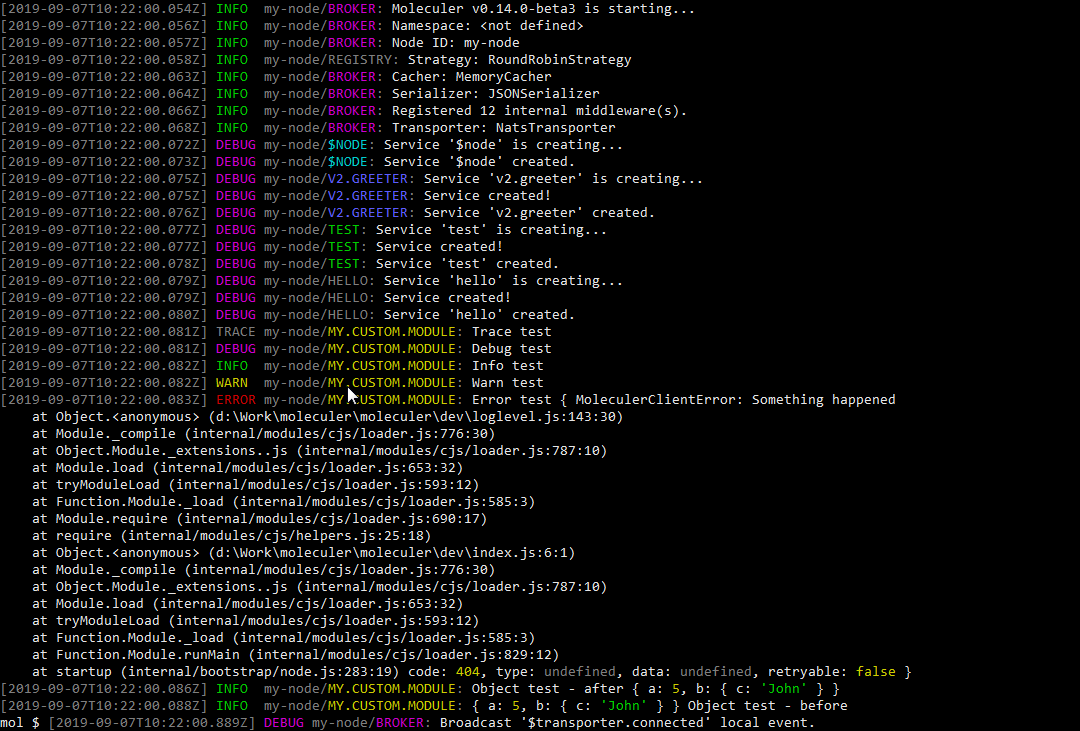
##### `short` formatter
```js
// moleculer.config.js
module.exports = {
logger: {
type: "Console",
options: {
formatter: "short"
}
}
};
```
**Preview**
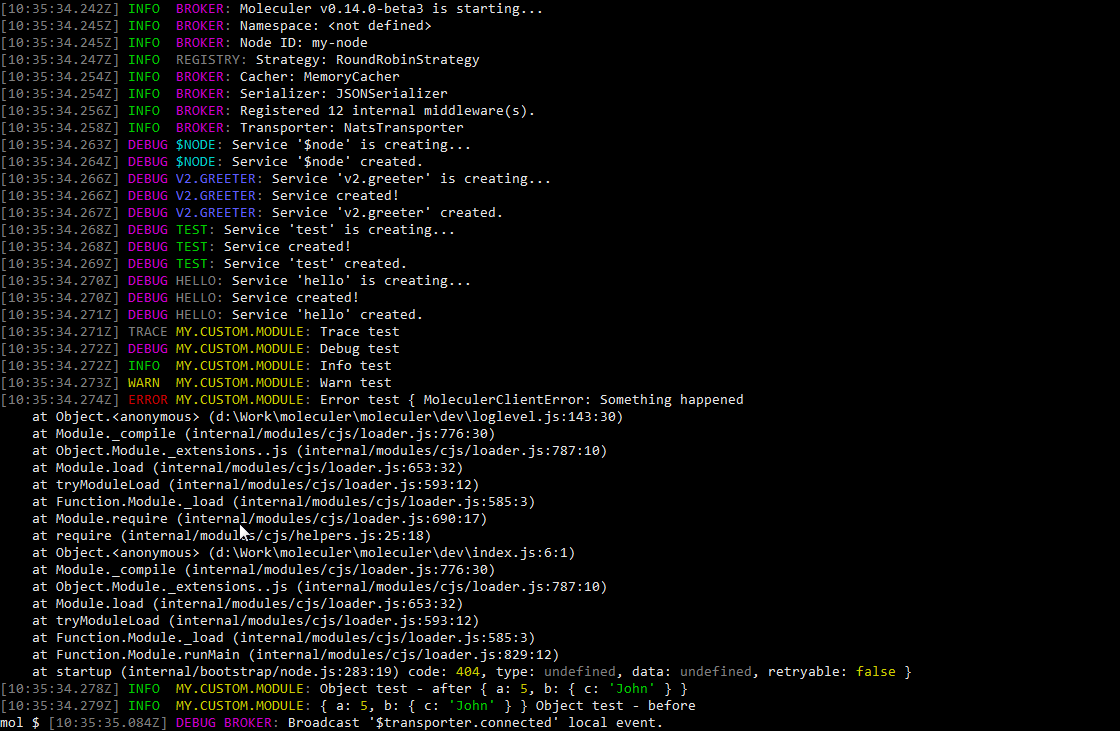
##### `simple` formatter
```js
// moleculer.config.js
module.exports = {
logger: {
type: "Console",
options: {
formatter: "simple"
}
}
};
```
**Preview**
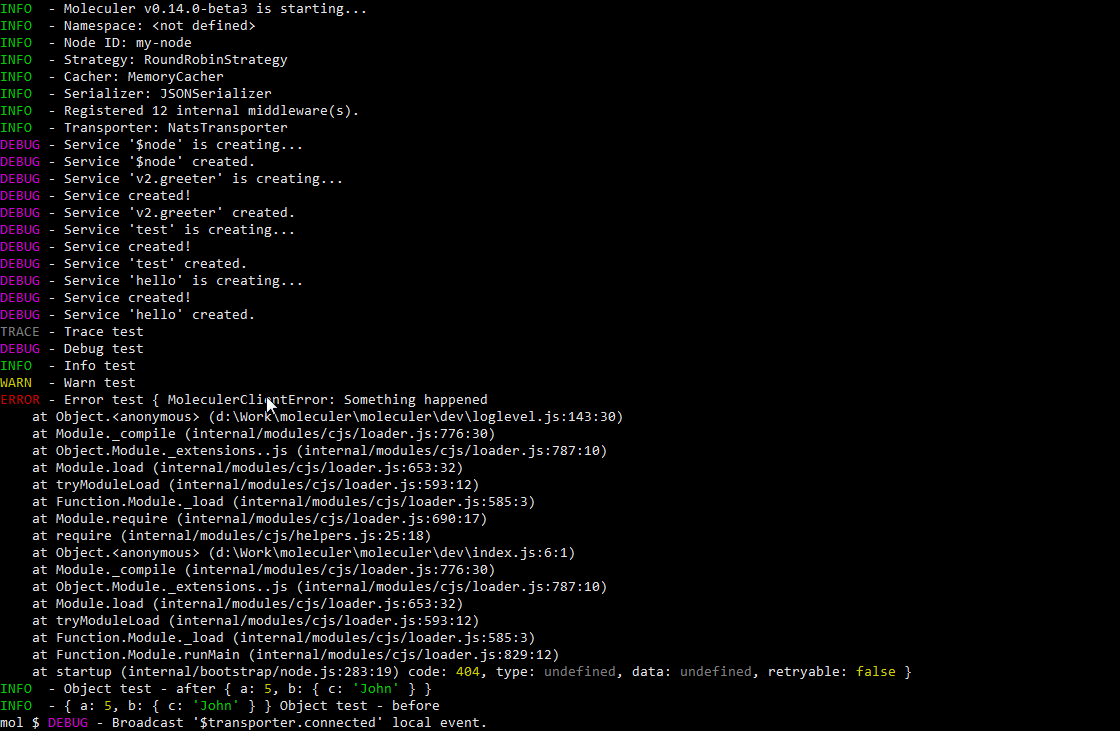
##### `json` formatter
```js
// moleculer.config.js
module.exports = {
logger: {
type: "Console",
options: {
formatter: "json"
}
}
};
```
**Preview**
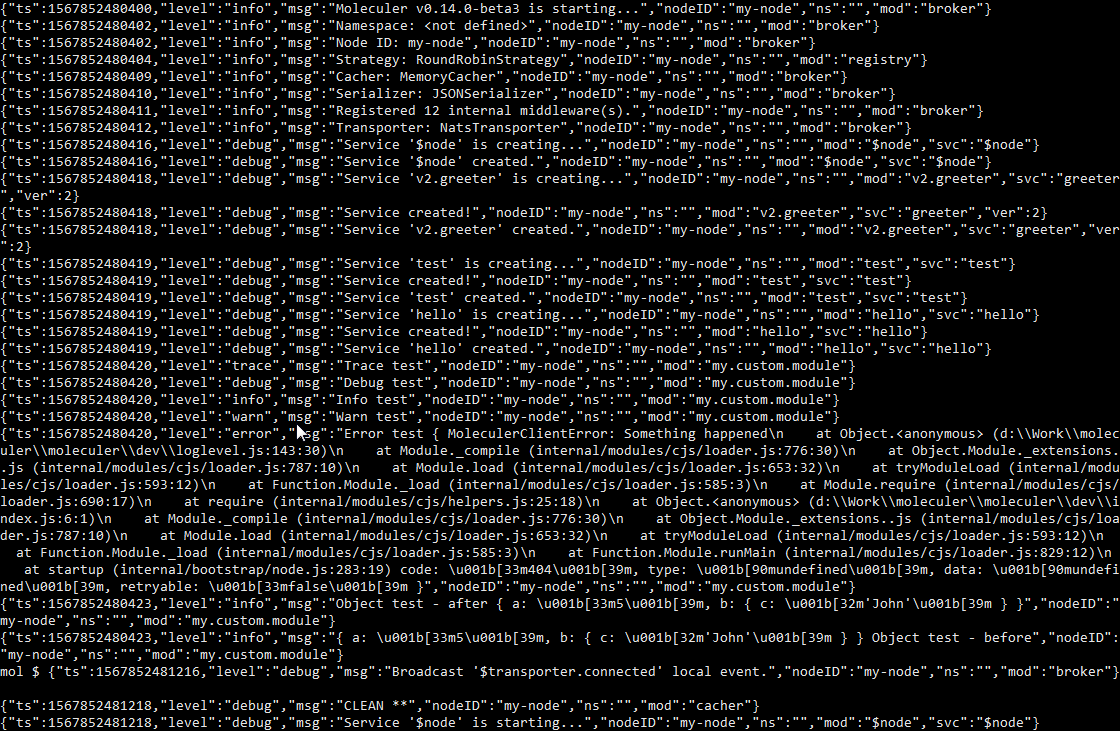
##### Custom formatter
```js
// moleculer.config.js
module.exports = {
logger: {
type: "Console",
options: {
formatter: (level, args, bindings) => [`[${level.toUpperCase()}]`, ...args]
}
}
};
```
**Preview**
### File
This logger saves all log messages to file(s). It supports JSON & formatted text files or you can use your custom formatter, as well.
**Shorthand configuration with default options**
```js
// moleculer.config.js
module.exports = {
logger: "File",
};
```
_It will save the log messages to the `logs` folder in the current directory with `moleculer-{date}.log` filename._
**Full configuration**
```js
// moleculer.config.js
module.exports = {
logger: {
type: "File",
options: {
// Logging level
level: "info",
// Folder path to save files. You can use {nodeID} & {namespace} variables.
folder: "./logs",
// Filename template. You can use {date}, {nodeID} & {namespace} variables.
filename: "moleculer-{date}.log",
// Line formatter. It can be "json", "short", "simple", "full", a `Function` or a template string like "{timestamp} {level} {nodeID}/{mod}: {msg}"
formatter: "json",
// Custom object printer. If not defined, it uses the `util.inspect` method.
objectPrinter: null,
// End of line. Default values comes from the OS settings.
eol: "\n",
// File appending interval in milliseconds.
interval: 1 * 1000
}
}
};
```
## External Loggers
### Pino
This logger uses the [Pino](https://github.com/pinojs/pino) logger.
**Shorthand configuration with default options**
```js
// moleculer.config.js
module.exports = {
logger: "Pino",
};
```
**Full configuration**
```js
// moleculer.config.js
module.exports = {
logger: {
type: "Pino",
options: {
// Logging level
level: "info",
pino: {
// More info: http://getpino.io/#/docs/api?id=options-object
options: null,
// More info: http://getpino.io/#/docs/api?id=destination-sonicboom-writablestream-string
destination: "/logs/moleculer.log",
}
}
}
};
```
> **Note**
> To use this logger please install the `pino` module with `npm install pino --save` command.
**Preview**
### Bunyan
This logger uses the [Bunyan](https://github.com/trentm/node-bunyan) logger.
**Shorthand configuration with default options**
```js
// moleculer.config.js
module.exports = {
logger: "Bunyan",
};
```
**Full configuration**
```js
// moleculer.config.js
module.exports = {
logger: {
type: "Bunyan",
options: {
// Logging level
level: "info",
bunyan: {
// More settings: https://github.com/trentm/node-bunyan#constructor-api
name: "moleculer"
}
}
}
};
```
> **Note**
> To use this logger please install the `bunyan` module with `npm install bunyan --save` command.
**Preview**
### Winston
This logger uses the [Winston](https://github.com/winstonjs/winston) logger.
**Shorthand configuration with default options**
```js
// moleculer.config.js
module.exports = {
logger: "Winston",
};
```
**Full configuration**
```js
// moleculer.config.js
const winston = require("winston");
module.exports = {
logger: {
type: "Winston",
options: {
// Logging level
level: "info",
winston: {
// More settings: https://github.com/winstonjs/winston#creating-your-own-logger
transports: [
new winston.transports.Console(),
new winston.transports.File({ filename: "/logs/moleculer.log" })
]
}
}
}
};
```
> **Note**
> To use this logger please install the `winston` module with `npm install winston --save` command.
**Preview**
### `debug`
This logger uses the [debug](https://github.com/visionmedia/debug) logger.
To see messages you have to set the `DEBUG` environment variable to `export DEBUG=moleculer:*`.
**Shorthand configuration with default options**
```js
// moleculer.config.js
module.exports = {
logger: "Debug",
};
```
**Full configuration**
```js
// moleculer.config.js
module.exports = {
logger: {
type: "Debug",
options: {
// Logging level
level: "info",
}
}
};
```
> **Note**
> To use this logger please install the `debug` module with `npm install debug --save` command.
**Preview**
### Log4js
This logger uses the [Log4js](https://github.com/log4js-node/log4js-node) logger.
**Shorthand configuration with default options**
```js
// moleculer.config.js
module.exports = {
logger: "Log4js",
};
```
**Full configuration**
```js
// moleculer.config.js
module.exports = {
logger: {
type: "Log4js",
options: {
// Logging level
level: "info",
log4js: {
// More info: https://github.com/log4js-node/log4js-node#usage
appenders: {
app: { type: "file", filename: "/logs/moleculer.log" }
},
categories: {
default: { appenders: [ "app" ], level: "debug" }
}
}
}
}
};
```
> **Note**
> To use this logger please install the `log4js` module with `npm install log4js --save` command.
**Preview**
### Datadog
This logger uploads log messages to the [Datadog](https://www.datadoghq.com/) server.
> **Note**
> Please note, this logger doesn't print any messages to the console, just collects & uploads. Use it beside another logger which also prints the messages.
**Shorthand configuration with default options**
```js
// moleculer.config.js
module.exports = {
logger: "Datadog",
};
```
**Full configuration**
```js
// moleculer.config.js
module.exports = {
logger: {
type: "Datadog",
options: {
// Logging level
level: "info",
// Datadog server endpoint. https://docs.datadoghq.com/api/?lang=bash#send-logs-over-http
url: "https://http-intake.logs.datadoghq.com/v1/input/",
// Datadog API key
apiKey: process.env.DATADOG_API_KEY,
// Datadog source variable
ddSource: "moleculer",
// Datadog env variable
env: undefined,
// Datadog hostname variable
hostname: os.hostname(),
// Custom object printer function for `Object` & `Ąrray`
objectPrinter: null,
// Data uploading interval
interval: 10 * 1000
}
}
};
```
**Preview**
## Multiple Loggers
This logger configuration admits usage of multiple loggers even from the same logger type and different logging levels.
**Define multiple loggers with different logging levels**
```js
// moleculer.config.js
module.exports = {
logger: [
{
type: "Console",
options: {
level: "info",
}
},
{
type: "File",
options: {
level: "info",
folder: "/logs/moleculer",
filename: "all-{date}.log",
formatter: "{timestamp} {level} {nodeID}/{mod}: {msg}"
}
},
{
type: "File",
options: {
level: "error",
folder: "/logs/moleculer",
filename: "errors-{date}.json",
formatter: "json"
}
}
]
};
```
This example shows a configuration of `Console` logger, a `File` logger that saves all log messages in formatted text file and another `File` logger that only saves error messages in JSON format.
### Filtering
You can configure your loggers to only log data of certain services or modules.
**Example**
```js
// moleculer.config.js
module.exports = {
logger: [
// Shorthand `Console` logger configuration
"Console",
{
// This logger saves messages from all modules except "greeter" service.
type: "File",
options: {
level: {
"GREETER": false,
"**": "info"
},
filename: "moleculer-{date}.log"
}
},
{
// This logger saves messages from only "greeter" service.
type: "File",
options: {
level: {
"GREETER": "debug",
"**": false
},
filename: "greeter-{date}.log"
}
}
],
logLevel: "info" // global log level. All loggers inherits it.
};
```
## Log Level Setting
To configure logging levels, you can use the well-known `logLevel` broker option which can be a `String` or an `Object`. However, it is also possible to overwrite it in all logger `options` with the `level` property.
**Complex logging level configuration**
```js
// moleculer.config.js
module.exports = {
logger: [
// The console logger will use the `logLevel` global setting.
"Console",
{
type: "File",
options: {
// Overwrite the global setting.
level: {
"GREETER": false,
"**": "warn"
}
}
}
],
logLevel: {
"TRACING": "trace",
"TRANS*": "warn",
"GREETER": "debug",
"**": "info",
}
};
```
## Custom logger
If you have your custom logger you should wrap it into a `BaseLogger` class and implement at least the `getLogHandler` method.
**Using a custom logger**
```js
// moleculer.config.js
const BaseLogger = require("moleculer").Loggers.Base;
class MyLogger extends BaseLogger {
getLogHandler(bindings) {
return (type, args) => console[type](`[MYLOG-${bindings.mod}]`, ...args);
}
}
module.exports = {
logger: new MyLogger()
};
```
---
# Middlewares
Source: https://moleculer.services/docs/0.15/middlewares.html
Moleculer supports middlewares. It's same as plugins in other frameworks. The middleware is an `Object` with hooks & wrapper functions. It allows to wrap action handlers, event handlers, broker methods and hook lifecycle events.
**Example**
```js
// awesome.middleware.js
module.exports = {
name: "Awesome",
localAction(next, action) {
return function(ctx) {
console.log(`My middleware is called before the '${ctx.action.name}' action executed.`);
return next(ctx);
}
}
};
```
## Wrapping handlers
Some hooks are wrappers. It means that you can wrap the original handler and return a new Function.
Wrap hooks are which the first parameter is `next`.
**Wrap local action handler**
```js
const MyDoSomethingMiddleware = {
localAction(next, action) {
if (action.myFunc) {
// Wrap the handler
return function(ctx) {
doSomethingBeforeHandler(ctx);
return next(ctx)
.then(res => {
doSomethingAfterHandler(res);
// Return the original result
return res;
})
.catch(err => {
doSomethingAfterHandlerIfFailed(err);
// Throw further the error
throw err;
});
}
}
// If the feature is disabled we don't wrap it, return the original handler
// So it won't cut down the performance when the feature is disabled.
return next;
}
};
```
**Example validator middleware**
```js
const MyValidator = {
localAction(next, action) {
// Wrap with a param validator if `action.params` is defined
if (_.isObject(action.params)) {
return ctx => {
this.validate(action.params, ctx.params);
return next(ctx);
};
}
return next;
}
};
```
The `next` is the original handler or the following wrapped handler. The middleware should return either the original `handler` or a new wrapped handler. As you can see above, the middleware checks whether the action has a `params` property. If yes, it will return a wrapped handler which calls the validator module before calling the original `handler`. If the `params` property is not defined, it simply returns the original `handler` (skip wrapping).
>If you don't call the original `next` in the middleware it will break the request. It can be used in cachers. For example, if it finds the requested data in the cache, it'll return the cached data instead of calling the `next`.
**Example cacher middleware**
```js
const MyCacher = {
localAction(next, action) {
return async function cacherMiddleware(ctx) {
const cacheKey = this.getCacheKey(action.name, ctx.params, ctx);
const content = await this.get(cacheKey);
if (content != null) {
// Found in the cache! Don't call next, return with the cached content
ctx.cachedResult = true;
return content;
}
// Call the next
const result = await next(ctx);
// Save the response to the cache
this.set(cacheKey, result);
return result;
}.bind(this);
}
};
```
> The `next()` always returns a `Promise`. So you can access to responses and manipulate them, as well.
## Decorate core modules (extend functionality)
Middleware functions can be used to add new features to `ServiceBroker` or `Service` classes.
**Decorate broker with a new `allCall` method**
```js
// moleculer.config.js
module.exports = {
middlewares: [
{
// After broker is created
created(broker) {
// Call action on all available nodes
broker.allCall = function(action, params, opts = {}) {
const nodeIDs = this.registry.getNodeList({ onlyAvailable: true })
.map(node => node.id);
// Make direct call to the given Node ID
return Promise.all(
nodeIDs.map(nodeID => broker.call(action, params, Object.assign({ nodeID }, opts)))
);
}
}
}
]
};
```
Call the new method in order to call `$node.health` on every nodes:
```js
const res = await broker.allCall("$node.health");
```
## Hooks
### `localAction(next, action)`
This hook wraps the local action handlers.
```js
// my.middleware.js
module.exports = {
name: "MyMiddleware",
localAction(next, action) {
return function(ctx) {
// Change context properties or something
return next(ctx)
.then(res => {
// Do something with the response
return res;
})
.catch(err => {
// Handle error or throw further
throw err;
});
};
}
}
```
### `remoteAction(next, action)`
This hook wraps the remote action handlers.
```js
// my.middleware.js
module.exports = {
name: "MyMiddleware",
remoteAction(next, action) {
return function(ctx) {
// Change context properties or something
return next(ctx)
.then(res => {
// Do something with the response
return res;
})
.catch(err => {
// Handle error or throw further
throw err;
});
};
}
}
```
### `localEvent(next, event)`
This hook wraps the local event handlers.
```js
// my.middleware.js
module.exports = {
name: "MyMiddleware",
localEvent(next, event) {
return (ctx) => {
return next(ctx);
};
}
}
```
### `localMethod(next, method)`
This hook wraps service methods.
```js
// my.middleware.js
module.exports = {
name: "MyMiddleware",
localMethod(next, method) {
return (...args) => {
console.log(`The '${method.name}' method is called in '${method.service.fullName}' service.`, args);
return next(...args);
};
}
}
```
### `createService(next)`
This hook wraps the `broker.createService` method.
```js
// my.middleware.js
module.exports = {
name: "MyMiddleware",
createService(next) {
return function(schema, schemaMods) {
console.log("The 'createService' is called.");
return next(schema, schemaMods);
};
}
}
```
### `destroyService(next)`
This hook wraps the `broker.destroyService` method
```js
// my.middleware.js
module.exports = {
name: "MyMiddleware",
destroyService(next) {
return function(service) {
console.log("The 'destroyService' is called.");
return next(service);
};
}
}
```
### `call(next)`
This hook wraps the `broker.call` method.
```js
// my.middleware.js
module.exports = {
name: "MyMiddleware",
call(next) {
return function(actionName, params, opts) {
console.log("The 'call' is called.", actionName);
return next(actionName, params, opts).then(res => {
console.log("Response:", res);
return res;
});
};
}
}
```
### `mcall(next)`
This hook wraps the `broker.mcall` method.
```js
// my.middleware.js
module.exports = {
name: "MyMiddleware",
mcall(next) {
return function() {
console.log("The 'mcall' is called.");
return next(...arguments).then(res => {
console.log("Response:", res);
return res;
});
};
}
}
```
### `emit(next)`
This hook wraps the `broker.emit` method.
```js
// my.middleware.js
module.exports = {
name: "MyMiddleware",
emit(next) {
return function(eventName, payload, opts) {
console.log("The 'emit' is called.", eventName);
return next(eventName, payload, opts);
};
}
}
```
### `broadcast(next)`
This hook wraps the `broker.broadcast` method.
```js
// my.middleware.js
module.exports = {
name: "MyMiddleware",
broadcast(next) {
return function(eventName, payload, opts) {
console.log("The 'broadcast' is called.", eventName);
return next(eventName, payload, opts);
};
}
}
```
### `broadcastLocal(next)`
This hook wraps the `broker.broadcastLocal` method.
```js
// my.middleware.js
module.exports = {
name: "MyMiddleware",
broadcastLocal(next) {
return function(eventName, payload, opts) {
console.log("The 'broadcastLocal' is called.", eventName);
return next(eventName, payload, opts);
};
}
}
```
### `serviceCreated(service)` _(sync)_
This hook is called after local service creating.
```js
// my.middleware.js
module.exports = {
name: "MyMiddleware",
serviceCreated(service) {
console.log("Service created", service.fullName);
}
}
```
### `serviceStarting(service)` _(async)_
This hook is called before service starting.
```js
// my.middleware.js
module.exports = {
name: "MyMiddleware",
serviceStarting(service) {
console.log("Service is starting", service.fullName);
}
}
```
### `serviceStarted(service)` _(async)_
This hook is called after service starting.
```js
// my.middleware.js
module.exports = {
name: "MyMiddleware",
serviceStarted(service) {
console.log("Service started", service.fullName);
}
}
```
### `serviceStopping(service)` _(async)_
This hook is called before service stopping.
```js
// my.middleware.js
module.exports = {
name: "MyMiddleware",
serviceStopping(service) {
console.log("Service is stopping", service.fullName);
}
}
```
### `serviceStopped(service)` _(async)_
This hook is called after service stopping.
```js
// my.middleware.js
module.exports = {
name: "MyMiddleware",
serviceStopped(service) {
console.log("Service stopped", service.fullName);
}
}
```
### `registerLocalService(next)`
This hook wraps broker's local service registering method.
```js
// my.middleware.js
module.exports = {
name: "MyMiddleware",
registerLocalService(next) {
return (service) => {
console.log("Registering a local service", service.name);
return next(service);
};
}
}
```
### `serviceCreating(service, schema)`
This hook is called during local service creation (after mixins are applied, so service schema is merged completely).
```js
// my.middleware.js
module.exports = {
name: "MyMiddleware",
serviceCreating(service, schema) {
// Modify schema
schema.myProp = "John";
}
}
```
### `transitPublish(next)`
This hook is called before sending a communication packet.
```js
// my.middleware.js
module.exports = {
name: "MyMiddleware",
transitPublish(next) {
return (packet) => {
return next(packet);
};
}
}
```
### `transitMessageHandler(next)`
This hook is called before transit receives & parses an incoming message.
```js
// my.middleware.js
module.exports = {
name: "MyMiddleware",
transitMessageHandler(next) {
return (cmd, packet) => {
return next(cmd, packet);
};
}
}
```
### `transporterSend(next)`
This hook is called after serialization but before the transporter sends a communication packet.
```js
// my.middleware.js
module.exports = {
name: "MyMiddleware",
transporterSend(next) {
return (topic, data, meta) => {
// Do something with data. Data is a `Buffer`
return next(topic, data, meta);
};
}
}
```
### `transporterReceive(next)`
This hook is called after transporter received a communication packet but before serialization.
```js
// my.middleware.js
module.exports = {
name: "MyMiddleware",
transporterReceive(next) {
return (cmd, data, s) => {
// Do something with data. Data is a `Buffer`
return next(cmd, data, s);
};
}
}
```
### `newLogEntry(type, args, bindings)` _(sync)_
This hook is called when a new log messages iscreated.
```js
// my.middleware.js
module.exports = {
name: "MyMiddleware",
newLogEntry(type, args, bindings) {
// Do something with the `args`.
}
}
```
### `created(broker)` _(sync)_
This hook is called when broker created. Unlike `starting`, `started`, `stopping` and `stopped`, it is called synchronously, so it can't return a Promise.
```js
// my.middleware.js
module.exports = {
name: "MyMiddleware",
created(broker) {
console.log("Broker created");
}
}
```
### `starting(broker)` _(async)_
This hook is called before broker starting.
```js
// my.middleware.js
module.exports = {
name: "MyMiddleware",
starting(broker) {
console.log("Broker is starting");
}
}
```
### `started(broker)` _(async)_
This hook is called after broker starting.
```js
// my.middleware.js
module.exports = {
name: "MyMiddleware",
started(broker) {
console.log("Broker started");
}
}
```
### `stopping(broker)` _(async)_
This hook is called before broker stopping.
```js
// my.middleware.js
module.exports = {
name: "MyMiddleware",
stopping(broker) {
console.log("Broker is stopping");
}
}
```
### `stopped(broker)` _(async)_
This hook is called after broker stopped.
```js
// my.middleware.js
module.exports = {
name: "MyMiddleware",
stopped(broker) {
console.log("Broker stopped");
}
}
```
## Internal middlewares
Many integrated features have been exposed as internal middlewares. These middlewares are loaded by default when broker is created. However, they can be turned off by setting the `internalMiddlewares: false` in broker option. In this case you must explicitly specify the required middlewares in the `middlewares: []` broker option.
**Internal middlewares**
| Class name | Type | Description |
| ---------- | ---- | ----------- |
| `ActionHook` | Optional | Action hooks handler. [Read more](https://moleculer.services/docs/0.15/actions.html#Action-hooks) |
| `Validator` | Optional | Parameter validation. [Read more](https://moleculer.services/docs/0.15/validating.html) |
| `Bulkhead` | Optional | Bulkhead feature. [Read more](https://moleculer.services/docs/0.15/fault-tolerance.html#Bulkhead) |
| `Cacher` | Optional | Cacher middleware. [Read more](https://moleculer.services/docs/0.15/caching.html) |
| `ContextTracker` | Optional | Context tracker feature. [Read more](https://moleculer.services/docs/0.15/actions.html#Context-tracking) |
| `CircuitBreaker` | Optional | Circuit Breaker feature. [Read more](https://moleculer.services/docs/0.15/fault-tolerance.html#Circuit-Breaker) |
| `Timeout` | Always | Timeout feature. [Read more](https://moleculer.services/docs/0.15/fault-tolerance.html#Timeout) |
| `Retry` | Always | Retry feature. [Read more](https://moleculer.services/docs/0.15/fault-tolerance.html#Retry) |
| `Fallback` | Always | Fallback feature. [Read more](https://moleculer.services/docs/0.15/fault-tolerance.html#Fallback) |
| `ErrorHandler` | Always | Error handling. |
| `Tracing` | Optional | Tracing feature. [Read more](https://moleculer.services/docs/0.15/tracing.html) |
| `Metrics` | Optional | Metrics feature. [Read more](https://moleculer.services/docs/0.15/metrics.html) |
| `Debounce` | Optional | Debounce feature. [Read more](#Debounce) |
| `Throttle` | Optional | Throttle feature. [Read more](#Throttle) |
| `Transmit.Encryption` | Optional | Transmission encryption middleware. [Read more](#Encryption) |
| `Transmit.Compression` | Optional | Transmission compression middleware. [Read more](#Compression) |
| `Debugging.TransitLogger` | Optional | Transit Logger. [Read more](#Transit-Logger) |
| `Debugging.ActionLogger` | Optional | Action logger. [Read more](#Action-Logger) |
**Access to internal middlewares**
```js
const { Bulkhead, Retry } = require("moleculer").Middlewares;
```
### Transmission Middleware
#### Encryption
AES encryption middleware protects all inter-services communications that use the transporter module.
This middleware uses built-in Node [`crypto`](https://nodejs.org/api/crypto.html) lib.
```js
// moleculer.config.js
const crypto = require("crypto");
const { Middlewares } = require("moleculer");
const initVector = crypto.randomBytes(16);
module.exports = {
middlewares: [
Middlewares.Transmit.Encryption("secret-password", "aes-256-cbc", initVector) // "aes-256-cbc" is the default
]
};
```
#### Compression
Compression middleware reduces the size of the messages that go through the transporter module.
This middleware uses built-in Node [`zlib`](https://nodejs.org/api/zlib.html) lib.
```js
// moleculer.config.js
const { Middlewares } = require("moleculer");
// Create broker
module.exports = {
middlewares: [
Middlewares.Transmit.Compression({ method: "gzip", threshold: "1kb" })
]
};
```
**Options**
| Name | Type | Default | Description |
| ---- | ---- | ------- | ----------- |
| `method` | `String` | `"deflate"` | Compression method. Available values: `"deflate"`, `"deflateRaw"`, `"gzip"`. |
| `threshold` | `String` or `Number` | `"1kb"` | Packets smaller than this size are not compressed. Accepts a byte-string with unit (e.g. `"1kb"`, `"2mb"`) or a number of bytes. Set to `null` to compress every packet. |
### Debug Middlewares
#### Transit Logger
Transit logger middleware allows to easily track the messages that are exchanged between services.
```js
// moleculer.config.js
const { Middlewares } = require("moleculer");
// Create broker
module.exports = {
middlewares: [
Middlewares.Debugging.TransitLogger({
logPacketData: false,
folder: null,
colors: {
send: "magenta",
receive: "blue"
},
packetFilter: ["HEARTBEAT"]
})
]
};
```
**Complete option list**
| Class name | Type | Default | Description |
| ---------- | ---------- | ---- | ----------- |
| `logger` | `Object` or `Function`| `null` | Logger class. [Read more](https://moleculer.services/docs/0.15/logging.html). |
| `logLevel` | `String`| `info` | Log level for built-in console logger. [Read more](https://moleculer.services/docs/0.15/logging.html). |
| `logPacketData` |`Boolean`| `false` | Logs packet parameters |
| `folder` |`Object`| `null` | Folder where logs will be written |
| `extension` |`String`| `.json` | File extension of log file |
| `color.receive` |`String`| `grey` | Supports all [Chalk colors](https://github.com/chalk/chalk#colors) |
| `color.send` |`String`| `grey` | Supports all [Chalk colors](https://github.com/chalk/chalk#colors) |
| `packetFilter` |`Array`| `HEARTBEAT` | Type of [packets](https://github.com/moleculer-framework/protocol/blob/master/4.0/PROTOCOL.md) to skip |
#### Action Logger
Action Logger middleware tracks "how" service actions were executed.
```js
// moleculer.config.js
const { Middlewares } = require("moleculer");
// Create broker
module.exports = {
middlewares: [
Middlewares.Debugging.ActionLogger({
logParams: true,
logResponse: true,
folder: null,
colors: {
send: "magenta",
receive: "blue"
},
whitelist: ["**"]
})
]
};
```
**Complete option list**
| Class name | Type | Default | Description |
| ---------- | ---------- | ---- | ----------- |
| `logger` | `Object` or `Function` | `null` | Logger class. [Read more](https://moleculer.services/docs/0.15/logging.html). |
| `logLevel` | `String`| `info` | Log level for built-in console logger. [Read more](https://moleculer.services/docs/0.15/logging.html). |
| `logParams` |`Boolean`| `false` | Logs request parameters |
| `logMeta` |`Boolean`| `false` | Logs meta parameters |
| `folder` |`String`| `null` | Path do folder where logs will be written |
| `extension` |`String`| `.json` | File extension of log file |
| `color.request` |`String`| `yellow` | Supports all [Chalk colors](https://github.com/chalk/chalk#colors) |
| `color.response` |`String`| `cyan` | Supports all [Chalk colors](https://github.com/chalk/chalk#colors) |
| `colors.error` |`String`| `red` | Supports all [Chalk colors](https://github.com/chalk/chalk#colors) |
| `whitelist` |`Array`| `["**"]` | Actions to log. Uses the same whitelisting mechanism as in [API Gateway](https://moleculer.services/docs/0.15/moleculer-web.html#Whitelist). |
### Event Execution Rate
#### Throttle
Throttling is a straightforward reduction of the trigger rate. It will cause the event listener to ignore some portion of the events while still firing the listeners at a constant (but reduced) rate. Same functionality as [lodash's `_.throttle`](https://lodash.com/docs/4.17.14#throttle). For more info about throttling check [this article](https://css-tricks.com/debouncing-throttling-explained-examples).
```js
//my.service.js
module.exports = {
name: "my",
events: {
"config.changed": {
throttle: 3000,
// It won't be invoked again in 3 seconds.
handler(ctx) { /* ... */}
}
}
};
```
#### Debounce
Unlike throttling, debouncing is a technique of keeping the trigger rate at exactly 0 until a period of calm, and then triggering the listener exactly once. Same functionality as [lodash's `_.debounce`](https://lodash.com/docs/4.17.14#debounce). For more info about debouncing check [this article](https://css-tricks.com/debouncing-throttling-explained-examples).
```js
//my.service.js
module.exports = {
name: "my",
events: {
"config.changed": {
debounce: 5000,
// Handler will be invoked when events are not received in 5 seconds.
handler(ctx) { /* ... */}
}
}
};
```
## Loading & Extending
If you want to use the built-in middlewares use their names in `middlewares[]` broker option. Also, the `Middlewares` can be easily extended with custom functions.
**Load middleware by name**
```js
// moleculer.config.js
const { Middlewares } = require("moleculer");
// Extend with custom middleware
Middlewares.MyCustom = {
created(broker) {
broker.logger.info("My custom middleware is created!");
}
};
module.exports = {
logger: true,
middlewares: [
// Load middleware by name
"MyCustom"
]
};
```
## Global view
---
# Networking
Source: https://moleculer.services/docs/0.15/networking.html
To enable communication between nodes (ServiceBrokers), you must configure a transporter. A transporter is Moleculer's transport layer / messaging backend: it carries requests, responses and events between processes over a message broker (NATS, Redis, Kafka, MQTT, AMQP) or, with the TCP transporter, directly between nodes without any broker. The available transporters typically connect to a central message broker, facilitating reliable message exchange among remote nodes. These message brokers primarily support the publish/subscribe messaging pattern.
> **Terminology**
> In these docs *ServiceBroker* / *the broker* (as in `broker.call()` or "broker option") means Moleculer's `ServiceBroker` instance running in your process; *message broker* means the external messaging server such as NATS or RabbitMQ that a transporter connects to.
Because the transporter is an abstraction, the same service code runs unchanged over any of them — you choose the broker for operational reasons (what you already run, throughput, persistence), not because your code depends on it.
## Transporters
The transporter module in Moleculer plays a critical role in facilitating communication between services running on multiple nodes. It manages the transmission of events, request calls, and processing responses among nodes in the network. Note that the transporter only carries the packets; deciding *which* node receives a request is done by the ServiceBroker's registry (client-side [load balancing](https://moleculer.services/docs/0.15/balancing.html)) before the packet is handed to the transporter. The exception is the [disabled balancer](#Disabled-balancer) mode, where the message broker's own queue-group balancing is used.
**Abstraction for Seamless Switching**
The communication logic is abstracted away from the transporter class itself. This allows for seamless switching between different transporters without requiring any modifications to your service code. You can choose the most suitable transporter for your needs (e.g., TCP, NATS, Redis) without impacting your service logic, offering flexibility and future-proofing for your application.
### TCP transporter

This is a no-dependency, zero-configuration TCP transporter. It uses [Gossip protocol](https://en.wikipedia.org/wiki/Gossip_protocol) to disseminate node statuses, service list and heartbeats. It contains an integrated UDP discovery feature to detect new and disconnected nodes on the network.
If the UDP is prohibited on your network, use `urls` option. It is a list of remote endpoints (host/ip, port, nodeID). It can be a static list in your configuration or a file path which contains the list.
**Use TCP transporter with default options**
```js
// moleculer.config.js
module.exports = {
transporter: "TCP"
};
```
**All TCP transporter options with default values**
```js
// moleculer.config.js
module.exports = {
logger: true,
transporter: {
type: "TCP",
options: {
// Enable UDP discovery
udpDiscovery: true,
// Reusing UDP server socket
udpReuseAddr: true,
// UDP port
udpPort: 4445,
// UDP bind address (if null, bind on all interfaces)
udpBindAddress: null,
// UDP sending period (seconds)
udpPeriod: 30,
// Multicast address.
udpMulticast: "239.0.0.0",
// Multicast TTL setting
udpMulticastTTL: 1,
// Send broadcast (Boolean, String, Array)
udpBroadcast: false,
// TCP server port. Null or 0 means random port
port: null,
// Static remote nodes address list (when UDP discovery is not available)
urls: null,
// Use hostname as preffered connection address
useHostname: true,
// Gossip sending period in seconds
gossipPeriod: 2,
// Maximum enabled outgoing connections. If reach, close the old connections
maxConnections: 32,
// Maximum TCP packet size
maxPacketSize: 1 * 1024 * 1024
}
}
};
```
**TCP transporter with static endpoint list**
```js
// moleculer.config.js
module.exports = {
nodeID: "node-1",
logger: true,
transporter: {
type: "TCP",
options: {
udpDiscovery: false,
urls: [
"172.17.0.1:6000/node-1",
"172.17.0.2:6000/node-2",
"172.17.0.3:6000/node-3"
],
}
}
};
```
_You don't need to set `port` because it find & parse the self TCP port from URL list._
**TCP transporter with shorthand static endpoint list**
It needs to start with `tcp://`.
```js
// moleculer.config.js
module.exports = {
nodeID: "node-1",
transporter: "tcp://172.17.0.1:6000/node-1,172.17.0.2:6000/node-2,172.17.0.3:6000/node-3"
};
```
**TCP transporter with static endpoint list file**
```js
// moleculer.config.js
module.exports = {
nodeID: "node-1",
transporter: {
type: "TCP",
options: {
udpDiscovery: false,
urls: "file://./nodes.json"
}
}
};
```
```js
// nodes.json
[
"127.0.0.1:6001/client-1",
"127.0.0.1:7001/server-1",
"127.0.0.1:7002/server-2"
]
```
> **Serviceless node**
> Please note, you don't need to list all remote nodes. It's enough at least one node which is online. For example, create a "serviceless" gossiper node, which does nothing, just shares other remote nodes addresses by gossip messages. So all nodes must know only the gossiper node address to be able to communicate with all other nodes.
### NATS Transporter

Built-in transporter for [NATS](http://nats.io/).
> NATS Server is a simple, high performance open source messaging system for cloud-native applications, IoT messaging, and microservices architectures.
```js
// moleculer.config.js
module.exports = {
nodeID: "server-1",
transporter: "nats://nats.server:4222"
};
```
> **Dependencies**
> To use this transporter install the `nats` module with `npm install nats --save` command.
#### Examples
**Connect to 'nats://localhost:4222'**
```js
// moleculer.config.js
module.exports = {
transporter: "NATS"
};
```
**Connect to a remote NATS server**
```js
// moleculer.config.js
module.exports = {
transporter: "nats://nats-server:4222"
};
```
**Connect to a remote NATS server with auth**
```js
// moleculer.config.js
module.exports = {
transporter: "nats://user:pass@nats-server:4222"
};
```
**Connect with options**
```js
// moleculer.config.js
module.exports = {
transporter: {
type: "NATS",
options: {
servers: ["nats://localhost:4222"],
user: "admin",
pass: "1234"
}
}
};
```
**Connect with TLS**
```js
// moleculer.config.js
module.exports = {
transporter: {
type: "NATS",
options: {
servers: ["nats://localhost:4222"]
// More info: https://github.com/nats-io/node-nats#tls
tls: {
key: fs.readFileSync('./client-key.pem'),
cert: fs.readFileSync('./client-cert.pem'),
ca: [ fs.readFileSync('./ca.pem') ]
}
}
}
};
```
### Redis Transporter

Built-in transporter for [Redis](http://redis.io/).
```js
// moleculer.config.js
module.exports = {
nodeID: "server-1",
transporter: "redis://redis.server:6379"
};
```
> **Dependencies**
> To use this transporter install the `ioredis` module with `npm install ioredis --save` command.
#### Examples
**Connect with default settings**
```js
// moleculer.config.js
module.exports = {
transporter: "Redis"
};
```
**Connect with connection string**
```js
// moleculer.config.js
module.exports = {
transporter: "redis://localhost:6379"
};
```
**Connect to a secure Redis server**
```js
// moleculer.config.js
module.exports = {
transporter: "rediss://localhost:6379"
};
```
**Connect with options**
```js
// moleculer.config.js
module.exports = {
transporter: {
type: "Redis",
options: {
host: "redis-server",
db: 0
}
}
};
```
**Connect to Redis cluster**
```js
// moleculer.config.js
module.exports = {
transporter: {
type: "Redis",
options: {
cluster: {
nodes: [
{ host: "localhost", port: 6379 },
{ host: "localhost", port: 6378 }
]
}
}
}
};
```
### MQTT Transporter

Built-in transporter for [MQTT](http://mqtt.org/) protocol *(e.g.: [Mosquitto](https://mosquitto.org/))*.
```js
// moleculer.config.js
module.exports = {
nodeID: "server-1",
transporter: "mqtt://mqtt-server:1883"
};
```
> **Dependencies**
> To use this transporter install the `mqtt` module with `npm install mqtt --save` command.
#### Examples
**Connect with default settings**
```js
// moleculer.config.js
module.exports = {
transporter: "MQTT"
};
```
**Connect with connection string**
```js
// moleculer.config.js
module.exports = {
transporter: "mqtt://mqtt-server:1883"
};
```
**Connect to secure MQTT server**
```js
// moleculer.config.js
module.exports = {
transporter: "mqtts://mqtt-server:1883"
};
```
**Connect with options**
```js
// moleculer.config.js
module.exports = {
transporter: {
type: "MQTT",
options: {
host: "mqtt-server",
port: 1883,
qos: 0,
topicSeparator: "."
}
}
};
```
### AMQP (0.9) Transporter

Built-in transporter for [AMQP](https://www.amqp.org/) 0.9 protocol *(e.g.: [RabbitMQ](https://www.rabbitmq.com/))*.
```js
// moleculer.config.js
module.exports = {
nodeID: "server-1",
transporter: "amqp://rabbitmq-server:5672"
};
```
> **Dependencies**
> To use this transporter install the `amqplib` module with `npm install amqplib --save` command.
#### Transporter options
Options can be passed to `amqp.connect()` method.
**Connect to 'amqp://guest:guest@localhost:5672'**
```js
// moleculer.config.js
module.exports = {
transporter: "AMQP"
};
```
**Connect to a remote server**
```js
// moleculer.config.js
module.exports = {
transporter: "amqp://rabbitmq-server:5672"
};
```
**Connect to a secure server**
```js
// moleculer.config.js
module.exports = {
transporter: "amqps://rabbitmq-server:5672"
};
```
**Connect to a remote server with options & credentials**
```js
// moleculer.config.js
module.exports = {
transporter: {
type: "AMQP",
options: {
url: "amqp://user:pass@rabbitmq-server:5672",
eventTimeToLive: 5000,
prefetch: 1,
socketOptions: {
servername: process.env.RABBIT_SERVER_NAME
}
// If true, queues will be autodeleted once service is stopped, i.e., queue listener is removed
autoDeleteQueues: true
}
}
};
```
### AMQP 1.0 Transporter

Built-in transporter for [AMQP 1.0](https://www.amqp.org/resources/specifications) protocol *(e.g.: [ActiveMq](https://activemq.apache.org/) or [RabbitMQ](https://www.rabbitmq.com/) + [rabbitmq-amqp1.0 plugin](https://github.com/rabbitmq/rabbitmq-amqp1.0))*.
>Please note, it is an **experimental** transporter. **Do not use it in production yet!**
```js
// moleculer.config.js
module.exports = {
transporter: "amqp10://activemq-server:5672"
};
```
> **Dependencies**
> To use this transporter install the `rhea-promise` module with `npm install rhea-promise --save` command.
#### Transporter options
Options can be passed to `rhea.connection.open()` method, the topics, the queues, and the messages themselves.
**Connect to 'amqp10://guest:guest@localhost:5672'**
```js
// moleculer.config.js
module.exports = {
transporter: "AMQP10"
};
```
**Connect to a remote server**
```js
// moleculer.config.js
module.exports = {
transporter: "amqp10://activemq-server:5672"
};
```
**Connect to a remote server with options & credentials**
```js
// moleculer.config.js
module.exports = {
transporter: {
type: "AMQP10",
options: {
url: "amqp10://user:pass@activemq-server:5672",
eventTimeToLive: 5000,
heartbeatTimeToLive: 5000,
connectionOptions: { // rhea connection options https://github.com/amqp/rhea#connectoptions, example:
ca: "", // (if using tls)
servername: "", // (if using tls)
key: "", // (if using tls with client auth)
cert: "" // (if using tls with client auth)
},
queueOptions: {}, // rhea queue options https://github.com/amqp/rhea#open_receiveraddressoptions
topicOptions: {}, // rhea queue options https://github.com/amqp/rhea#open_receiveraddressoptions
messageOptions: {}, // rhea message specific options https://github.com/amqp/rhea#message
topicPrefix: "topic://", // RabbitMq uses '/topic/' instead, 'topic://' is more common
prefetch: 1
}
}
};
```
### Kafka Transporter

Built-in transporter for [Kafka](https://kafka.apache.org/).
>It is a simple implementation. It transfers Moleculer packets to consumers via pub/sub. There are not implemented offset, replay...etc features.
> **Dependencies**
> To use this transporter install the `@platformatic/kafka` module with `npm install @platformatic/kafka --save` command. Both `@platformatic/kafka` 1.x (`>=1.18.0`) and 2.x are supported (2.x requires Moleculer >=0.15.2).
**Connect to Kafka broker**
```js
// moleculer.config.js
module.exports = {
transporter: "kafka://localhost:9092"
};
```
**Connect to Kafka with custom options**
```js
// moleculer.config.js
module.exports = {
transporter: {
type: "Kafka",
options: {
// Client ID for all clients
clientId: "moleculer-kafka",
// Bootstrap brokers for connection
bootstrapBrokers: ["localhost:9092"],
// Producer options
producer: {},
// Consumer options
consumer: {},
// Admin options
admin: {},
// Advanced options for `send`
publish: {},
// Advanced message options for `send`
publishMessage: {
partition: 0
}
}
}
};
```
### Custom transporter
Custom transporter module can be created. We recommend to copy the source of [NatsTransporter](https://github.com/moleculerjs/moleculer/blob/master/src/transporters/nats.js) and implement the `connect`, `disconnect`, `subscribe` and `send` methods.
#### Create custom transporter
```js
const BaseTransporter = require("moleculer").Transporters.Base;
class MyTransporter extends BaseTransporter {
connect() { /*...*/ }
disconnect() { /*...*/ }
subscribe() { /*...*/ }
send() { /*...*/ }
}
```
#### Use custom transporter
```js
// moleculer.config.js
const MyTransporter = require("./my-transporter");
module.exports = {
transporter: new MyTransporter()
};
```
## Disabled balancer
Some transporter servers have built-in balancer solution. E.g.: RabbitMQ, NATS. If you want to use the transporter balancer instead of Moleculer balancer, set the `disableBalancer` broker option to `true`.
Only the **NATS**, **AMQP** (0.9) and **AMQP 1.0** transporters have a built-in balancer (`hasBuiltInBalancer`). If you set `disableBalancer: true` with any other transporter (TCP, Redis, MQTT, Kafka), the broker logs a warning (`The ... has no built-in balancer. Broker balancer is ENABLED.`) and forces `disableBalancer` back to `false`.
When the balancer is disabled, the broker no longer selects the target node: the registry [strategies](https://moleculer.services/docs/0.15/balancing.html) and the `preferLocal` option are not applied, the request is published to the message broker and its queue-group mechanism picks a consumer.
**Example**
```js
// moleculer.config.js
module.exports = {
disableBalancer: true,
transporter: "nats://some-server:4222"
};
```
> **Please note**
> If you disable the built-in Moleculer balancer, all requests & events will be transferred via transporter (including local requests). E.g. you have a local math service and you call `math.add` locally, the request will be sent via transporter.
## Serialization
Transporter needs a serializer module which serializes & deserializes the transferred packets. The default serializer is the `JSONSerializer` but there are several built-in serializer.
> **Warning**
> Note that certain data types (e.g., Date, Map, BigInt) cannot be serialized with native JSON serializer. If you are working with this kind of data consider using [JSONExt](#json-extended-serializer) or [Notepack](#Notepack-serializer) serializers.
**Example**
```js
// moleculer.config.js
module.exports = {
nodeID: "server-1",
transporter: "NATS",
};
```
### JSON serializer
This is the default serializer. It serializes the packets to JSON string and deserializes the received data to packet.
```js
// moleculer.config.js
module.exports = {
serializer: "JSON" // not necessary to set, because it is the default
};
```
### JSON Extended serializer
We implemented a new JSON serializer which (unlike the native JSON serializer) is able to serializer `Buffer`, `BigInt`, `Date`, `Map`, `Set` and `RegExp` classes.
**Example**
```js
// moleculer.config.js
module.exports = {
serializer: "JSONExt"
}
```
#### Custom extensions
You can extend the serializer with custom types.
##### Example to extend with a custom class serializing/deserializing
```js
class MyClass {
constructor(a, b) {
this.a = a;
this.b = b;
}
}
```
```js
// moleculer.config.js
module.exports = {
serializer: {
type: "JSONExt",
options: {
customs: [
{
// This is the identifier of the custom type
prefix: "AB",
// This function checks the type of JSON value
check: (v) => v instanceof MyClass,
// Serialize the custom class properties to a String
serialize: (v) => v.a + "|" + v.b,
// Deserialize the JSON string to custom class instance and set properties
deserialize: (v) => {
const [a, b] = v.split("|");
return new MyClass(parseInt(a), b);
},
},
],
},
},
};
```
### MsgPack serializer
Built-in [MsgPack](https://github.com/mcollina/msgpack5) serializer.
```js
// moleculer.config.js
module.exports = {
serializer: "MsgPack"
};
```
> **Dependencies**
> To use this serializer install the `msgpack5` module with `npm install msgpack5 --save` command.
### Notepack serializer
Built-in [Notepack](https://github.com/darrachequesne/notepack) serializer.
```js
// moleculer.config.js
module.exports = {
serializer: "Notepack"
};
```
> **Dependencies**
> To use this serializer install the `notepack` module with `npm install notepack.io --save` command.
### CBOR serializer
CBOR ([cbor-x](https://github.com/kriszyp/cbor-x)) is the [fastest](https://github.com/moleculerjs/moleculer/pull/905) than any other serializers.
Example
```js
// moleculer.config.js
module.exports = {
logger: true,
serializer: "CBOR"
};
```
### Custom serializer
Custom serializer module can be created. We recommend to copy the source of [JSONSerializer](https://github.com/moleculerjs/moleculer/blob/master/src/serializers/json.js) and implement the `serialize` and `deserialize` methods.
#### Create custom serializer
```js
const BaseSerializer = require("moleculer").Serializers.Base;
class MySerializer extends BaseSerializer {
serialize(obj, type) { /*...*/ }
deserialize(buf, type) { /*...*/ }
}
```
#### Use custom serializer
```js
// moleculer.config.js
const MySerializer = require("./my-serializer");
module.exports = {
serializer: new MySerializer()
};
```
---
# Registry & Discovery
Source: https://moleculer.services/docs/0.15/registry.html
Every ServiceBroker keeps a **service registry**: a catalogue of all known nodes, services, actions and events in the cluster. The registry is filled by **service discovery**, so nodes find each other automatically at runtime. This is the part of a microservices stack that is usually delegated to Consul, etcd, Eureka or Kubernetes DNS; in Moleculer it is built into the framework and needs no extra infrastructure by default.
## Dynamic service discovery
Within the Moleculer framework, a dedicated module handles node discovery and performs periodic heartbeat verification. This discovery mechanism operates dynamically, eliminating the need for nodes to possess prior knowledge of one another during startup. Upon initialization, each node broadcasts its presence to all others, enabling each node to construct its own local service registry.
In the event of a node crash or shutdown, neighboring nodes will detect the absence and consequently update their respective registries by removing the affected services. This dynamic behavior ensures that subsequent requests are only routed to live, operational nodes, thereby maintaining system resilience and continuity of service.
### Local
Local discovery (default option) uses the [transporter](https://moleculer.services/docs/0.15/networking.html#Transporters) module to exchange node info and heartbeat packets (for more info about packet structure check [Moleculer protocol](https://github.com/moleculer-framework/protocol/blob/master/4.0/PROTOCOL.md)). It's the simplest and the fastest among the available discovery mechanisms as it doesn't require any external solutions. However, this discovery method also has some drawbacks, especially for large scale deployments with `>100` nodes. The heartbeat packets can generate large amount traffic that can saturate the communication bus and, therefore, deteriorate the performance of actions and events, i.e., slow down the delivery of request/response and event packets.
> **Warning**
> Please note the TCP transporter uses Gossip protocol & UDP packets for discovery & heartbeats, it means it can work only with local discovery mechanism.
**Local Discovery with default options**
```js
// moleculer.config.js
module.exports = {
registry: {
discoverer: "Local"
}
}
```
**Local Discovery with custom options**
```js
// moleculer.config.js
module.exports = {
registry: {
discoverer: {
type: "Local",
options: {
// Send heartbeat in every 10 seconds
heartbeatInterval: 10,
// Heartbeat timeout in seconds
heartbeatTimeout: 30,
// Disable heartbeat checking & sending, if true
disableHeartbeatChecks: false,
// Disable removing offline nodes from registry, if true
disableOfflineNodeRemoving: false,
// Remove offline nodes after 10 minutes
cleanOfflineNodesTimeout: 10 * 60
}
}
}
}
```
### Redis

Redis-based discovery uses a dedicated connection with the [Redis server](https://redis.io/) to exchange discovery and heartbeat packets. This approach reduces the load over the transporter module, it's used exclusively for the exchange of the request, response, event packets.
When Redis-based discovery method is enabled, Moleculer nodes periodically publish and fetch the info from Redis and update their internal service registry. Redis key expiration mechanism removes nodes that don't publish heartbeat packets for a certain period of time. This allows Moleculer nodes to detect that a specific node has disconnected.
Please note that this method is slower to detect new nodes as it relies on periodic heartbeat checks at Redis server. The periodicity depends on the `heartbeatInterval` broker option.
> **Note**
> To use Redis discovery install the `ioredis` module with the `npm install ioredis --save` command.
**Example of connection to a local Redis server**
```js
// moleculer.config.js
module.exports = {
registry: {
discoverer: "Redis"
}
}
```
**Example of connection to a remote Redis server**
```js
// moleculer.config.js
module.exports = {
registry: {
discoverer: "redis://redis-server:6379"
}
}
```
**Example with options**
```js
// moleculer.config.js
module.exports = {
registry: {
discoverer: {
type: "Redis",
options: {
redis: {
// Redis connection options.
// More info: https://github.com/luin/ioredis#connect-to-redis
port: 6379,
host: "redis-server",
password: "123456",
db: 3
}
// Serializer
serializer: "JSON",
// Full heartbeat checks. It generates more network traffic
// 10 means every 10 cycle.
fullCheck: 10,
// Key scanning size
scanLength: 100,
// Monitoring Redis commands
monitor: true,
// --- COMMON DISCOVERER OPTIONS ---
// Send heartbeat in every 10 seconds
heartbeatInterval: 10,
// Heartbeat timeout in seconds
heartbeatTimeout: 30,
// Disable heartbeat checking & sending, if true
disableHeartbeatChecks: false,
// Disable removing offline nodes from registry, if true
disableOfflineNodeRemoving: false,
// Remove offline nodes after 10 minutes
cleanOfflineNodesTimeout: 10 * 60
}
}
}
}
```
> **Note**
> Tip: To further reduce network traffic use [MsgPack/Notepack serializers](https://moleculer.services/docs/0.15/networking.html#MsgPack-serializer) instead of JSON.
### etcd3

Etcd3-based discovery method is very similar to [Redis-based discovery](#Redis). It stores heartbeat and discovery packets at [etcd3 server](https://etcd.io/). etcd3's [lease](https://etcd.io/docs/v3.4.0/learning/api/#lease-api) option will remove heartbeat info of nodes that have crashed or disconnected from the network.
This method has the same strengths and weaknesses of Redis-based discovery. It doesn't use the transporter module for the discovery but it's also slower to detect new or disconnected nodes.
> **Note**
> To use etcd3 discovery install the `etcd3` module with the `npm install etcd3 --save` command.
**Example to connect local etcd3 server**
```js
// moleculer.config.js
module.exports = {
registry: {
discoverer: "Etcd3"
}
}
```
**Example to connect remote etcd3 server**
```js
// moleculer.config.js
module.exports = {
registry: {
discoverer: "etcd3://etcd-server:2379"
}
}
```
**Example with options**
```js
// moleculer.config.js
module.exports = {
registry: {
discoverer: {
type: "Etcd3",
options: {
etcd: {
// etcd3 connection options.
// More info: https://mixer.github.io/etcd3/interfaces/options_.ioptions.html
hosts: "etcd-server:2379",
auth: "12345678"
}
// Serializer
serializer: "JSON",
// Full heartbeat checks. It generates more network traffic
// 10 means every 10 cycle.
fullCheck: 10,
// --- COMMON DISCOVERER OPTIONS ---
// Send heartbeat in every 10 seconds
heartbeatInterval: 10,
// Heartbeat timeout in seconds
heartbeatTimeout: 30,
// Disable heartbeat checking & sending, if true
disableHeartbeatChecks: false,
// Disable removing offline nodes from registry, if true
disableOfflineNodeRemoving: false,
// Remove offline nodes after 10 minutes
cleanOfflineNodesTimeout: 10 * 60
}
}
}
}
```
> **Note**
> Tip: To further reduce network traffic use [MsgPack/Notepack serializers](https://moleculer.services/docs/0.15/networking.html#MsgPack-serializer) instead of JSON.
### Customization
You can create your custom discovery mechanism. We recommend to copy the source of Redis Discoverer and implement the necessary methods.
## Built-in Service Registry
Moleculer has a built-in service registry module. It stores all information about services, actions, event listeners and nodes. When you call a service or emit an event, broker asks the registry to look up a node which is able to execute the request. If there are multiple nodes, it uses load-balancing strategy to select the next node.
> Read more about [load-balancing & strategies](https://moleculer.services/docs/0.15/balancing.html).
> Registry data is available via [internal service](https://moleculer.services/docs/0.15/services.html#Internal-Services).
---
# Load balancing
Source: https://moleculer.services/docs/0.15/balancing.html
Moleculer has several built-in load balancing strategies. If a service is running on multiple node instances, ServiceRegistry uses these strategies to select a single node from the available ones. This is client-side load balancing: the calling node picks the target from its own service registry, so no external load balancer, proxy or service mesh sits between the services.
## Built-in strategies
To configure strategy, set `strategy` broker options under `registry` property. It can be either a name (in case of built-in strategies) or a `Strategy` class which inherited from `BaseStrategy` (in case of custom strategies).
### RoundRobin strategy
This strategy selects a node based on [round-robin](https://en.wikipedia.org/wiki/Round-robin_DNS) algorithm.
**Usage**
```js
// moleculer.config.js
module.exports = {
registry: {
strategy: "RoundRobin"
}
};
```
### Random strategy
This strategy selects a node randomly.
**Usage**
```js
// moleculer.config.js
module.exports = {
registry: {
strategy: "Random"
}
};
```
### CPU usage-based strategy
This strategy selects a node that has the lowest CPU usage. Since the node list can be very long, it gets samples and selects the node with the lowest CPU usage only from a sample instead of the whole node list.
**Usage**
```js
// moleculer.config.js
module.exports = {
registry: {
strategy: "CpuUsage"
}
};
```
**Strategy options**
| Name | Type | Default | Description |
| ---- | ---- | --------| ----------- |
| `sampleCount` | `Number` | `3` | The number of samples. _To turn of sampling, set to `0`._ |
| `lowCpuUsage` | `Number` | `10` | The low CPU usage percent (%). The node which has lower CPU usage than this value is selected immediately. |
**Usage with custom options**
```js
// moleculer.config.js
module.exports = {
registry: {
strategy: "CpuUsage",
strategyOptions: {
sampleCount: 3,
lowCpuUsage: 10
}
}
};
```
### Latency-based strategy
This strategy selects a node that has the lowest latency, measured by periodic ping commands. Notice that the strategy only ping one node / host. Since the node list can be very long, it gets samples and selects the host with the lowest latency only from a sample instead of the whole node list.
**Usage**
```js
// moleculer.config.js
module.exports = {
registry: {
strategy: "Latency"
}
};
```
**Strategy options**
| Name | Type | Default | Description |
| ---- | ---- | --------| ----------- |
| `sampleCount` | `Number` | `5` | The number of samples. If you have a lot of hosts/nodes, it's recommended to *increase* the value. _To turn of sampling, set to `0`._ |
| `lowLatency` | `Number` | `10` | The low latency (ms). The node which has lower latency than this value is selected immediately. |
| `collectCount` | `Number` | `5` | The number of measured latency per host to keep in order to calculate the average latency. |
| `pingInterval` | `Number` | `10` | Ping interval in seconds. If you have a lot of host/nodes, it's recommended to *increase* the value. |
**Usage with custom options**
```js
// moleculer.config.js
module.exports = {
registry: {
strategy: "Latency",
strategyOptions: {
sampleCount: 15,
lowLatency: 20,
collectCount: 10,
pingInterval: 15
}
}
};
```
### Sharding strategy
Shard invocation strategy is based on [consistent-hashing](https://www.toptal.com/big-data/consistent-hashing) algorithm. It uses a key value from context `params` or `meta` to route the request to nodes. It means that requests with same key value will be routed to the same node.
**Example of a shard key `name` in context `params`**
```js
// moleculer.config.js
module.exports = {
registry: {
strategy: "Shard",
strategyOptions: {
shardKey: "name"
}
}
};
```
**Example of a shard key `user.id` in context `meta`**
```js
// moleculer.config.js
module.exports = {
registry: {
strategy: "Shard",
strategyOptions: {
shardKey: "#user.id"
}
}
};
```
> **Note**
> If shard key is in context's `meta` it must be declared with a `#` at the beginning. The actual `#` is ignored.
**Strategy options**
| Name | Type | Default | Description |
| ---- | ---- | --------| ----------- |
| `shardKey` | `String` | `null` | Shard key |
| `vnodes` | `Number` | `10` | Number of virtual nodes |
| `ringSize` | `Number` | `2^32` | Size of the ring |
| `cacheSize` | `Number` | `1000` | Size of the cache |
**All available options of Shard strategy**
```js
// moleculer.config.js
module.exports = {
registry: {
strategy: "Shard",
strategyOptions: {
shardKey: "#user.id",
vnodes: 10,
ringSize: 1000,
cacheSize: 1000
}
}
};
```
## Overwrite global options
You can overwrite globally defined load balancing strategy in action/event definitions.
**Using 'Shard' strategy for 'hello' action instead of global 'RoundRobin'**
```js
// moleculer.config.js
module.exports = {
registry: {
strategy: "RoundRobin"
}
};
// greeter.service.js
module.exports = {
name: "greeter",
actions: {
hello: {
params: {
name: "string"
},
strategy: "Shard",
strategyOptions: {
shardKey: "name"
},
handler(ctx) {
return `Hello ${ctx.params.name}`;
}
}
}
};
```
## Custom strategy
Custom strategy can be created. We recommend to copy the source of [RandomStrategy](https://github.com/moleculerjs/moleculer/blob/master/src/strategies/random.js) and implement the `select` method.
### Create custom strategy
```js
const BaseStrategy = require("moleculer").Strategies.Base;
class MyStrategy extends BaseStrategy {
select(list, ctx) { /*...*/ }
}
module.exports = MyStrategy;
```
### Use custom strategy
```js
const { ServiceBroker } = require("moleculer");
const MyStrategy = require("./my-strategy");
const Strategies = require("moleculer").Strategies
// Add custom strategy to the registry
Strategies.register("myCustomStrategy", MyStrategy)
// moleculer.config.js
module.exports = {
registry: {
// Strategy is already registered. Call it by name
strategy: "myCustomStrategy"
}
};
```
## Preferring local services
The ServiceBroker first tries to call the local instances of service (if exists) to reduce network latencies. It means, if the given service is available on the local broker, the configured strategy will be skipped and the broker will call the local service always.
This logic can be turned off in broker options with `preferLocal: false` property under the `registry` key.
```js
// moleculer.config.js
module.exports = {
registry: {
preferLocal: false
}
};
```
---
# Fault tolerance
Source: https://moleculer.services/docs/0.15/fault-tolerance.html
MoleculerJS incorporates a range of built-in fault-tolerance mechanisms — the standard resilience patterns of distributed systems: circuit breaker, retry with exponential backoff, timeout, bulkhead and fallback — designed to enhance the reliability and resilience of your microservices architecture. They are applied by the broker to every service call, so you don't have to wrap calls in a resilience library yourself. These features are configurable within the broker options, allowing you to enable or disable them based on your specific requirements and use cases.
## Circuit Breaker
Moleculer has a built-in circuit-breaker solution. It is a threshold-based implementation. It uses a time window to check the failed request rate. Once the threshold value is reached, it trips the circuit breaker.
> **What is the circuit breaker?**
> The Circuit Breaker can prevent an application from repeatedly trying to execute an operation that's likely to fail. Allowing it to continue without waiting for the fault to be fixed or wasting CPU cycles while it determines that the fault is long lasting. The Circuit Breaker pattern also enables an application to detect whether the fault has been resolved. If the problem appears to have been fixed, the application can try to invoke the operation.
>
> Read more about circuit breaker on [Martin Fowler blog](https://martinfowler.com/bliki/CircuitBreaker.html) or on [Microsoft Azure Docs](https://docs.microsoft.com/azure/architecture/patterns/circuit-breaker).
If you enable it, all service calls will be protected by the circuit breaker.
**Enable it in the broker options**
```js
const broker = new ServiceBroker({
circuitBreaker: {
enabled: true,
threshold: 0.5,
minRequestCount: 20,
windowTime: 60, // in seconds
halfOpenTime: 5 * 1000, // in milliseconds
check: err => err && err.code >= 500
}
});
```
### Settings
| Name | Type | Default | Description |
| ---- | ---- | ------- | ----------- |
| `enabled` | `Boolean` | `false` | Enable feature |
| `threshold` | `Number` | `0.5` | Threshold value. `0.5` means that 50% should be failed for tripping. |
| `minRequestCount` | `Number` | `20` | Minimum request count. Below it, CB does not trip. |
| `windowTime` | `Number` | `60` | Number of seconds for time window. |
| `halfOpenTime` | `Number` | `10000` | Number of milliseconds to switch from `open` to `half-open` state |
| `check` | `Function` | `err && err.code >= 500` | A function to check failed requests. |
> If the circuit-breaker state is changed, ServiceBroker will send [internal events](https://moleculer.services/docs/0.15/events.html#circuit-breaker-opened).
### How it works
The circuit breaker state is tracked by the **calling** broker, per endpoint, i.e. per `nodeID:actionName` pair. When a breaker trips, the affected endpoint is marked unavailable in the caller's registry, so the [balancer](https://moleculer.services/docs/0.15/balancing.html) skips that node and picks another instance of the service (if there is one). Other nodes calling the same action maintain their own, independent breakers. After `halfOpenTime` the breaker switches to `half-open` and lets a single probe request through: if it succeeds the breaker closes and the endpoint becomes available again; if it fails the endpoint stays blocked and the next probe is attempted after another `halfOpenTime`. Only errors that pass the `check` function *and* originate from the target node itself (or locally, e.g. a `RequestTimeoutError`) are counted as failures; errors propagated from a further downstream node called by the target are not.
These global options can be overridden in action definition, as well.
```js
// users.service.js
module.exports = {
name: "users",
actions: {
create: {
circuitBreaker: {
// All CB options can be overwritten from broker options.
threshold: 0.3,
windowTime: 30
},
handler(ctx) {}
}
}
};
```
## Retry
There is an exponential backoff retry solution. It can recall failed requests with response [`MoleculerRetryableError`](https://moleculer.services/docs/0.15/errors.html#MoleculerRetryableError). It is disabled by default (`enabled: false`).
**Enable it in the broker options**
```js
const broker = new ServiceBroker({
retryPolicy: {
enabled: true,
retries: 5,
delay: 100,
maxDelay: 1000,
factor: 2,
check: err => err && !!err.retryable
}
});
```
### Settings
| Name | Type | Default | Description |
| ---- | ---- | ------- | ----------- |
| `enabled` | `Boolean` | `false` | Enable feature. |
| `retries` | `Number` | `5` | Count of retries. |
| `delay` | `Number` | `100` | First delay in milliseconds. |
| `maxDelay` | `Number` | `1000` | Maximum delay in milliseconds. |
| `factor` | `Number` | `2` | Backoff factor for delay. `2` means exponential backoff. |
| `check` | `Function` | `err && !!err.retryable` | A function to check failed requests. |
**Overwrite the retries value in calling option**
```js
broker.call("posts.find", {}, { retries: 3 });
```
> **Retry and timeout**
> `RequestTimeoutError` (and `QueueIsFullError`) are retryable errors, so when the retry policy is enabled, a timed-out call is retried up to `retries` times, and every attempt gets a fresh `timeout` window. The worst-case duration of one `broker.call` is therefore roughly `(retries + 1) × timeout` plus the backoff delays.
**Overwrite the retry policy values in action definitions**
```js
// users.service.js
module.exports = {
name: "users",
actions: {
find: {
retryPolicy: {
// All Retry policy options can be overwritten from broker options.
retries: 3,
delay: 500
},
handler(ctx) {}
},
create: {
retryPolicy: {
// Disable retries for this action
enabled: false
},
handler(ctx) {}
}
}
};
```
## Timeout
Timeout can be set for service calling. It can be set globally in broker options (`requestTimeout`, in milliseconds; the default is `0`, which means disabled), in the action definition (`timeout`), or in calling options. If the timeout is defined and request is timed out, broker will throw a `RequestTimeoutError` error.
**Enable it in the broker options**
```js
const broker = new ServiceBroker({
requestTimeout: 5 * 1000 // in milliseconds
});
```
**Overwrite the timeout value in calling option**
```js
broker.call("posts.find", {}, { timeout: 3000 });
```
### Distributed timeouts
Moleculer uses [distributed timeouts](https://www.getambassador.io/learn/service-mesh/resilience-for-distributed-systems/#:~:text=too%20many%20times.-,Deadlines,-In%20addition%20to). In case of nested calls, the timeout value is decremented with the elapsed time. If the timeout value is less or equal than 0, the next nested calls will be skipped (`RequestSkippedError`) because the first call has already been rejected with a `RequestTimeoutError` error.
## Bulkhead
Bulkhead feature is implemented in Moleculer framework to control the concurrent request handling of actions.
**Enable it in the broker options**
```js
const broker = new ServiceBroker({
bulkhead: {
enabled: true,
concurrency: 10,
maxQueueSize: 100,
}
});
```
### Global Settings
| Name | Type | Default | Description |
| ---- | ---- | ------- | ----------- |
| `enabled` | `Boolean` | `false` | Enable feature. |
| `concurrency` | `Number` | `10` | Maximum concurrent executions. |
| `maxQueueSize` | `Number` | `100` | Maximum size of queue |
The `concurrency` value restricts the concurrent request executions. If the `maxQueueSize` is bigger than `0`, broker stores the additional requests in a queue if all slots are taken. If the queue size reaches the `maxQueueSize` limit, broker will throw `QueueIsFull` exception for every addition requests.
### Action Settings
[Global settings](#Global-Settings) can be overridden in action definition.
**Overwrite the retry policy values in action definitions**
```js
// users.service.js
module.exports = {
name: "users",
actions: {
find: {
bulkhead: {
// Disable bulkhead for this action
enabled: false
},
handler(ctx) {}
},
create: {
bulkhead: {
// Increment the concurrency value for this action
concurrency: 10
},
handler(ctx) {}
}
}
};
```
### Events Settings
Event handlers also support [bulkhead](#Bulkhead) feature.
**Example**
```js
// my.service.js
module.exports = {
name: "my-service",
events: {
"user.created": {
bulkhead: {
enabled: true,
concurrency: 1
},
async handler(ctx) {
// Do something.
}
}
}
}
```
## Fallback
Fallback feature is useful, when you don't want to give back errors to the users. Instead, call an other action or return some common content. Fallback response can be set in calling options or in action definition. It should be a `Function` which returns a `Promise` with any content. The broker passes the current `Context` & `Error` objects to this function as arguments.
**Fallback response setting in calling options**
```js
const result = await broker.call("users.recommendation", { userID: 5 }, {
timeout: 500,
fallbackResponse(ctx, err) {
// Return a common response from cache
return broker.cacher.get("users.fallbackRecommendation:" + ctx.params.userID);
}
});
```
### Fallback in action definition
Fallback response can be also defined in receiver-side, in action definition.
> Please note, this fallback response will only be used if the error occurs within action handler. If the request is called from a remote node and the request is timed out on the remote node, the fallback response is not be used. In this case, use the `fallbackResponse` in calling option.
**Fallback as a function**
```js
module.exports = {
name: "recommends",
actions: {
add: {
fallback: (ctx, err) => "Some cached result",
handler(ctx) {
// Do something
}
}
}
};
```
**Fallback as method name string**
```js
module.exports = {
name: "recommends",
actions: {
add: {
// Call the 'getCachedResult' method when error occurred
fallback: "getCachedResult",
handler(ctx) {
// Do something
}
}
},
methods: {
getCachedResult(ctx, err) {
return "Some cached result";
}
}
};
```
---
# Caching
Source: https://moleculer.services/docs/0.15/caching.html
Moleculer has a built-in caching layer (the *cacher*) to cache responses of service actions, either in-process (Memory, MemoryLRU) or in a shared Redis cache that all nodes see. To enable it, set a `cacher` type in [broker option](https://moleculer.services/docs/0.15/configuration.html#Broker-options) and set the `cache: true` in [action definition](https://moleculer.services/docs/0.15/services.html#Actions) what you want to cache.
**Cached action example**
```js
const { ServiceBroker } = require("moleculer");
// Create broker
const broker = new ServiceBroker({
cacher: "Memory"
});
// Create a service
broker.createService({
name: "users",
actions: {
list: {
// Enable caching to this action
cache: true,
handler(ctx) {
this.logger.info("Handler called!");
return [
{ id: 1, name: "John" },
{ id: 2, name: "Jane" }
]
}
}
}
});
broker.start()
.then(() => {
// Will be called the handler, because the cache is empty
return broker.call("users.list").then(res => broker.logger.info("Users count:", res.length));
})
.then(() => {
// Return from cache, handler won't be called
return broker.call("users.list").then(res => broker.logger.info("Users count from cache:", res.length));
});
```
**Console messages:**
```
[2017-08-18T13:04:33.845Z] INFO dev-pc/BROKER: Broker started.
[2017-08-18T13:04:33.848Z] INFO dev-pc/USERS: Handler called!
[2017-08-18T13:04:33.849Z] INFO dev-pc/BROKER: Users count: 2
[2017-08-18T13:04:33.849Z] INFO dev-pc/BROKER: Users count from cache: 2
```
As you can see, the `Handler called` message appears only once because the response of second request is returned from the cache.
> [Try it on Runkit](https://runkit.com/icebob/moleculer-cacher-example2)
## Cache keys
The cacher generates keys from service name, action name and the params of context.
The syntax of key is:
```
.:
```
So if you call the `posts.find` action with params `{ limit: 5, offset: 20 }`, the cacher concatenates the param names and values into the key (string values are quoted, e.g. `title|"New post"`). It only replaces the tail of the key with a SHA-256 hash when the key is longer than the [`maxParamsLength`](#Limiting-cache-key-length) option. So the next time, when you call this action with the same params, it will find the entry in the cache by key.
**Example cache key for "posts.find" action**
```
posts.find:limit|5|offset|20
```
The params object can contain properties that are not relevant for the cache key. Also, it can cause performance issues if the key is too long. Therefore it is recommended to set an object for `cache` property which contains a list of essential parameter names under the `keys` property.
To use meta keys in cache `keys` use the `#` prefix.
**Strict the list of `params`, `meta`, `headers` properties used for generating keys**
```js
// posts.service.js
module.exports = {
name: "posts",
actions: {
list: {
cache: {
keys: [
"limit", // value from `ctx.params`
"#tenant", // value from `ctx.meta`
"@customProp", // value from `ctx.headers`
],
},
handler(ctx) {
const tenant = ctx.meta.tenant;
const limit = ctx.params.limit;
const customProp = ctx.headers.customProp;
},
},
},
};
```
> **Performance tip**
> This solution is pretty fast, so we recommend to use it in production. 
### Limiting cache key length
Occasionally, the key can be very long, which can cause performance issues. To avoid it, maximize the length of concatenated params in the key with `maxParamsLength` cacher option. When the params part of the key (after the `:` prefix) is longer than the configured limit value, the cacher calculates a hash (SHA256, Base64) from the full params string and replaces its tail with the hash, so the params part fits into `maxParamsLength` characters.
> The minimum of `maxParamsLength` is `44` (SHA 256 hash length in Base64).
>
> To disable this feature, set it to `0` or `null`.
The signature of the key generator is `getCacheKey(action, opts, ctx)`, where `action` is the action definition, `opts` is the action's `cache` object (e.g. `keys`) and `ctx` is the Context (only `params`, `meta` and `headers` are used).
**Generate a full key from the whole params without limit**
```js
const params = { id: 2, title: "New post", content: "It can be very very looooooooooooooooooong content. So this key will also be too long" };
cacher.getCacheKey({ name: "posts.find" }, {}, { params });
// Key: 'posts.find:id|2|title|"New post"|content|"It can be very very looooooooooooooooooong content. So this key will also be too long"'
```
**Generate a limited-length key**
```js
const broker = new ServiceBroker({
cacher: {
type: "Memory",
options: {
maxParamsLength: 60
}
}
});
const params = { id: 2, title: "New post", content: "It can be very very looooooooooooooooooong content. So this key will also be too long" };
broker.cacher.getCacheKey({ name: "posts.find" }, {}, { params });
// Key: 'posts.find:id|2|title|"New QI2M9O4CnnlRNL0hQiADVCBUWhFXcqh0OCmUYGFDwyE='
```
## Conditional caching
Conditional caching allows you to bypass cached responses and execute an action to obtain fresh data based on specific conditions or criteria. To bypass the cache set `ctx.meta.$cache` to `false` before calling an action.
**Example of turning off the caching for the `greeter.hello` action**
```js
broker.call("greeter.hello", { name: "Moleculer" }, { meta: { $cache: false }}))
```
As an alternative, a custom function can be implemented to enable bypassing the cache. The custom function accepts as an argument the context (`ctx`) instance therefore it has access any params or meta data. This allows to pass the bypass flag within the request.
**Example of a custom conditional caching function**
```js
// greeter.service.js
module.exports = {
name: "greeter",
actions: {
hello: {
cache: {
enabled: ctx => ctx.params.noCache !== true, //`noCache` passed as a parameter
keys: ["name"]
},
handler(ctx) {
this.logger.debug(chalk.yellow("Execute handler"));
return `Hello ${ctx.params.name}`;
}
}
}
};
// Use custom `enabled` function to turn off caching for this request
broker.call("greeter.hello", { name: "Moleculer", noCache: true }))
```
## TTL
Default TTL setting can be overriden in action definition.
```js
const broker = new ServiceBroker({
cacher: {
type: "memory",
options: {
ttl: 30 // 30 seconds
}
}
});
broker.createService({
name: "posts",
actions: {
list: {
cache: {
// These cache entries will be expired after 5 seconds instead of 30.
ttl: 5
},
handler(ctx) {
// ...
}
}
}
});
```
## Custom key-generator
To overwrite the built-in cacher key generator, set your own function as `keygen` in cacher options.
```js
const broker = new ServiceBroker({
cacher: {
type: "memory",
options: {
keygen(action, opts, ctx) {
// Generate a cache key
// action - action definition object
// opts - calling options
// ctx - Context instance (contains params, meta, headers)
return "";
}
}
}
});
```
## Manual caching
The cacher module can be used manually. Just call the `get`, `set`, `del` methods of `broker.cacher`.
```js
// Save to cache
broker.cacher.set("mykey.a", { a: 5 });
// Get from cache (async)
const obj = await broker.cacher.get("mykey.a")
// Remove entry from cache
await broker.cacher.del("mykey.a");
// Clean all 'mykey' entries
await broker.cacher.clean("mykey.**");
// Clean all entries
await broker.cacher.clean();
```
Additionally, the complete [ioredis](https://github.com/luin/ioredis) client API is available at `broker.cacher.client` when using the built-in Redis cacher:
```js
// create an ioredis pipeline
const pipeline = broker.cacher.client.pipeline();
// set values in cache
pipeline.set('mykey.a', 'myvalue.a');
pipeline.set('mykey.b', 'myvalue.b');
// execute pipeline
pipeline.exec();
```
## Clear cache
Clearing the cache is a necessary operation to ensure data consistency and accuracy within your application. It allows you to remove outdated or stale cached entries, providing a clean slate for storing updated information
**Example to clean the cache inside actions**
```js
{
name: "users",
actions: {
create(ctx) {
// Create new user entity
const user = new User(ctx.params);
// Clear all cache entries
this.broker.cacher.clean();
// Clear all cache entries which keys start with `users.`
this.broker.cacher.clean("users.**");
// Clear multiple cache entries
this.broker.cacher.clean([ "users.**", "posts.**" ]);
// Delete an entry
this.broker.cacher.del("users.list");
// Delete multiple entries
this.broker.cacher.del([ "users.model:5", "users.model:8" ]);
}
}
}
```
### Clear cache among multiple service instances
Clearing the cache among multiple service instances is essential to synchronize data across distributed systems and maintain consistency in a microservices architecture.
The best practice to clear cache entries among multiple service instances is to use broadcast events. Note that this is only required for non-centralized cachers like `Memory` or `MemoryLRU`.
**Example**
```js
module.exports = {
name: "users",
actions: {
create(ctx) {
// Create new user entity
const user = new User(ctx.params);
// Clear cache
this.cleanCache();
return user;
}
},
methods: {
cleanCache() {
// Broadcast the event, so all service instances receive it (including this instance).
this.broker.broadcast("cache.clean.users");
}
},
events: {
"cache.clean.users"() {
if (this.broker.cacher) {
this.broker.cacher.clean("users.**");
}
}
}
};
```
### Clear cache among different services
Service dependency is a common situation. E.g. `posts` service stores information from `users` service in cached entries (in case of populating).
**Example cache entry in `posts` service**
```js
{
_id: 1,
title: "My post",
content: "Some content",
author: {
_id: 130,
fullName: "John Doe",
avatar: "https://..."
},
createdAt: 1519729167666
}
```
The `author` field is received from `users` service. So if the `users` service clears cache entries, the `posts` service has to clear own cache entries, as well. Therefore you should also subscribe to the `cache.clear.users` event in `posts` service.
To make it easier, create a `CacheCleaner` mixin and define in the dependent services schema.
**cache.cleaner.mixin.js**
```js
module.exports = function(serviceNames) {
const events = {};
serviceNames.forEach(name => {
events[`cache.clean.${name}`] = function() {
if (this.broker.cacher) {
this.logger.debug(`Clear local '${this.name}' cache`);
this.broker.cacher.clean(`${this.name}.*`);
}
};
});
return {
events
};
};
```
**posts.service.js**
```js
const CacheCleaner = require("./cache.cleaner.mixin");
module.exports = {
name: "posts",
mixins: [CacheCleaner([
"users",
"posts"
])],
actions: {
//...
}
};
```
With this solution if the `users` service emits a `cache.clean.users` event, the `posts` service will also clear its own cache entries.
## Cache locking
Cache locking is a mechanism used to prevent race conditions and ensure data integrity by temporarily preventing concurrent access to cached resources.
Moleculer also supports cache locking feature. For detailed info [check this PR](https://github.com/moleculerjs/moleculer/pull/490).
The lock is configured per action, in the `lock` property of the action's `cache` definition (not in the cacher options). The cacher middleware reads `action.cache.lock`.
**Enable Lock**
```js
// posts.service.js
module.exports = {
name: "posts",
actions: {
list: {
cache: {
ttl: 60,
lock: true // Set to true to enable cache locks. Default is disabled.
},
handler(ctx) { /* ... */ }
}
}
};
```
**Enable with TTL**
```js
// posts.service.js
module.exports = {
name: "posts",
actions: {
list: {
cache: {
ttl: 60,
lock: {
ttl: 15000, // The maximum amount of time you want the resource locked, in milliseconds (Redis cacher passes it to redlock; the Memory cachers ignore it)
staleTime: 10 // If the remaining TTL of the entry (in seconds) is less than this number, the entry is considered stale and refreshed in the background
}
},
handler(ctx) { /* ... */ }
}
}
};
```
**Disable Lock**
```js
// posts.service.js
module.exports = {
name: "posts",
actions: {
list: {
cache: {
ttl: 60,
lock: {
enabled: false, // Set to false to disable.
ttl: 15000,
staleTime: 10
}
},
handler(ctx) { /* ... */ }
}
}
};
```
**Lock options** (in the action's `cache.lock` object)
| Name | Type | Default | Description |
| ---- | ---- | ------- | ----------- |
| `enabled` | `Boolean` | `false` | Enable the lock feature. `lock: true` is a shorthand for `{ enabled: true }`. |
| `ttl` | `Number` | `15000` (Redis) | Maximum lock time in milliseconds. Passed to `redlock` by the Redis cacher; ignored by the Memory & MemoryLRU cachers. |
| `staleTime` | `Number` | `null` | If the remaining TTL of the cached entry (in seconds) is below this value, the entry is refreshed in the background while the stale value is still served. Requires a cacher that implements `getWithTTL` (Memory, Redis). |
**Example for Redis cacher with `redlock` library**
```js
const broker = new ServiceBroker({
cacher: {
type: "Redis",
options: {
// Prefix for keys
prefix: "MOL",
// set Time-to-live to 30sec.
ttl: 30,
// Turns Redis client monitoring on.
monitor: false,
// Redis settings
redis: {
host: "redis-server",
port: 6379,
password: "1234",
db: 0
},
// Redlock settings
redlock: {
// Redis clients. Support node-redis or ioredis. By default will use the local client.
clients: [client1, client2, client3],
// the expected clock drift; for more details
// see http://redis.io/topics/distlock
driftFactor: 0.01, // time in ms
// the max number of times Redlock will attempt
// to lock a resource before erroring
retryCount: 10,
// the time in ms between attempts
retryDelay: 200, // time in ms
// the max time in ms randomly added to retries
// to improve performance under high contention
// see https://www.awsarchitectureblog.com/2015/03/backoff.html
retryJitter: 200 // time in ms
}
}
}
});
```
> **Dependencies**
> Cache locking with the Redis cacher requires the `redlock` module (`npm install redlock --save`). Without it the lock calls are skipped with an error log message.
## Built-in Caching Modules
### Memory cacher
`MemoryCacher` is a built-in memory cache module. It stores entries in the heap memory.
**Enable memory cacher**
```js
const broker = new ServiceBroker({
cacher: "Memory"
});
```
Or
```js
const broker = new ServiceBroker({
cacher: true
});
```
**Enable with options**
```js
const broker = new ServiceBroker({
cacher: {
type: "Memory",
options: {
ttl: 30 // Set Time-to-live to 30sec. Disabled: 0 or null
clone: true // Deep-clone the returned value
}
}
});
```
**Options**
| Name | Type | Default | Description |
| ---- | ---- | ------- | ----------- |
| `ttl` | `Number` | `null` | Time-to-live in seconds. |
| `clone` | `Boolean` or `Function` | `false` | Clone the cached data when return it. |
| `keygen` | `Function` | `null` | Custom cache key generator function. |
| `maxParamsLength` | `Number` | `null` | Maximum length of params in generated keys. |
#### Cloning
The cacher uses the lodash `_.cloneDeep` method for cloning. To change it, set a `Function` to the `clone` option instead of a `Boolean`.
**Custom clone function with JSON parse & stringify**
```js
const broker = new ServiceBroker({
cacher: {
type: "Memory",
options: {
clone: data => JSON.parse(JSON.stringify(data))
}
}
});
```
### LRU memory cacher
`LRU memory cacher` is a built-in [LRU cache](https://github.com/isaacs/node-lru-cache) module. It deletes the least-recently-used items.
**Enable LRU cacher**
```js
const broker = new ServiceBroker({
cacher: "MemoryLRU"
});
```
**With options**
```js
let broker = new ServiceBroker({
logLevel: "debug",
cacher: {
type: "MemoryLRU",
options: {
// Maximum items
max: 100,
// Time-to-Live
ttl: 3
}
}
});
```
**Options**
| Name | Type | Default | Description |
| ---- | ---- | ------- | ----------- |
| `ttl` | `Number` | `null` | Time-to-live in seconds. |
| `max` | `Number` | `null` | Maximum items in the cache. |
| `clone` | `Boolean` or `Function` | `false` | Clone the cached data when return it. |
| `keygen` | `Function` | `null` | Custom cache key generator function. |
| `maxParamsLength` | `Number` | `null` | Maximum length of params in generated keys. |
> **Dependencies**
> To be able to use this cacher, install the `lru-cache` module with the `npm install lru-cache --save` command.
### Redis cacher
`RedisCacher` is a built-in [Redis](https://redis.io/) based distributed cache module. It uses [`ioredis`](https://github.com/luin/ioredis) library.
Use it, if you have multiple instances of services because if one instance stores some data in the cache, other instances will find it.
**Enable Redis cacher**
```js
const broker = new ServiceBroker({
cacher: "Redis"
});
```
**With connection string**
```js
const broker = new ServiceBroker({
cacher: "redis://redis-server:6379"
});
```
**With options**
```js
const broker = new ServiceBroker({
cacher: {
type: "Redis",
options: {
// Prefix for keys
prefix: "MOL",
// set Time-to-live to 30sec.
ttl: 30,
// Turns Redis client monitoring on.
monitor: false,
// Redis settings
redis: {
host: "redis-server",
port: 6379,
password: "1234",
db: 0
}
}
}
});
```
**With MessagePack serializer**
You can define a serializer for Redis Cacher. By default, it uses the JSON serializer.
```js
const broker = new ServiceBroker({
nodeID: "node-123",
cacher: {
type: "Redis",
options: {
ttl: 30,
// Using MessagePack serializer to store data.
serializer: "MsgPack",
redis: {
host: "my-redis"
}
}
}
});
```
**With Redis Cluster Client**
```js
const broker = new ServiceBroker({
cacher: {
type: "Redis",
options: {
ttl: 30,
cluster: {
nodes: [
{ port: 6380, host: "127.0.0.1" },
{ port: 6381, host: "127.0.0.1" },
{ port: 6382, host: "127.0.0.1" }
],
options: { /* More information: https://github.com/luin/ioredis#cluster */ }
}
}
}
});
```
**Options**
| Name | Type | Default | Description |
| ---- | ---- | ------- | ----------- |
| `prefix` | `String` | `null` | Prefix for generated keys. |
| `ttl` | `Number` | `null` | Time-to-live in seconds. Disabled: 0 or null |
| `monitor` | `Boolean` | `false` | Enable Redis client [monitoring feature](https://github.com/luin/ioredis#monitor). If enabled, every client operation will be logged (on debug level) |
| `redis` | `Object` | `null` | Custom Redis options. Will be passed to the `new Redis()` constructor. [Read more](https://github.com/luin/ioredis#connect-to-redis). |
| `keygen` | `Function` | `null` | Custom cache key generator function. |
| `maxParamsLength` | `Number` | `null` | Maximum length of params in generated keys. |
| `serializer` | `String` | `"JSON"` | Name of a built-in serializer. |
| `cluster` | `Object` | `null` | Redis Cluster client configuration. [More information](https://github.com/luin/ioredis#cluster) |
| `redlock` | `Object` or `false` | `null` | [Redlock](https://github.com/mike-marcacci/node-redlock) options used by [cache locking](#Cache-locking) (`clients`, `driftFactor`, `retryCount`, ...). Set to `false` to disable redlock. |
| `pingInterval` | `Number` | `null` | Emit a Redis PING command every `pingInterval` milliseconds. Can be used to keep connections alive which may have idle timeouts. |
> **Dependencies**
> To be able to use this cacher, install the `ioredis` module with the `npm install ioredis --save` command.
## Creating a Custom Caching Module
Custom cache module can be created. We recommend to copy the source of [MemoryCacher](https://github.com/moleculerjs/moleculer/blob/master/src/cachers/memory.js) or [RedisCacher](https://github.com/moleculerjs/moleculer/blob/master/src/cachers/redis.js) and implement the `get`, `set`, `del` and `clean` methods.
### Create custom cacher
```js
const BaseCacher = require("moleculer").Cachers.Base;
class MyCacher extends BaseCacher {
async get(key) { /*...*/ }
async set(key, data, ttl) { /*...*/ }
async del(key) { /*...*/ }
async clean(match = "**") { /*...*/ }
}
```
### Use custom cacher
```js
const { ServiceBroker } = require("moleculer");
const MyCacher = require("./my-cacher");
const broker = new ServiceBroker({
cacher: new MyCacher()
});
```
### Handling missing cache entries
To be able to distinguish between a cache miss and a cache with a `null` value you can use the `missingResponse` option what allows you to define a custom response for cache misses.
By default, the cache miss response is `undefined`.
**Example: using a custom symbol to detect missing entries**
```js
const missingSymbol = Symbol("MISSING");
// moleculer.config.js
module.exports = {
cacher: {
type: "Memory",
options: {
missingResponse: missingSymbol
}
}
}
// Get data from cache
const res = await cacher.get("not-existing-key");
if (res === cacher.opts.missingResponse) {
console.log("It's not cached.");
}
```
---
# Parameter Validation
Source: https://moleculer.services/docs/0.15/validating.html
Validation middleware is used for [Actions](https://moleculer.services/docs/0.15/actions.html) and [Events](https://moleculer.services/docs/0.15/events.html) parameter validation.
## Fastest Validator
By default, Moleculer uses the [fastest-validator](https://github.com/icebob/fastest-validator) library.
**Default usage**
```js
//moleculer.config.js
module.exports = {
nodeID: "node-100",
validator: true // Using the default Fastest Validator
}
```
**Setting validator by name**
```js
//moleculer.config.js
module.exports = {
nodeID: "node-100",
validator: "Fastest" // Using the Fastest Validator
}
```
**Example with options**
```js
//moleculer.config.js
module.exports = {
nodeID: "node-100",
validator: {
type: "Fastest",
options: {
useNewCustomCheckerFunction: true, // Default: true in 0.15
defaults: { /*...*/ },
messages: { /*...*/ },
aliases: { /*...*/ }
}
}
}
```
> **Warning**
> In Moleculer 0.15, the `useNewCustomCheckerFunction` option defaults to `true` (previously `false` in 0.14). If you have old-style custom checker functions, you need to migrate them to the [new custom check function form](https://github.com/icebob/fastest-validator/blob/master/CHANGELOG.md#new-custom-function-signature).
### Actions Validation
In order to perform parameter validation you need to define `params` property in action definition and create validation schema for the incoming `ctx.params`.
**Example**
```js
const { ServiceBroker } = require("moleculer");
const broker = new ServiceBroker({
validator: true // Default is true
});
broker.createService({
name: "say",
actions: {
hello: {
// Validator schema for params
params: {
name: { type: "string", min: 2 }
},
handler(ctx) {
return "Hello " + ctx.params.name;
}
}
}
});
broker.call("say.hello").then(console.log)
.catch(err => console.error(err.message));
// -> throw ValidationError: "The 'name' field is required!"
broker.call("say.hello", { name: 123 }).then(console.log)
.catch(err => console.error(err.message));
// -> throw ValidationError: "The 'name' field must be a string!"
broker.call("say.hello", { name: "Walter" }).then(console.log)
.catch(err => console.error(err.message));
// -> "Hello Walter"
```
[Play it on Runkit](https://runkit.com/icebob/moleculer-validation-example)
**Example validation schema**
```js
{
id: { type: "number", positive: true, integer: true },
name: { type: "string", min: 3, max: 255 },
status: "boolean" // short-hand def
}
```
> **Documentation**
> Find more information about validation schema in the [documentation of the library](https://github.com/icebob/fastest-validator#readme)
#### Async custom validator
FastestValidator (`>= v1.11.0`) supports async custom validators, meaning that you can [pass metadata for custom validator functions](https://github.com/icebob/fastest-validator/blob/master/CHANGELOG.md#meta-information-for-custom-validators). In Moleculer, the FastestValidator passes the `ctx` as metadata. It means you can access the current context, service, broker. This allows you to make async calls (e.g calling another service) in custom checker functions. It requires the `useNewCustomCheckerFunction` option, which is enabled by default in Moleculer 0.15 (it was `false` in 0.14). You only need to set it explicitly if you have turned it off in `moleculer.config.js`.
**Custom async validation configuration**
```js
//moleculer.config.js
module.exports = {
validator: {
type: "Fastest",
options: {
useNewCustomCheckerFunction: true, // Default: true in 0.15
defaults: { /*...*/ },
messages: { /*...*/ },
aliases: { /*...*/ }
}
}
}
```
**Using custom async validation**
```js
// posts.service.js
module.exports = {
name: "posts",
actions: {
params: {
$$async: true,
owner: { type: "string", custom: async (value, errors, schema, name, parent, context) => {
const ctx = context.meta;
const res = await ctx.call("users.isValid", { id: value });
if (res !== true)
errors.push({ type: "invalidOwner", field: "owner", actual: value });
return value;
} },
},
/* ... */
}
}
```
### Events Validation
Event parameter validation is also supported. To enable it, define `params` in event definition.
> Please note that the validation errors are not sent back to the caller, as happens with action errors. Event validation errors are logged but you can also catch them with the [global error handler](https://moleculer.services/docs/0.15/broker.html#Global-error-handler).
```js
// mailer.service.js
module.exports = {
name: "mailer",
events: {
"send.mail": {
// Validation schema with shorthand notation
// More info: https://github.com/icebob/fastest-validator#shorthand-definitions
params: {
from: "string|optional",
to: "email",
subject: "string"
},
handler(ctx) {
this.logger.info("Event received, parameters OK!", ctx.params);
}
}
}
};
```
## Custom validator
You can also implement custom validators. We recommend to copy the source of [Fastest Validator](https://github.com/moleculerjs/moleculer/blob/master/src/validators/fastest.js) and implement the `compile` and `validate` methods.
**Creating custom validator**
```js
//moleculer.config.js
const BaseValidator = require("moleculer").Validators.Base;
class MyValidator extends BaseValidator {}
module.exports = {
nodeID: "node-100",
validator: new MyValidator()
}
```
**Build Joi validator**
```js
const { ServiceBroker } = require("moleculer");
const BaseValidator = require("moleculer").Validators.Base;
const { ValidationError } = require("moleculer").Errors;
const Joi = require("joi");
// --- JOI VALIDATOR CLASS ---
class JoiValidator extends BaseValidator {
constructor() {
super();
}
compile(schema) {
return (params) => this.validate(params, schema);
}
validate(params, schema) {
const res = schema.validate(params);
if (res.error)
throw new ValidationError(res.error.message, null, res.error.details);
return true;
}
}
let broker = new ServiceBroker({
logger: true,
validator: new JoiValidator // Use Joi validator
});
// --- TEST BROKER ---
broker.createService({
name: "greeter",
actions: {
hello: {
/*params: {
name: { type: "string", min: 4 }
},*/
params: Joi.object().keys({
name: Joi.string().min(4).max(30).required()
}),
handler(ctx) {
return `Hello ${ctx.params.name}`;
}
}
}
});
broker.start()
.then(() => broker.call("greeter.hello").then(res => broker.logger.info(res)))
.catch(err => broker.logger.error(err.message, err.data))
// -> "name" is required ...
.then(() => broker.call("greeter.hello", { name: 100 }).then(res => broker.logger.info(res)))
.catch(err => broker.logger.error(err.message, err.data))
// -> "name" must be a string ...
.then(() => broker.call("greeter.hello", { name: "Joe" }).then(res => broker.logger.info(res)))
.catch(err => broker.logger.error(err.message, err.data))
// -> "name" length must be at least 4 characters long ...
.then(() => broker.call("greeter.hello", { name: "John" }).then(res => broker.logger.info(res)))
.catch(err => broker.logger.error(err.message, err.data));
```
> **Find more validators**
> [Check the modules page and find more validators.](https://moleculer.services/modules.html#validation)
---
# Metrics
Source: https://moleculer.services/docs/0.15/metrics.html
Moleculer has a built-in metrics module — the metrics half of its observability features, alongside [tracing](https://moleculer.services/docs/0.15/tracing.html) — that collects a lot of internal Moleculer & process metric values. Moreover, you can easily define your custom metrics. There are several built-in metrics reporters like `Console`, [Prometheus](https://prometheus.io/), [Datadog](https://www.datadoghq.com/), etc.
**Enable metrics & define console reporter**
```js
// moleculer.config.js
module.exports = {
metrics: {
enabled: true,
reporter: [
"Console"
]
}
};
```
## Options
| Name | Type | Default | Description |
| ---- | ---- | ------- | ----------- |
| `enabled` | `Boolean` | `false` | Enable metrics feature. |
| `reporter` | `Object` or `Array` | `null` | Metric reporter configuration. [More info](#Metrics-Reporters) |
| `collectProcessMetrics` | `Boolean` | | Collect process & OS related metrics. Default: `process.env.NODE_ENV !== "test"` |
| `collectInterval` | `Number` | `5` | Collect time period in seconds. |
| `defaultBuckets` | `Array` | | Default bucket values for histograms. Default: `[0.005, 0.01, 0.025, 0.05, 0.1, 0.25, 0.5, 1, 2.5, 5, 10]` |
| `defaultQuantiles` | `Array` | | Default quantiles for histograms. Default: `[0.5, 0.9, 0.95, 0.99, 0.999]` |
| `defaultMaxAgeSeconds` | `Number` | `60` | Max age seconds for quantile calculation. |
| `defaultAgeBuckets` | `Number` | `10` | Number of buckets for quantile calculation. |
| `defaultAggregator` | `String` | `sum` | Value aggregator method. |
## Metrics Reporters
Moleculer has several built-in reporters. All of them have the following options:
| Name | Type | Default | Description |
| ---- | ---- | --------| ----------- |
| `includes` | `String` or `Array` | `null` | List of metrics to be exported. [Default metrics](https://moleculer.services/docs/0.15/metrics.html#Built-in-Internal-Metrics) |
| `excludes` | `String` or `Array` | `null` | List of metrics to be excluded. [Default metrics](https://moleculer.services/docs/0.15/metrics.html#Built-in-Internal-Metrics) |
| `metricNamePrefix` | `String` | `null` | Prefix to be added to metric names |
| `metricNameSuffix` | `String` | `null` | Suffix to be added to metric names |
| `metricNameFormatter` | `Function` | `null` | Metric name formatter |
| `labelNameFormatter` | `Function` | `null` | Label name formatter |
**Example of metrics options**
```js
// moleculer.config.js
module.exports = {
metrics: {
enabled: true,
reporter: [
{
type: "Console",
options: {
includes: ["moleculer.**.total"],
excludes: ["moleculer.broker.**","moleculer.request.**"],
metricNamePrefix: "mol:", // Original "moleculer.node.type". With prefix: "mol:moleculer.node.type"
metricNameSuffix: ".value", // Original "moleculer.node.type". With suffix: "moleculer.node.type.value"
metricNameFormatter: name => name.toUpperCase().replace(/[.:]/g, "_"),
labelNameFormatter: name => name.toUpperCase().replace(/[.:]/g, "_")
}
}
]
}
};
```
### Console
This is a debugging reporter which periodically prints the metrics to the console.
```js
// moleculer.config.js
module.exports = {
metrics: {
enabled: true,
reporter: [
{
type: "Console",
options: {
// Printing interval in seconds
interval: 5,
// Custom logger.
logger: null,
// Using colors
colors: true,
// Prints only changed metrics, not the full list.
onlyChanges: true
}
}
]
}
};
```
### CSV
Comma-Separated Values (CSV) reporter saves changes to a CSV file.
```js
// moleculer.config.js
module.exports = {
metrics: {
enabled: true,
reporter: [
{
type: "CSV",
options: {
// Folder of CSV files.
folder: "./reports/metrics",
// CSV field delimiter
delimiter: ",",
// CSV row delimiter
rowDelimiter: "\n",
// Saving mode.
// - "metric" - save metrics to individual files
// - "label" - save metrics by labels to individual files
mode: "metric",
// Saved metrics types.
types: null,
// Saving interval in seconds
interval: 5,
// Custom filename formatter
filenameFormatter: null,
// Custom CSV row formatter.
rowFormatter: null,
}
}
]
}
};
```
### Event
Event reporter sends Moleculer events with metric values.
```js
// moleculer.config.js
module.exports = {
metrics: {
enabled: true,
reporter: [
{
type: "Event",
options: {
// Event name
eventName: "$metrics.snapshot",
// Broadcast or emit
broadcast: false,
// Event groups
groups: null,
// Send only changed metrics
onlyChanges: false,
// Sending interval in seconds
interval: 5,
}
}
]
}
};
```
### Datadog
Datadog reporter sends metrics to the [Datadog server](https://www.datadoghq.com/).
```js
// moleculer.config.js
module.exports = {
metrics: {
enabled: true,
reporter: [
{
type: "Datadog",
options: {
// Hostname
host: "my-host",
// Base URL
baseUrl: "https://api.datadoghq.eu/api/", // Default is https://api.datadoghq.com/api/
// API version
apiVersion: "v1",
// Server URL path
path: "/series",
// Datadog API Key
apiKey: process.env.DATADOG_API_KEY,
// Default labels which are appended to all metrics labels
defaultLabels: (registry) => ({
namespace: registry.broker.namespace,
nodeID: registry.broker.nodeID
}),
// Sending interval in seconds
interval: 10
}
}
]
}
};
```
### Prometheus
Prometheus reporter publishes metrics in Prometheus format. The [Prometheus](https://prometheus.io/) server can collect them. Default port is `3030`.
```js
// moleculer.config.js
module.exports = {
metrics: {
enabled: true,
reporter: [
{
type: "Prometheus",
options: {
// HTTP port
port: 3030,
// HTTP URL path
path: "/metrics",
// Default labels which are appended to all metrics labels
defaultLabels: registry => ({
namespace: registry.broker.namespace,
nodeID: registry.broker.nodeID
})
}
}
]
}
};
```
### StatsD
The StatsD reporter sends metric values to [StatsD](https://github.com/statsd/statsd) server via UDP.
```js
// moleculer.config.js
module.exports = {
metrics: {
enabled: true,
reporter: [
{
type: "StatsD",
options: {
// Server host
host: "localhost",
// Server port
port: 8125,
// Maximum payload size.
maxPayloadSize: 1300
}
}
]
}
};
```
### Custom Reporter
Custom metrics module can be created. We recommend to copy the source of [Console Reporter](https://github.com/moleculerjs/moleculer/blob/master/src/metrics/reporters/console.js) and implement the `init`, `stop`, `metricChanged` methods.
**Create custom metrics**
```js
const BaseReporter = require("moleculer").MetricReporters.Base;
class MyMetricsReporter extends BaseReporter {
init() { /*...*/ }
stop() { /*...*/ }
metricChanged() { /*...*/ }
}
```
**Use custom metrics**
```js
// moleculer.config.js
const MyMetricsReporter = require("./my-metrics-reporter");
module.exports = {
metrics: {
enabled: true,
reporter: [
new MyMetricsReporter(),
]
}
};
```
## Supported Metric Types
### Counter
A counter is a cumulative metric that represents a single monotonically increasing counter whose value can only increase or be reset to zero. For example, you can use a counter to represent the number of requests served, tasks completed, or errors. It can also provide 1-minute rate.
Counter provides the following methods
```typescript
increment(labels?: GenericObject, value?: number, timestamp?: number)
set(value: number, labels?: GenericObject, timestamp?: number)
```
> **Registry methods**
> The methods above are the methods of the metric instance. When you call them through the registry (`broker.metrics`), the first argument is always the metric name and the `value` defaults to `1`:
> ```typescript
> broker.metrics.increment(name: string, labels?: GenericObject, value?: number, timestamp?: number)
> broker.metrics.decrement(name: string, labels?: GenericObject, value?: number, timestamp?: number)
> broker.metrics.set(name: string, value: any, labels?: GenericObject, timestamp?: number)
> broker.metrics.observe(name: string, value: number, labels?: GenericObject, timestamp?: number)
> broker.metrics.timer(name: string, labels?: GenericObject, timestamp?: number)
> ```
> E.g. to increment a counter without labels by 5, call `broker.metrics.increment("posts.get.total", null, 5)`.
### Gauge
A gauge is a metric that represents a single numerical value that can arbitrarily go up and down. Gauges are typically used for measured values like current memory usage, but also "counts" that can go up and down, like the number of concurrent requests. It can also provide 1-minute rate.
Gauge provides the following methods:
```typescript
increment(labels?: GenericObject, value?: number, timestamp?: number)
decrement(labels?: GenericObject, value?: number, timestamp?: number)
set(value: number, labels?: GenericObject, timestamp?: number)
```
### Histogram
A histogram samples observations (usually things like request durations or response sizes) and counts them in configurable buckets. It also provides a sum of all observed values and calculates configurable quantiles over a sliding time window. It can also provide 1-minute rate.
Histogram provides the following methods:
```typescript
observe(value: number, labels?: GenericObject, timestamp?: number)
```
### Info
An info is a single string or number value like process arguments, hostname or version numbers.
Info provides the following methods:
```typescript
set(value: any | null, labels?: GenericObject, timestamp?: number)
```
## Built-in Internal Metrics
### Process metrics
- `process.arguments` (info)
- `process.pid` (info)
- `process.ppid` (info)
- `process.memory.heap.size.total` (gauge)
- `process.memory.heap.size.used` (gauge)
- `process.memory.rss` (gauge)
- `process.memory.external` (gauge)
- `process.memory.heap.space.size.total` (gauge)
- `process.memory.heap.space.size.used` (gauge)
- `process.memory.heap.space.size.available` (gauge)
- `process.memory.heap.space.size.physical` (gauge)
- `process.memory.heap.stat.heap.size.total` (gauge)
- `process.memory.heap.stat.executable.size.total` (gauge)
- `process.memory.heap.stat.physical.size.total` (gauge)
- `process.memory.heap.stat.available.size.total` (gauge)
- `process.memory.heap.stat.used.heap.size` (gauge)
- `process.memory.heap.stat.heap.size.limit` (gauge)
- `process.memory.heap.stat.mallocated.memory` (gauge)
- `process.memory.heap.stat.peak.mallocated.memory` (gauge)
- `process.memory.heap.stat.zap.garbage` (gauge)
- `process.uptime` (gauge)
- `process.versions.node` (info)
### OS metrics
- `os.memory.free` (gauge)
- `os.memory.total` (gauge)
- `os.memory.used` (gauge)
- `os.uptime` (gauge)
- `os.type` (info)
- `os.release` (info)
- `os.hostname` (info)
- `os.arch` (info)
- `os.platform` (info)
- `os.user.uid` (info)
- `os.user.gid` (info)
- `os.user.username` (info)
- `os.user.homedir` (info)
- `os.network.address` (info)
- `os.network.mac` (info)
- `os.datetime.unix` (gauge)
- `os.datetime.iso` (info)
- `os.datetime.utc` (info)
- `os.datetime.tz.offset` (gauge)
- `os.cpu.load.1` (gauge)
- `os.cpu.load.5` (gauge)
- `os.cpu.load.15` (gauge)
- `os.cpu.utilization` (gauge)
- `os.cpu.user` (gauge)
- `os.cpu.system` (gauge)
- `os.cpu.total` (gauge)
- `os.cpu.info.model` (info)
- `os.cpu.info.speed` (gauge)
- `os.cpu.info.times.user` (gauge)
- `os.cpu.info.times.sys` (gauge)
### Moleculer metrics
- `moleculer.node.type` (info)
- `moleculer.node.versions.moleculer` (info)
- `moleculer.node.versions.protocol` (info)
- `moleculer.broker.namespace` (info)
- `moleculer.broker.started` (gauge)
- `moleculer.broker.local.services.total` (gauge)
- `moleculer.broker.middlewares.total` (gauge)
- `moleculer.registry.nodes.total` (gauge)
- `moleculer.registry.nodes.online.total` (gauge)
- `moleculer.registry.services.total` (gauge)
- `moleculer.registry.service.endpoints.total` (gauge)
- `moleculer.registry.actions.total` (gauge)
- `moleculer.registry.action.endpoints.total` (gauge)
- `moleculer.registry.events.total` (gauge)
- `moleculer.registry.event.endpoints.total` (gauge)
- `moleculer.request.bulkhead.inflight` (gauge)
- `moleculer.request.bulkhead.queue.size` (gauge)
- `moleculer.event.bulkhead.inflight` (gauge)
- `moleculer.event.bulkhead.queue.size` (gauge)
- `moleculer.event.received.time` (histogram)
- `moleculer.event.received.error.total`(counter)
- `moleculer.event.received.active` (gauge)
- `moleculer.request.timeout.total` (counter)
- `moleculer.request.retry.attempts.total` (counter)
- `moleculer.request.fallback.total` (counter)
- `moleculer.request.total` (counter)
- `moleculer.request.active` (gauge)
- `moleculer.request.error.total` (counter)
- `moleculer.request.time` (histogram)
- `moleculer.request.levels` (counter)
- `moleculer.event.emit.total` (counter)
- `moleculer.event.broadcast.total` (counter)
- `moleculer.event.broadcast-local.total` (counter)
- `moleculer.event.received.total` (counter)
- `moleculer.transit.publish.total` (counter)
- `moleculer.transit.receive.total` (counter)
- `moleculer.transit.requests.active` (gauge)
- `moleculer.transit.streams.send.active` (gauge)
- `moleculer.transporter.packets.sent.total` (counter)
- `moleculer.transporter.packets.sent.bytes` (counter)
- `moleculer.transporter.packets.received.total` (counter)
- `moleculer.transporter.packets.received.bytes` (counter)
## Customizing
### New metric registration
You can easily create custom metrics.
**Create a counter**
```js
// posts.service.js
module.exports = {
name: "posts",
actions: {
// Get posts.
get(ctx) {
// Increment metric
this.broker.metrics.increment("posts.get.total", null, 1);
return this.posts;
}
},
created() {
// Register new counter metric
this.broker.metrics.register({
type: "counter",
name: "posts.get.total",
description: "Number of requests of posts",
unit: "request",
rate: true // calculate 1-minute rate
});
}
};
```
**Create a gauge with labels**
```js
// posts.service.js
module.exports = {
name: "posts",
actions: {
// Create a new post
create(ctx) {
// Update metrics
this.broker.metrics.increment("posts.total", { userID: ctx.params.author }, 1);
return posts;
},
// Remove a new post
remove(ctx) {
// Update metrics
this.broker.metrics.decrement("posts.total", { userID: ctx.params.author }, 1);
return posts;
},
},
created() {
// Register new gauge metric
this.broker.metrics.register({
type: "gauge",
name: "posts.total",
labelNames: ["userID"],
description: "Number of posts by user",
unit: "post"
});
}
};
```
**Create a histogram with buckets & quantiles**
```js
// posts.service.js
module.exports = {
name: "posts",
actions: {
// Create a new post
async create(ctx) {
// Measure the post creation time
const timeEnd = this.broker.metrics.timer("posts.creation.time");
const post = await this.adapter.create(ctx.params);
const duration = timeEnd();
this.logger.debug("Post created. Elapsed time: ", duration, "ms");
return post;
}
},
created() {
// Register new histogram metric
this.broker.metrics.register({
type: "histogram",
name: "posts.creation.time",
description: "Post creation time",
unit: "millisecond",
linearBuckets: {
start: 0,
width: 100,
count: 10
},
quantiles: [0.5, 0.9, 0.95, 0.99],
maxAgeSeconds: 60,
ageBuckets: 10
});
}
};
```
---
# Tracing
Source: https://moleculer.services/docs/0.15/tracing.html
Moleculer has a built-in distributed tracing module that collects tracing information inside a Moleculer application: every action call and event gets a span, and spans are propagated across nodes, so a request that passes through several services shows up as one trace. Together with [metrics](https://moleculer.services/docs/0.15/metrics.html) this is Moleculer's built-in observability layer. Moreover, you can easily create your custom tracing spans. There are several built-in tracing exporter like [Zipkin](https://zipkin.apache.org/), [Jaeger](https://www.jaegertracing.io/), [Datadog](https://www.datadoghq.com/), etc.
**Enable tracing**
```js
// moleculer.config.js
module.exports = {
tracing: true
};
```
**Enable tracing with options**
```js
// moleculer.config.js
module.exports = {
tracing: {
enabled: true,
exporter: "Console",
events: true,
stackTrace: true
}
};
```
## Options
| Name | Type | Default | Description |
| ---- | ---- | ------- | ----------- |
| `enabled` | `Boolean` | `false` | Enable tracing feature. |
| `exporter` | `Object` or `Array` | `null` | Tracing exporter configuration. [More info](#Tracing-Exporters) |
| `sampling` | `Object` | | Sampling settings. [More info](#Sampling) |
| `actions` | `Boolean` | `true` | Tracing the service actions. |
| `events` | `Boolean` | `false` | Tracing the service events. |
| `errorFields` | `Array` | `["name", "message", "code", "type", "data"]` | Error object fields which are added into span tags. |
| `stackTrace` | `Boolean` | `false` | Add stack trace info into span tags in case of error. |
| `tags` | `Object` | `null` | Add custom span tags to all actions and events spans. [More info](#Global-action-and-event-tags) |
| `defaultTags` | `Object` | `null` | Default tags. It will be added to all spans. |
## Sampling
The Moleculer Tracer supports several sampling methods. The determination whether to sample or not is made on the root span and propagated to all child spans. This ensures that a complete trace is always exported regardless of the sample method or the rate selected.
### Constant sampling
This sampling method uses a constant sampling rate value from `0` to `1`. The `1` means all spans will be sampled, the `0` means none of them.
**Samples all spans**
```js
// moleculer.config.js
module.exports = {
tracing: {
enabled: true,
sampling: {
rate: 1.0
}
}
};
```
**Samples half of all spans**
```js
// moleculer.config.js
module.exports = {
tracing: {
enabled: true,
sampling: {
rate: 0.5
}
}
};
```
### Rate limiting sampling
This sampling method uses a rate limiter. You can configure how many spans will be sampled in a second.
**Samples 2 spans per second**
```js
// moleculer.config.js
module.exports = {
tracing: {
enabled: true,
sampling: {
tracesPerSecond: 2
}
}
};
```
**Samples 1 span per 10 seconds**
```js
// moleculer.config.js
module.exports = {
tracing: {
enabled: true,
sampling: {
tracesPerSecond: 0.1
}
}
};
```
## Tracing Exporters
The tracing module supports several exporters, custom tracing spans and integration with instrumentation libraries (like [`dd-trace`](https://github.com/DataDog/dd-trace-js)).
> **OpenTelemetry**
> There is no OpenTelemetry (OTLP) exporter in the core. To send traces to an OpenTelemetry pipeline, use the [Jaeger](#Jaeger) or [Zipkin](#Zipkin) exporter with an OpenTelemetry Collector configured with the Jaeger or Zipkin receiver, which accepts those formats.
### Console
This is a debugging exporter which prints full local trace to the console.
> **Warning**
> Console exporter can't follow remote calls, only locals.
```js
// moleculer.config.js
module.exports = {
tracing: {
enabled: true,
exporter: {
type: "Console",
options: {
// Custom logger
logger: null,
// Using colors
colors: true,
// Width of row
width: 100,
// Gauge width in the row
gaugeWidth: 40
}
}
}
};
```
### Datadog
Datadog exporter sends tracing data to [Datadog](https://www.datadoghq.com/) server via `dd-trace`.
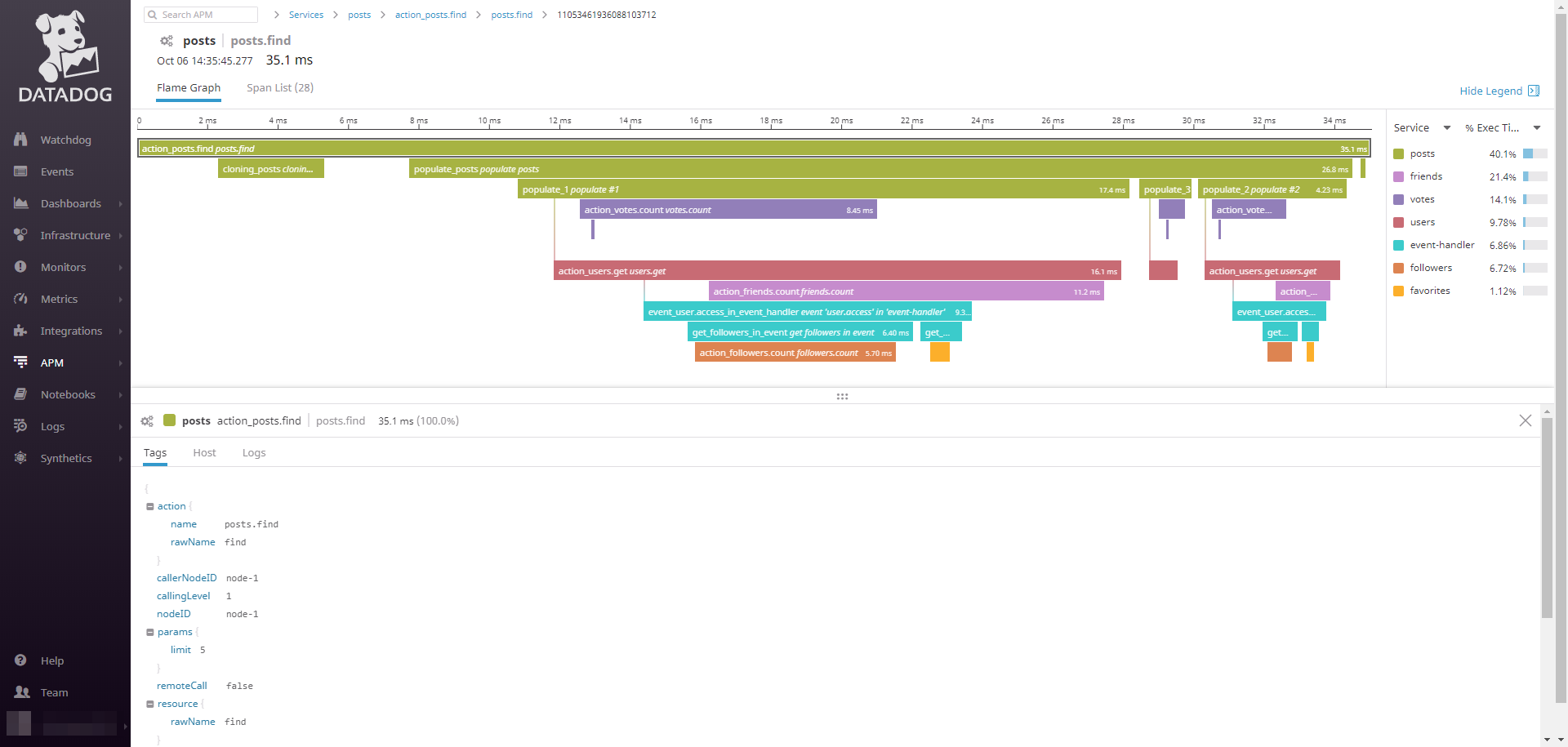
```js
// moleculer.config.js
module.exports = {
tracing: {
enabled: true,
exporter: {
type: "Datadog",
options: {
// Datadog Agent URL
agentUrl: process.env.DD_AGENT_URL || "http://localhost:8126",
// Environment variable
env: process.env.DD_ENVIRONMENT || null,
// Sampling priority. More info: https://docs.datadoghq.com/tracing/guide/trace_sampling_and_storage/?tab=java#sampling-rules
samplingPriority: "AUTO_KEEP",
// Default tags. They will be added into all span tags.
defaultTags: null,
// Custom Datadog Tracer options. More info: https://datadog.github.io/dd-trace-js/#tracer-settings
tracerOptions: null,
}
}
}
};
```
> **Note**
> To use this exporter, install the `dd-trace` module with `npm install dd-trace --save` command.
### Event
Event exporter sends Moleculer events (`$tracing.spans`) with tracing data.
```js
// moleculer.config.js
module.exports = {
tracing: {
enabled: true,
exporter: {
type: "Event",
options: {
// Name of event
eventName: "$tracing.spans",
// Send event when a span started
sendStartSpan: false,
// Send event when a span finished
sendFinishSpan: true,
// Broadcast or emit event
broadcast: false,
// Event groups
groups: null,
// Sending time interval in seconds
interval: 5,
// Custom span object converter before sending
spanConverter: null,
// Default tags. They will be added into all span tags.
defaultTags: null
}
}
}
};
```
### Jaeger
Jaeger exporter sends tracing spans information to a [Jaeger](https://www.jaegertracing.io) server.
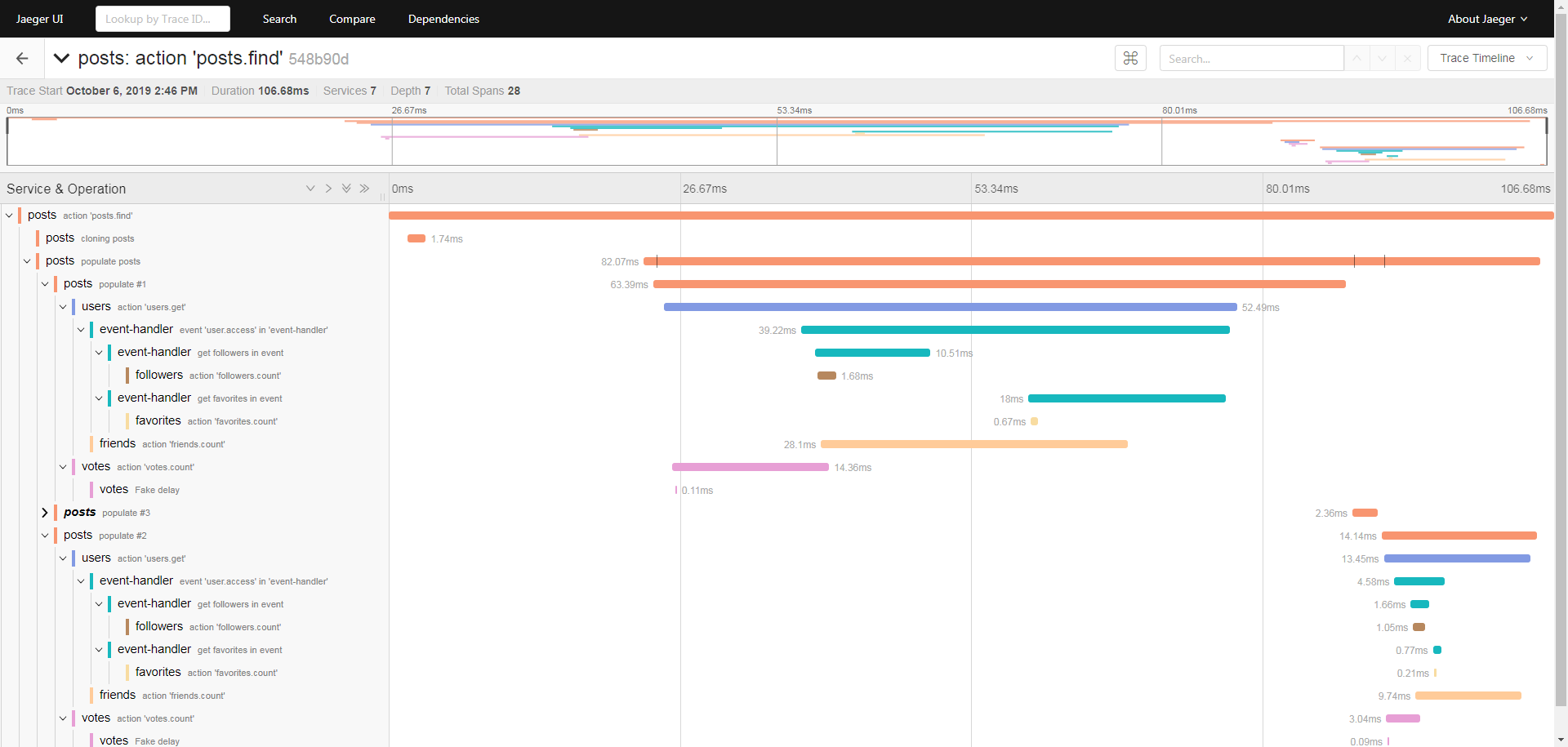
```js
// moleculer.config.js
module.exports = {
tracing: {
enabled: true,
exporter: {
type: "Jaeger",
options: {
// HTTP Reporter endpoint. If set, HTTP Reporter will be used.
endpoint: null,
// UDP Sender host option.
host: "127.0.0.1",
// UDP Sender port option.
port: 6832,
// Jaeger Sampler configuration.
sampler: {
// Sampler type. More info: https://www.jaegertracing.io/docs/1.14/sampling/#client-sampling-configuration
type: "Const",
// Sampler specific options.
options: {}
},
// Additional options for `Jaeger.Tracer`
tracerOptions: {},
// Default tags. They will be added into all span tags.
defaultTags: null
}
}
}
};
```
> **Note**
> To use this exporter, install the `jaeger-client` module with `npm install jaeger-client --save` command.
### Zipkin
Zipkin exporter sends tracing spans information to a [Zipkin](https://zipkin.io/) server.
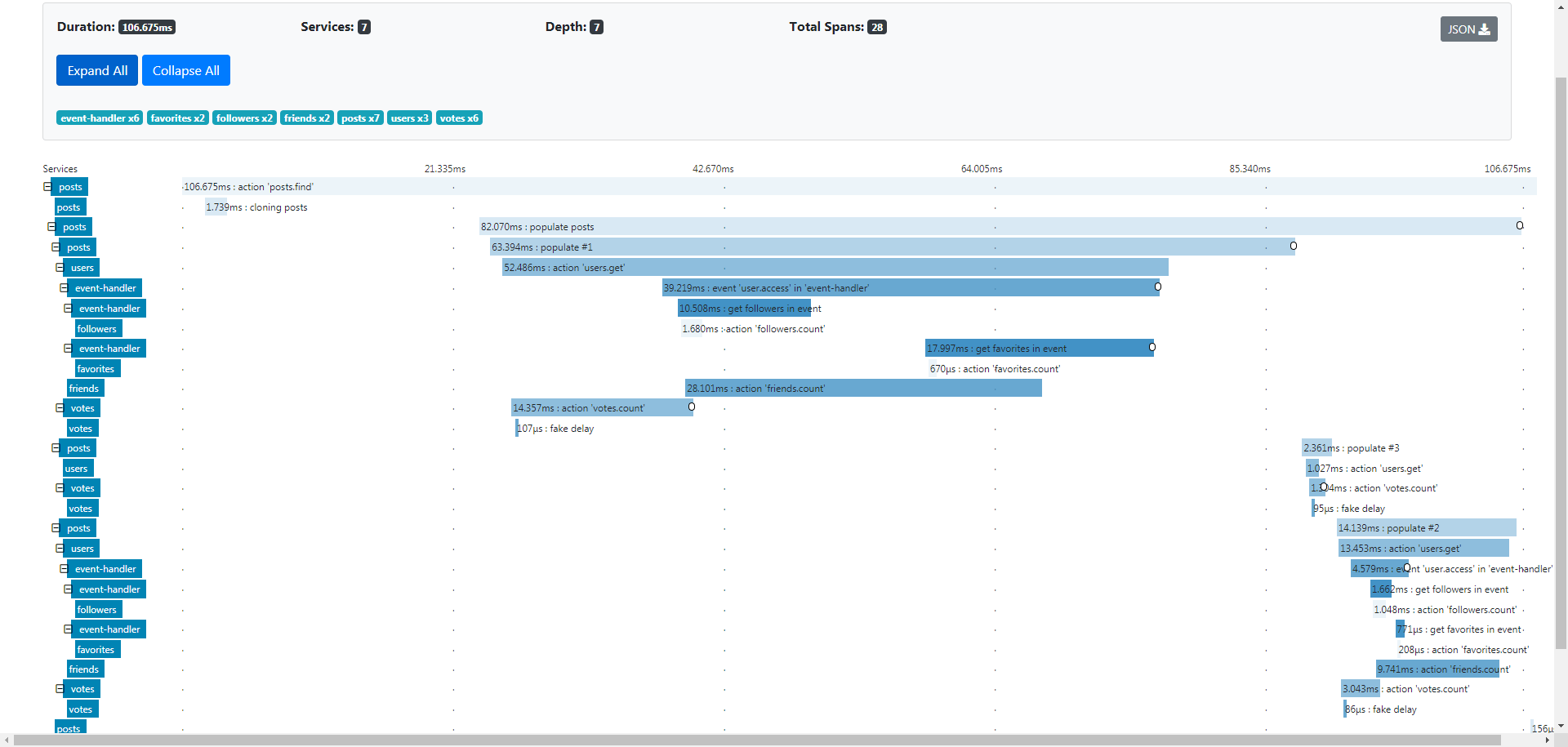
```js
// moleculer.config.js
module.exports = {
tracing: {
enabled: true,
exporter: {
type: "Zipkin",
options: {
// Base URL for Zipkin server.
baseURL: "http://localhost:9411",
// Sending time interval in seconds.
interval: 5,
// Additional payload options.
payloadOptions: {
// Set `debug` property in payload.
debug: false,
// Set `shared` property in payload.
shared: false
},
// Default tags. They will be added into all span tags.
defaultTags: null
}
}
}
};
```
### NewRelic
NewRelic exporter sends tracing spans information in Zipkin v2 format to a [NewRelic](https://newrelic.com/) server.
```js
// moleculer.config.js
module.exports = {
tracing: {
enabled: true,
events: true,
exporter: [
{
type: 'NewRelic',
options: {
// Base URL for NewRelic server
baseURL: 'https://trace-api.newrelic.com',
// NewRelic Insert Key
insertKey: 'my-secret-key',
// Sending time interval in seconds.
interval: 5,
// Additional payload options.
payloadOptions: {
// Set `debug` property in payload.
debug: false,
// Set `shared` property in payload.
shared: false,
},
// Default tags. They will be added into all span tags.
defaultTags: null,
},
},
],
},
};
```
### Custom Exporter
Custom tracing module can be created. We recommend to copy the source of [Console Exporter](https://github.com/moleculerjs/moleculer/blob/master/src/tracing/exporters/console.js) and implement the `init`, `stop`, `spanStarted` and `spanFinished` methods.
**Create custom tracing**
```js
const TracerBase = require("moleculer").TracerExporters.Base;
class MyTracingExporters extends TracerBase {
init() { /*...*/ }
stop() { /*...*/ }
spanStarted() { /*...*/ }
spanFinished() { /*...*/ }
}
```
**Use custom tracing**
```js
// moleculer.config.js
const MyTracingExporters = require("./my-tracing-exporter");
module.exports = {
tracing: {
enabled: true,
exporter: [
new MyTracingExporters(),
]
}
};
```
## Multiple exporters
You can define multiple tracing exporters.
```js
// moleculer.config.js
module.exports = {
tracing: {
enabled: true,
exporter: [
"Console",
{
type: "Zipkin",
options: {
baseURL: "http://localhost:9411",
}
},
{
type: "Jaeger",
options: {
host: "127.0.0.1",
}
}
]
}
};
```
## User-defined tracing spans
To add new spans inside an action or event handler, just call the `ctx.startSpan` and `ctx.finishSpan` methods.
```js
// posts.service.js
module.exports = {
name: "posts",
actions: {
async find(ctx) {
const span1 = ctx.startSpan("get data from DB", {
tags: {
...ctx.params
}
});
const data = await this.getDataFromDB(ctx.params);
ctx.finishSpan(span1);
const span2 = ctx.startSpan("populating");
const res = await this.populate(data);
ctx.finishSpan(span2);
return res;
}
}
};
```
### Create span without context
If `Context` is not available, you can create spans via `broker.tracer`.
```js
// posts.service.js
module.exports = {
name: "posts",
async started() {
// Create a span to measure the initialization
const span = this.broker.tracer.startSpan("initializing db", {
tags: {
dbHost: this.settings.dbHost
}
});
await this.db.connect(this.settings.dbHost);
// Create a sub-span to measure the creating tables.
const span2 = span.startSpan("create tables");
await this.createDatabaseTables();
// Finish the sub-span.
span2.finish();
// Finish the main span.
span.finish();
}
};
```
## Connecting spans while using external communication module
It is possible to connect the spans even while communicating via external queue (e.g., [moleculer-channels](https://github.com/moleculerjs/moleculer-channels)). To do it you just need to pass the `parentID` and `requestID` to the handler and then use those IDs to start a custom span.
**Connecting spans**
```js
module.exports = {
name: "trace",
actions: {
async extractTraces(ctx) {
// Extract the parentID and the requestID from context
const { parentID, requestID: traceID } = ctx;
// Send parentID and traceID as payload via an external queue
await this.broker.sendToChannel("trace.setSpanID", {
// Send the IDs in the payload
parentID,
traceID,
});
},
},
// More info about channels here: https://github.com/moleculerjs/moleculer-channels
channels: {
"trace.setSpanID"(payload) {
// Init custom span with the original parentID and requestID
const span = this.broker.tracer.startSpan("my.span", payload);
// ... logic goes here
span.finish(); // Finish the custom span
},
},
};
```
## Customizing
### Custom Span Names
You can customize the span name of you traces. In this case, you must specify the `spanName` that must be a static `String` or a `Function`.
**Creating a custom name for a trace via Function**
```js
// posts.service.js
module.exports = {
name: "posts",
actions: {
get: {
tracing: {
spanName: ctx => `Get a post by ID: ${ctx.params.id}`
},
async handler(ctx) {
// ...
}
}
}
};
```
### Adding Tags from Context
You can customize what context `params` or `meta` values are added to span tags.
**Default**
The default behaviour is that add all properties from `ctx.params` only.
```js
// posts.service.js
module.exports = {
name: "posts",
actions: {
get: {
tracing: {
// Add all params without meta
tags: {
params: true,
meta: false,
}
},
async handler(ctx) {
// ...
}
}
}
};
```
**Custom params example**
```js
// posts.service.js
module.exports = {
name: "posts",
actions: {
get: {
tracing: {
tags: {
// Add `id` from `ctx.params`
params: ["id"],
// Add `loggedIn.username` value from `ctx.meta`
meta: ["loggedIn.username"],
// add tags from the action response.
response: ["id", "title"]
}
},
async handler(ctx) {
// ...
}
}
}
};
```
**Example with custom function**
You can define a custom `Function` to fill the span tags from the `Context`.
```js
// posts.service.js
module.exports = {
name: "posts",
actions: {
get: {
tracing: {
tags(ctx, response) {
return {
params: ctx.params,
meta: ctx.meta,
custom: {
a: 5
},
response
};
}
},
async handler(ctx) {
// ...
}
}
}
};
```
> **Note**
> Please note, when used with an action the function will be called two times in case of successful execution. First with `ctx` and the second time with `ctx` & `response` as the response of the action call.
## Global action and event tags
Custom action and event span tags can be defined using the `tags` property in the tracer [options](#Options). These will be applied to all action and event spans unless overridden in the service schema's action and event definitions. All custom tag types defined [above](#Customizing) are valid. Any tags defined in the service schema's action and event definitions will take precendence but the merge of `params`, `meta`, and `response` tag definitions are shallow, meaning that it is possible to do things like define `meta` tags globally and `response` tags locally in each service.
```js
// moleculer.config.js
module.exports = {
tracing: {
enabled: true,
tags: {
action: {
// Never add params
params: false,
// Add `loggedIn.username` value from `ctx.meta`
meta: ["loggedIn.username"],
// Always add the response
response: true,
},
event(ctx) {
return {
params: ctx.params,
meta: ctx.meta,
// add the caller
caller: ctx.caller,
custom: {
a: 5
},
};
},
}
}
};
```
> **Note**
> Custom tags defined using the `tags` property have access to `ctx` and if used with an action the `response`. The tags defined in `defaultTags` must either be a static object or a function that accepts the `tracer` instance and returns an object. It also has access to the `broker` instance via the `tracer` instance but does not have access to `ctx`.
**Example of Event tracing**
You can tracing the events, as well. To enable it, set `events: true` in tracing broker options.
```js
// moleculer.config.js
module.exports = {
tracing: {
enabled: true,
events: true
}
};
```
## safetyTags and Maximum call stack error
In general, sending non-serializable parameters (e.g. http request, socket instance, stream instance, etc.) in `ctx.params` or `ctx.meta` is not recommended. If tracing is enabled, the tracer exporter will try to recursively flatten these params (with [`flattenTags` method](https://github.com/moleculerjs/moleculer/blob/c48d5a05a4f4a1656075faaabc64085ccccf7ef9/src/tracing/exporters/base.js#L87-L101)) which will cause the `Maximum call stack error`.
To avoid this issue, you can use the `safetyTags` option in exporter options. If set to `true`, the exporters remove the cyclic properties before flattening the tags in the spans. This option is available in all built-in exporters.
> **Performance impact**
> Please note, this option has a **significant** [impact in performance](https://github.com/moleculerjs/moleculer/issues/908#issuecomment-817806332). For this reason it's not enabled by default.
**Enabling globally the safetyTags**
```js
// moleculer.config.js
module.exports = {
tracing: {
exporter: [{
type: "Zipkin",
options: {
safetyTags: true,
baseURL: "http://127.0.0.1:9411"
}
}]
}
};
```
To avoid affecting all actions, you can enable this function at action-level. In this case, the remaining actions will be unaffected.
**Enabling safetyTags at action-level**
```js
broker.createService({
name: "greeter",
actions: {
hello: {
tracing: {
safetyTags: true
},
handler(ctx) {
return `Hello!`;
}
}
}
});
```
---
# Errors
Source: https://moleculer.services/docs/0.15/errors.html
Moleculer has some built-in `Error` to raise an error in services.
## Base error classes
### `MoleculerError`
The base error class.
**Parameters**
| Name | Type | Default | Description |
| ---- | ---- | ------- | ----------- |
| `message` | `String` | | Error message |
| `code` | `Number` | `500` | Error code |
| `type` | `String` | | Error type |
| `data` | `any` | | Any relevant data |
**Example**
```js
const { MoleculerError } = require("moleculer").Errors;
throw new MoleculerError("Something happened", 501, "ERR_SOMETHING", { a: 5, nodeID: "node-666" });
```
### `MoleculerRetryableError`
Error for retryable errors. It uses in `broker.call`. The broker retries requests if they rejected a `MoleculerRetryableError`.
**Parameters**
| Name | Type | Default | Description |
| ---- | ---- | ------- | ----------- |
| `message` | `String` | | Error message |
| `code` | `Number` | `500` | Error code |
| `type` | `String` | | Error type |
| `data` | `any` | | Any relevant data |
**Example**
```js
const { MoleculerRetryableError } = require("moleculer").Errors;
throw new MoleculerRetryableError("Some retryable thing happened", 501, "ERR_SOMETHING", { a: 5, nodeID: "node-666" });
```
### `MoleculerServerError`
Error for retryable server errors. Parameters are same as `MoleculerRetryableError`.
### `MoleculerClientError`
Error for client error which is **not** retryable. Parameters are same as `MoleculerError`.
## Internal error classes
### `ServiceNotFoundError`
Throw it if you `call` a not registered service action.
Error code: **404**
Retryable: **true**
Type: `SERVICE_NOT_FOUND`
### `ServiceNotAvailableError`
Throw it if you `call` a currently unavailable service action. E.g. node disconnected which contains this service or circuit breaker is opened.
Error code: **404**
Retryable: **true**
Type: `SERVICE_NOT_AVAILABLE`
### `RequestTimeoutError`
Throw it if your request is timed out.
Error code: **504**
Retryable: **true**
Type: `REQUEST_TIMEOUT`
### `RequestSkippedError`
Throw it if your nested call is skipped because the execution is timed out due to distributed timeout.
Error code: **514**
Retryable: **false**
Type: `REQUEST_SKIPPED`
### `RequestRejectedError`
Throw it if the called node is disconnected during requesting.
Error code: **503**
Retryable: **true**
Type: `REQUEST_REJECTED`
### `QueueIsFullError`
Throw it if there are too many active requests.
Error code: **429**
Retryable: **true**
Type: `QUEUE_FULL`
### `ValidationError`
Validator throws it if the calling parameters are not valid.
Error code: **422**
Retryable: **false**
Type: `VALIDATION_ERROR` _(default)_
### `MaxCallLevelError`
Throw it if your nested calls reached the `maxCallLevel` value (to avoid infinite calling loops).
Error code: **500**
Retryable: **false**
Type: `MAX_CALL_LEVEL`
### `ServiceSchemaError`
Throw it if your service schema is not valid.
Error code: **500**
Retryable: **false**
Type: `SERVICE_SCHEMA_ERROR`
### `BrokerOptionsError`
Throw it if your broker options are not valid.
Error code: **500**
Retryable: **false**
Type: `BROKER_OPTIONS_ERROR`
### `GracefulStopTimeoutError`
Throw it if shutdown is timed out.
Error code: **500**
Retryable: **false**
Type: `GRACEFUL_STOP_TIMEOUT`
### `ProtocolVersionMismatchError`
Throw it if an old nodeID connected with older protocol version.
Error code: **500**
Retryable: **false**
Type: `PROTOCOL_VERSION_MISMATCH`
### `InvalidPacketDataError`
Throw it if transporter receives unknown data.
Error code: **500**
Retryable: **false**
Type: `INVALID_PACKET_DATA`
## Create custom errors
The following example shows how to create a custom `Error` class which is inherited from `MoleculerError`.
```js
const { MoleculerError } = require("moleculer").Errors;
class MyBusinessError extends MoleculerError {
constructor(msg, data) {
super(msg || `This is my business error.`, 500, "MY_BUSINESS_ERROR", data);
}
}
```
## Preserve custom error classes while transferring between remote nodes
For this purpose provide your own `Regenerator`. We recommend looking at the source code of [Errors.Regenerator](https://github.com/moleculerjs/moleculer/blob/master/src/errors.js) and implementing `restore`, `extractPlainError` or `restoreCustomError` methods.
### Public interface of Regenerator
| Method | Return | Description |
| ------- | ----- | ------- |
| `restore(plainError, payload)` | `Error` | Restores an `Error` object |
| `extractPlainError(err)` | `Object` | Extracts a plain error object from `Error` object |
| `restoreCustomError(plainError, payload)` | `Error` or `undefined` | Hook to restore a custom error in a child class. Prefer to use this method instead of the `restore` method. |
#### Create custom regenerator
```js
const { Regenerator, MoleculerError } = require("moleculer").Errors;
const { ServiceBroker } = require("moleculer");
class TimestampedError extends MoleculerError {
constructor(message, code, type, data, timestamp) {
super(message, code, type, data);
this.timestamp = timestamp;
}
}
class CustomRegenerator extends Regenerator {
restoreCustomError(plainError, payload) {
const { name, message, code, type, data, timestamp } = plainError;
switch (name) {
case "TimestampedError":
return new TimestampedError(message, code, type, data, timestamp);
}
}
extractPlainError(err) {
return {
...super.extractPlainError(err),
timestamp: err.timestamp
};
}
}
module.exports = CustomRegenerator;
```
#### Use custom regenerator
```js
// moleculer.config.js
const CustomRegenerator = require("./custom-regenerator");
module.exports = {
errorRegenerator: new CustomRegenerator()
}
```
---
# Moleculer Runner
Source: https://moleculer.services/docs/0.15/runner.html
Moleculer Runner is a helper script that helps you run Moleculer projects. With it, you don't need to create a ServiceBroker instance with options. Instead, you can create a `moleculer.config.js` file in the root of repo with broker options. Then simply call the `moleculer-runner` in NPM script, and it will automatically load the configuration file, create the broker and load the services. Alternatively, you can declare your configuration as environment variables.
> **Production-ready**
> Use the `moleculer.config.js` during development or store common options. In production, you can overwrite the values with the environment variables!
## Syntax
```
$ moleculer-runner [options] [service files or directories or glob masks]
```
> Note: It runs in this format in NPM scripts only. To call it directly from your console, use the `./node_modules/.bin/moleculer-runner --repl` or `node ./node_modules/moleculer/bin/moleculer-runner.js --repl` format.
## Options
| Option | Type | Default | Description |
| ------ | ----- | ------- | ---------- |
| `-r`, `--repl` | `Boolean` | `false` | If true, it switches to [REPL](https://moleculer.services/docs/0.15/moleculer-repl.html) mode after broker started. |
| `-s`, `--silent` | `Boolean` | `false` | Disable the broker logger. It prints nothing to the console. |
| `-H`, `--hot` | `Boolean` | `false` | Hot reload services when they change. |
| `-c`, `--config ` | `String` | `null` | Load configuration file from a different path or a different filename. |
| `-e`, `--env` | `Boolean` | `false` | Load environment variables from the '.env' file from the current folder. |
| `-E`, `--envfile ` | `String` | `null` | Load environment variables from the specified file. |
| `-i`, `--instances` | `Number` | `null` | Launch [number] node instances or `max` for all cpu cores (with `cluster` module) |
| `-m`, `--mask ` | `String` | `**/*.service.js` | File mask (glob) used when loading services from folders. E.g. `--mask **/*.service.ts` |
**Example NPM scripts**
```js
{
"scripts": {
"dev": "moleculer-runner --repl --hot --config moleculer.dev.config.js services",
"start": "moleculer-runner --instances=max services"
}
}
```
The `dev` script loads development configurations from the `moleculer.dev.config.js` file, start all services from the `services` folder, enable hot-reloading and switches to REPL mode. Run it with the `npm run dev` command.
The `start` script is to load the default `moleculer.config.js` file if it exists, otherwise only loads options from environment variables. Starts one broker instance per CPU core, and each of them loads all services from the `services` folder. Run it with `npm start` command.
## Configuration loading logic
The runner does the following steps to load & merge configurations:
1. Load the config file defined in `MOLECULER_CONFIG` environment variable. If it does not exist, it throws an error.
2. It loads config file defined in CLI options. If it does not exist, it throws an error. Note that `MOLECULER_CONFIG` has priority over CLI meaning that if both are defined `MOLECULER_CONFIG` is the one that's going to be used.
3. If not defined, it loads the `moleculer.config.js` file from the current directory. If it does not exist, it loads the `moleculer.config.json` file. (The ESM runner looks for `moleculer.config.mjs` first, then `moleculer.config.js` and `moleculer.config.json`.)
4. Once a config file has been loaded, it merges options with the default options of the ServiceBroker.
5. The runner observes the options step by step and tries to overwrite them from environment variables. Once `logLevel: "warn"` is set in the config file, but the `LOGLEVEL=debug` environment variable is defined, the runner overwrites it, and it results: `logLevel: "debug"`.
> To overwrite broker's deeply nested default options, which are not present in `moleculer.config.js`, via environment variables, use the `MOL_` prefix and double underscore `__` for nested properties in `.env` file. For example, to set the [cacher prefix](https://moleculer.services/docs/0.15/caching.html#Built-in-cachers) to `MOL` you should declare as `MOL_CACHER__OPTIONS__PREFIX=MOL`.
### Configuration file
The structure of the configuration file is the same as that of the [broker options](https://moleculer.services/docs/0.15/configuration.html#Broker-options). Every property has the same name.
**Example config file**
```js
// moleculer.config.js
module.exports = {
nodeID: "node-test",
logger: true,
logLevel: "debug",
transporter: "nats://localhost:4222",
requestTimeout: 5 * 1000,
circuitBreaker: {
enabled: true
},
metrics: true
};
```
### Asynchronous Configuration file
Moleculer Runner also supports asynchronous configuration files. In this case `moleculer.config.js` must export a `Function` that returns a `Promise` (or you can use `async/await`).
```js
// moleculer.config.js
const fetch = require("node-fetch");
module.exports = async function() {
const res = await fetch("https://pastebin.com/raw/SLZRqfHX");
return await res.json();
};
```
> This function runs with the `MoleculerRunner` instance as the `this` context. Useful if you need to access the flags passed to the runner. Check the [MoleculerRunner](https://github.com/moleculerjs/moleculer/blob/master/src/runner.js) source more details.
### ESM and TypeScript
Besides the default CommonJS `moleculer-runner`, the package ships an ESM runner binary, `moleculer-runner-esm` (`bin/moleculer-runner.mjs`). It loads ESM configuration files and ESM services with `import()` (CommonJS services can be loaded, as well). The CLI options are the same, but **hot-reload does not work for ESM modules** because the hot-reload middleware relies on the CommonJS `require` cache.
```bash
$ moleculer-runner-esm --repl services/**/*.service.mjs
```
**Supported configuration file extensions**
| Runner | Default config lookup order | Extensions accepted via `--config` / `MOLECULER_CONFIG` |
| ------ | --------------------------- | ------------------------------------------------------- |
| `moleculer-runner` | `moleculer.config.js`, `moleculer.config.json` | `.js`, `.cjs`, `.json`, `.ts` |
| `moleculer-runner-esm` | `moleculer.config.mjs`, `moleculer.config.js`, `moleculer.config.json` | `.js`, `.mjs`, `.json`, `.ts`, `.mts` |
The runner does not transpile TypeScript itself. A `.ts` (or `.mts`) config file, or `.ts` services, are simply passed to `require()` / `import()`, so a TypeScript loader such as [tsx](https://tsx.is/) or `ts-node` must be registered before the runner starts. Use the `--mask` option to load `.ts` service files from folders.
```bash
# with tsx
$ tsx ./node_modules/moleculer/bin/moleculer-runner.js --config moleculer.config.ts --hot --repl services/**/*.service.ts
# with ts-node
$ node -r ts-node/register ./node_modules/moleculer/bin/moleculer-runner.js --config moleculer.config.ts --mask **/*.service.ts services
```
### Environment variables
The runner transforms the property names to uppercase. If nested, the runner concatenates names with `_`.
**Example environment variables**
```bash
NODEID=node-test
LOGGER=true
LOGLEVEL=debug
# Shorthand transporter
TRANSPORTER=nats://localhost:4222
REQUESTTIMEOUT=5000
# Nested property
CIRCUITBREAKER_ENABLED=true
METRICS=true
```
## Services loading logic
The runner loads service files or folders defined in CLI arguments. If you define folder(s), the runner loads all services `**/*.service.js` from specified one(s) (including sub-folders too). Services & service folder can be loaded with `SERVICES` and `SERVICEDIR` environment variables.
**Loading steps:**
1. If `SERVICEDIR` env found, but no `SERVICES` env, it loads all services from the `SERVICEDIR` directory.
2. If `SERVICEDIR` & `SERVICES` env found, it loads the specified services from the `SERVICEDIR` directory.
3. If no `SERVICEDIR`, but `SERVICES` env found, it loads the specified services from the current directory.
4. Check the CLI arguments. If filename found, it loads them. If directory found, it loads them. If glob pattern found, it applies and load the found files.
>Please note: shorthand names can also be used in `SERVICES` env var.
**Example**
```
SERVICEDIR=services
SERVICES=math,post,user
```
It loads the `math.service.js`, `post.service.js` and `user.service.js` files from the `services` folder.
```
SERVICEDIR=my-services
```
It loads all `*.service.js` files from the `my-services` folder (including sub-folders too).
### Glob patterns
If you want to be more specific, use glob patterns. It is useful when loading all services except certain ones.
```bash
$ moleculer-runner services !services/others/**/*.service.js services/others/mandatory/main.service.js
```
**Explanations:**
- `services` - legacy mode. Load all services from the `services` folder with `**/*.service.js` file mask.
- `!services/others/**/*.service.js` - skip all services in the `services/others` folder and sub-folders.
- `services/others/mandatory/main.service.js` - load the exact service.
> The glob patterns work in the `SERVICES` environment variables, as well.
## Built-in clustering
Moleculer Runner has a built-in clustering function to start multiple instances from your broker.
Example to start all services from the `services` folder in 4 instances.
```bash
$ moleculer-runner --instances 4 services
```
> **Clustered Node ID**
> The `nodeID` will be suffixed with the worker ID. E.g. if you define `my-node` nodeID in options, and starts 4 instances, the instance nodeIDs will be `my-node-1`, `my-node-2`, `my-node-3`, `my-node-4`.
## .env files
Moleculer runner can load `.env` file at starting. There are two new cli options to load env file:
* `-e, --env` - Load environment variables from the '.env' file from the current folder.
* `-E, --envfile ` - Load environment variables from the specified file.
**Example**
```sh
# Load the default .env file from current directory
$ moleculer-runner --env
# Load the specified .my-env file
$ moleculer-runner --envfile .my-env
```
> **Dependencies**
> To use this feature, install the `dotenv` module with `npm install dotenv --save` command.
---
# API Gateway
Source: https://moleculer.services/docs/0.15/moleculer-web.html
## moleculer-web [](https://www.npmjs.com/package/moleculer-web)
The [moleculer-web](https://github.com/moleculerjs/moleculer-web) is the official API gateway service for Moleculer framework — the HTTP layer / edge service that turns incoming HTTP requests into service calls. Use it to publish your services as RESTful APIs.
## Features
* support HTTP & HTTPS
* serve static files
* multiple routes
* support Connect-like middlewares in global-level, route-level and alias-level.
* alias names (with named parameters & REST routes)
* whitelist
* multiple body parsers (json, urlencoded)
* CORS headers
* Rate limiter
* before & after call hooks
* Buffer & Stream handling
* middleware mode (use as a middleware with Express)
> **Try it in your browser!**
> [](https://codesandbox.io/s/github/moleculerjs/sandbox-moleculer-api-routing/tree/master/?fontsize=14)
## Install
```bash
npm i moleculer-web
```
## Usage
### Run with default settings
This example uses API Gateway service with default settings.
You can access all services (including internal `$node.`) via `http://localhost:3000/`
```js
const { ServiceBroker } = require("moleculer");
const ApiService = require("moleculer-web");
const broker = new ServiceBroker();
// Load API Gateway
broker.createService(ApiService);
// Start server
broker.start();
```
**Example URLs:**
- Call `test.hello` action: `http://localhost:3000/test/hello`
- Call `math.add` action with params: `http://localhost:3000/math/add?a=25&b=13`
- Get health info of node: `http://localhost:3000/~node/health`
- List all actions: `http://localhost:3000/~node/actions`
## Whitelist
If you don't want to publish all actions, you can filter them with whitelist option.
Use match strings or regexp in list. _To enable all actions, use `"**"` item._
```js
broker.createService({
mixins: [ApiService],
settings: {
routes: [{
path: "/api",
whitelist: [
// Access any actions in 'posts' service
"posts.*",
// Access call only the `users.list` action
"users.list",
// Access any actions in 'math' service
/^math\.\w+$/
]
}]
}
});
```
## Aliases
You can use alias names instead of action names. You can also specify the method. Otherwise it will handle every method types.
Using named parameters in aliases is possible. Named parameters are defined by prefixing a colon to the parameter name (`:name`).
```js
broker.createService({
mixins: [ApiService],
settings: {
routes: [{
aliases: {
// Call `auth.login` action with `GET /login` or `POST /login`
"login": "auth.login",
// Restrict the request method
"POST users": "users.create",
// The `name` comes from named param.
// You can access it with `ctx.params.name` in action
"GET greeter/:name": "test.greeter",
}
}]
}
});
```
> **Note**
> The named parameter is handled with [path-to-regexp](https://github.com/pillarjs/path-to-regexp) module. Therefore you can use [optional](https://github.com/pillarjs/path-to-regexp#optional) and [repeated](https://github.com/pillarjs/path-to-regexp#zero-or-more) parameters, as well.
> **Aliases Action**
> The API gateway implements `listAliases` [action](https://moleculer.services/docs/0.15/actions.html) that lists the HTTP endpoints to actions mappings.
You can also create RESTful APIs.
```js
broker.createService({
mixins: [ApiService],
settings: {
routes: [{
aliases: {
"GET users": "users.list",
"GET users/:id": "users.get",
"POST users": "users.create",
"PUT users/:id": "users.update",
"DELETE users/:id": "users.remove"
}
}]
}
});
```
For REST routes you can also use this simple shorthand alias:
```js
broker.createService({
mixins: [ApiService],
settings: {
routes: [{
aliases: {
"REST users": "users"
}
}]
}
});
```
> **Warning**
> To use this shorthand alias, create a service which has `list`, `get`, `create`, `update` and `remove` actions.
You can make use of custom functions within the declaration of aliases. In this case, the handler's signature is `function (req, res) {...}`.
> **Note**
> Please note that Moleculer uses native Node.js [HTTP server](https://nodejs.org/api/http.html)
```js
broker.createService({
mixins: [ApiService],
settings: {
routes: [{
aliases: {
"POST upload"(req, res) {
this.parseUploadedFile(req, res);
},
"GET custom"(req, res) {
res.end('hello from custom handler')
}
}
}]
}
});
```
> **Note**
> There are some internal pointer in `req` & `res` objects:
> * `req.$ctx` are pointed to request context.
> * `req.$service` & `res.$service` are pointed to this service instance.
> * `req.$route` & `res.$route` are pointed to the resolved route definition.
> * `req.$params` is pointed to the resolved parameters (from query string & post body)
> * `req.$alias` is pointed to the resolved alias definition.
> * `req.$action` is pointed to the resolved action.
> * `req.$endpoint` is pointed to the resolved action endpoint.
> * `req.$next` is pointed to the `next()` handler if the request comes from ExpressJS.
>
> E.g.: To access the broker, use `req.$service.broker`.
### Mapping policy
The `route` has a `mappingPolicy` property to handle routes without aliases.
**Available options:**
- `all` - enable to request all routes with or without aliases. This is the default when the route has no `aliases` and no `autoAliases`.
- `restrict` - enable to request only the routes with aliases. This is the default when the route defines `aliases` or has `autoAliases: true`.
> **Note**
> This is why a direct action URL like `/api/math/add` starts returning `404` as soon as you add an alias (or enable `autoAliases`) to the route: the default policy switches to `restrict`. Set `mappingPolicy: "all"` explicitly if you want to keep both.
```js
broker.createService({
mixins: [ApiService],
settings: {
routes: [{
mappingPolicy: "restrict",
aliases: {
"POST add": "math.add"
}
}]
}
});
```
You can't request the `/math.add` or `/math/add` URLs, only `POST /add`.
### File upload aliases
API Gateway has implemented file uploads. You can upload files as a multipart form data (thanks to [busboy](https://github.com/mscdex/busboy) library) or as a raw request body. In both cases, the file is transferred to an action as a `Stream`. In multipart form data mode you can upload multiple files, as well.
**Example**
```js
const ApiGateway = require("moleculer-web");
module.exports = {
mixins: [ApiGateway],
settings: {
path: "/upload",
routes: [
{
path: "",
aliases: {
// File upload from HTML multipart form
"POST /": "multipart:file.save",
// File upload from AJAX or cURL
"PUT /:id": "stream:file.save",
// File upload from HTML form and overwrite busboy config
"POST /multi": {
type: "multipart",
// Action level busboy config
busboyConfig: {
limits: { files: 3 }
},
action: "file.save"
}
},
// Route level busboy config.
// More info: https://github.com/mscdex/busboy#busboy-methods
busboyConfig: {
limits: { files: 1 }
// Can be defined limit event handlers
// `onPartsLimit`, `onFilesLimit` or `onFieldsLimit`
},
mappingPolicy: "restrict"
}
]
}
});
```
**Multipart parameters**
In order to access the files passed by multipart-form these specific fields can be used inside the action:
- `ctx.params` is the Readable stream containing the file passed to the endpoint
- `ctx.meta.$params` parameters from URL querystring
- `ctx.meta.$multipart` contains the additional text form-data fields _must be sent before other files fields_.
### Auto-alias
The auto-alias feature allows you to declare your route alias directly in your services. The gateway will dynamically build the full routes from service schema.
> **Note**
> Gateway will regenerate the routes every time a service joins or leaves the network.
Use `whitelist` parameter to specify services that the Gateway should track and build the routes.
**Example**
```js
// api.service.js
module.exports = {
mixins: [ApiGateway],
settings: {
routes: [
{
path: "/api",
whitelist: [
"v2.posts.*",
"test.*"
],
aliases: {
"GET /hi": "test.hello"
},
autoAliases: true
}
]
}
};
```
```js
// posts.service.js
module.exports = {
name: "posts",
version: 2,
settings: {
// Base path
// rest: "posts/" // If you want to change the base
// path with /api/posts instead
// of /api/v2/posts, you can uncomment this line.
},
actions: {
list: {
// Expose as "/api/v2/posts/"
rest: "GET /",
handler(ctx) {}
},
get: {
// Expose as "/api/v2/posts/:id"
rest: "GET /:id",
handler(ctx) {}
},
create: {
rest: "POST /",
handler(ctx) {}
},
update: {
rest: "PUT /:id",
handler(ctx) {}
},
remove: {
rest: "DELETE /:id",
handler(ctx) {}
}
}
};
```
**The generated aliases**
```bash
GET /api/hi => test.hello
GET /api/v2/posts => v2.posts.list
GET /api/v2/posts/:id => v2.posts.get
POST /api/v2/posts => v2.posts.create
PUT /api/v2/posts/:id => v2.posts.update
DELETE /api/v2/posts/:id => v2.posts.remove
```
**Service level rest parameters**
- **fullPath**, override all the path generated with a new custom one
- **basePath**, path to the service, by default is the one declared in ``settings.rest``
- **path**, path to the action
- **method**, method used to access the action
path is appended after the basePath
The combination path+basePath it's not the same as using fullPath. For example:
```js
// posts.service.js
module.exports = {
name: "posts",
version: 2,
settings: {
// Base path
rest: "posts/"
},
actions: {
tags: {
// Expose as "/tags" instead of "/api/v2/posts/tags"
rest: [{
method: "GET",
fullPath: "/tags"
}, {
method: "GET",
basePath: "/my/awesome"
}],
handler(ctx) {}
}
}
};
```
Will create those endpoints:
```bash
GET /tags
GET /api/my/awesome/tags
```
fullPath ignores that prefix applied in the API gateway!
The *rest* param can be also be an array with elements with same structure discussed before. The can be applied both on settings and action level.
For example:
```js
// posts.service.js
module.exports = {
name: "posts",
settings: {
rest: 'my/awesome/posts'
},
actions: {
get: {
rest: [
"GET /:id",
{ method: 'GET', fullPath: '/posts' },
{ method: 'GET', path: '/' },
{ method: 'GET', path: '/:id', basePath: 'demo_posts' }
],
handler(ctx) {}
},
}
};
```
Produce those endpoints
```bash
GET /api/my/awesome/posts/:id => posts.get
GET /posts => posts.get
GET /api/my/awesome/posts/ => posts.get
GET /api/demo_posts/:id => posts.get
```
## Parameters
API gateway collects parameters from URL querystring, request params & request body and merges them. The results is placed to the `req.$params`.
### Disable merging
To disable parameter merging set `mergeParams: false` in route settings. In this case the parameters is separated.
**Example**
```js
broker.createService({
mixins: [ApiService],
settings: {
routes: [{
path: "/",
mergeParams: false
}]
}
});
```
**Un-merged `req.$params`:**
```js
{
// Querystring params
query: {
category: "general",
}
// Request body content
body: {
title: "Hello",
content: "...",
createdAt: 1530796920203
},
// Request params
params: {
id: 5
}
}
```
### Query string parameters
More information: https://github.com/ljharb/qs
**Array parameters**
URL: `GET /api/opt-test?a=1&a=2`
```js
a: ["1", "2"]
```
**Nested objects & arrays**
URL: `GET /api/opt-test?foo[bar]=a&foo[bar]=b&foo[baz]=c`
```js
foo: {
bar: ["a", "b"],
baz: "c"
}
```
## Middlewares
It supports Connect-like middlewares in global-level, route-level & alias-level. Signature: `function(req, res, next) {...}`. For more info check [express middleware](https://expressjs.com/en/guide/using-middleware.html)
**Examples**
```js
broker.createService({
mixins: [ApiService],
settings: {
// Global middlewares. Applied to all routes.
use: [
cookieParser(),
helmet()
],
routes: [
{
path: "/",
// Route-level middlewares.
use: [
compression(),
passport.initialize(),
passport.session(),
serveStatic(path.join(__dirname, "public"))
],
aliases: {
"GET /secret": [
// Alias-level middlewares.
auth.isAuthenticated(),
auth.hasRole("admin"),
"top.secret" // Call the `top.secret` action
]
}
}
]
}
});
```
Use [swagger-stats UI](https://swaggerstats.io/) for quick look on the "health" of your API (TypeScript)
```ts
import { Service, ServiceSchema } from "moleculer";
import ApiGatewayService from "moleculer-web";
const swStats = require("swagger-stats");
const swMiddleware = swStats.getMiddleware();
broker.createService({
mixins: [ApiGatewayService],
name: "gw-main",
settings: {
cors: {
methods: ["DELETE", "GET", "HEAD", "OPTIONS", "PATCH", "POST", "PUT"],
origin: "*",
},
routes: [
// ...
],
use: [swMiddleware],
},
async started(this: Service): Promise {
this.addRoute({
path: "/",
use: [swMiddleware],
});
},
} as ServiceSchema);
```
### Error-handler middleware
There is support to use error-handler middlewares in the API Gateway. So if you pass an `Error` to the `next(err)` function, it will call error handler middlewares which have signature as `(err, req, res, next)`.
```js
broker.createService({
mixins: [ApiService],
settings: {
// Global middlewares. Applied to all routes.
use: [
cookieParser(),
helmet()
],
routes: [
{
path: "/",
// Route-level middlewares.
use: [
compression(),
passport.initialize(),
passport.session(),
function(err, req, res, next) {
this.logger.error("Error is occured in middlewares!");
this.sendError(req, res, err);
}
],
```
## Serve static files
It serves assets with the [serve-static](https://github.com/expressjs/serve-static) module like ExpressJS.
```js
broker.createService({
mixins: [ApiService],
settings: {
assets: {
// Root folder of assets
folder: "./assets",
// Further options to `serve-static` module
options: {}
}
}
});
```
## Calling options
The `route` has a `callOptions` property which is passed to `broker.call`. So you can set `timeout`, `retries` or `fallbackResponse` options for routes. [Read more about calling options](https://moleculer.services/docs/0.15/actions.html#Call-services)
> **Note**
> Please note that you can also set the timeout for an action directly in its [definition](https://moleculer.services/docs/0.15/actions.html#Timeout)
```js
broker.createService({
mixins: [ApiService],
settings: {
routes: [{
callOptions: {
timeout: 500,
retries: 3,
fallbackResponse(ctx, err) { ... }
}
}]
}
});
```
## Multiple routes
You can create multiple routes with different prefix, whitelist, alias, calling options & authorization.
> **Note**
> When using multiple routes you should explicitly set the body parser(s) for each route.
```js
broker.createService({
mixins: [ApiService],
settings: {
routes: [
{
path: "/admin",
authorization: true,
whitelist: [
"$node.*",
"users.*",
],
bodyParsers: {
json: true
}
},
{
path: "/",
whitelist: [
"posts.*",
"math.*",
],
bodyParsers: {
json: true
}
}
]
}
});
```
## Response type & status code
When the response is received from an action handler, the API gateway detects the type of response and set the `Content-Type` in the `res` headers. The status code is `200` by default. Of course you can overwrite these values, moreover, you can define custom response headers, too.
To define response headers & status code use `ctx.meta` fields:
**Available meta fields:**
* `ctx.meta.$statusCode` - set `res.statusCode`.
* `ctx.meta.$statusMessage` - set `res.statusMessage`.
* `ctx.meta.$responseType` - set `Content-Type` in header.
* `ctx.meta.$responseHeaders` - set all keys in header.
* `ctx.meta.$location` - set `Location` key in header for redirects.
**Example**
```js
module.exports = {
name: "export",
actions: {
// Download response as a file in the browser
downloadCSV(ctx) {
ctx.meta.$responseType = "text/csv";
ctx.meta.$responseHeaders = {
"Content-Disposition": `attachment; filename="data-${ctx.params.id}.csv"`
};
return csvFileStream;
},
// Redirect the request
redirectSample(ctx) {
ctx.meta.$statusCode = 302;
ctx.meta.$location = "/login";
return;
}
}
}
```
## Authorization
You can implement authorization. Do 2 things to enable it.
1. Set `authorization: true` in your routes
2. Define the `authorize` method in service.
**Example authorization**
```js
const E = require("moleculer-web").Errors;
broker.createService({
mixins: [ApiService],
settings: {
routes: [{
// First thing
authorization: true
}]
},
methods: {
// Second thing
authorize(ctx, route, req, res) {
// Read the token from header
let auth = req.headers["authorization"];
if (auth && auth.startsWith("Bearer")) {
let token = auth.slice(7);
// Check the token
if (token == "123456") {
// Set the authorized user entity to `ctx.meta`
ctx.meta.user = { id: 1, name: "John Doe" };
return Promise.resolve(ctx);
} else {
// Invalid token
return Promise.reject(new E.UnAuthorizedError(E.ERR_INVALID_TOKEN));
}
} else {
// No token
return Promise.reject(new E.UnAuthorizedError(E.ERR_NO_TOKEN));
}
}
}
}
```
> **Note**
> You can find a more detailed role-based JWT authorization example in [full example](https://github.com/moleculerjs/moleculer-web/blob/master/examples/full/index.js#L239).
## Authentication
To enable the support for authentication, you need to do something similar to what is describe in the Authorization paragraph. Also in this case you have to:
1. Set `authentication: true` in your routes
2. Define your custom `authenticate` method in your service
The returned value will be set to the `ctx.meta.user` property. You can use it in your actions to get the logged in user entity.
**Example authentication**
```js
broker.createService({
mixins: ApiGatewayService,
settings: {
routes: [{
// Enable authentication
authentication: true
}]
},
methods: {
authenticate(ctx, route, req, res) {
let accessToken = req.query["access_token"];
if (accessToken) {
if (accessToken === "12345") {
// valid credentials. It will be set to `ctx.meta.user`
return Promise.resolve({ id: 1, username: "john.doe", name: "John Doe" });
} else {
// invalid credentials
return Promise.reject();
}
} else {
// anonymous user
return Promise.resolve(null);
}
}
}
});
```
## Route hooks
The `route` has before & after call hooks. You can use it to set `ctx.meta`, access `req.headers` or modify the response `data`.
```js
broker.createService({
mixins: [ApiService],
settings: {
routes: [
{
path: "/",
onBeforeCall(ctx, route, req, res) {
// Set request headers to context meta
ctx.meta.userAgent = req.headers["user-agent"];
},
onAfterCall(ctx, route, req, res, data) {
// Async function which return with Promise
return doSomething(ctx, res, data);
}
}
]
}
});
```
> The `onAfterCall` hook can manipulate the response `data`, but it must always return the new or the original `data`. If it returns `undefined`, the response body will be empty.
## Error handlers
You can add route-level & global-level custom error handlers.
> In handlers, you must call the `res.end`. Otherwise, the request is unhandled.
```js
broker.createService({
mixins: [ApiService],
settings: {
routes: [{
path: "/api",
// Route error handler
onError(req, res, err) {
res.setHeader("Content-Type", "application/json; charset=utf-8");
res.writeHead(500);
res.end(JSON.stringify(err));
}
}],
// Global error handler
onError(req, res, err) {
res.setHeader("Content-Type", "text/plain");
res.writeHead(501);
res.end("Global error: " + err.message);
}
}
}
```
### Error formatter
API gateway implements a helper function that formats the error. You can use it to filter out the unnecessary data.
```js
broker.createService({
mixins: [ApiService],
methods: {
reformatError(err) {
// Filter out the data from the error before sending it to the client
return _.pick(err, ["name", "message", "code", "type", "data"]);
},
}
}
```
## CORS headers
You can use [CORS](https://en.wikipedia.org/wiki/Cross-origin_resource_sharing) headers in Moleculer-Web service.
**Usage**
```js
const svc = broker.createService({
mixins: [ApiService],
settings: {
// Global CORS settings for all routes
cors: {
// Configures the Access-Control-Allow-Origin CORS header.
origin: "*",
// Configures the Access-Control-Allow-Methods CORS header.
methods: ["GET", "OPTIONS", "POST", "PUT", "DELETE"],
// Configures the Access-Control-Allow-Headers CORS header.
allowedHeaders: [],
// Configures the Access-Control-Expose-Headers CORS header.
exposedHeaders: [],
// Configures the Access-Control-Allow-Credentials CORS header.
credentials: false,
// Configures the Access-Control-Max-Age CORS header.
maxAge: 3600
},
routes: [{
path: "/api",
// Route CORS settings (overwrite global settings)
cors: {
origin: ["http://localhost:3000", "https://localhost:4000"],
methods: ["GET", "OPTIONS", "POST"],
credentials: true
},
}]
}
});
```
## Rate limiter
The Moleculer-Web has a built-in rate limiter with a memory store.
**Usage**
```js
const svc = broker.createService({
mixins: [ApiService],
settings: {
rateLimit: {
// How long to keep record of requests in memory (in milliseconds).
// Defaults to 60000 (1 min)
window: 60 * 1000,
// Max number of requests during window. Defaults to 30
limit: 30,
// Set rate limit headers to response. Defaults to false
headers: true,
// Function used to generate keys. Defaults to:
key: (req) => {
return req.headers["x-forwarded-for"] ||
req.connection.remoteAddress ||
req.socket.remoteAddress ||
req.connection.socket.remoteAddress;
},
//StoreFactory: CustomStore
}
}
});
```
### Custom Store example
```js
class CustomStore {
constructor(clearPeriod, opts) {
this.hits = new Map();
this.resetTime = Date.now() + clearPeriod;
setInterval(() => {
this.resetTime = Date.now() + clearPeriod;
this.reset();
}, clearPeriod);
}
/**
* Increment the counter by key
*
* @param {String} key
* @returns {Number}
*/
inc(key) {
let counter = this.hits.get(key) || 0;
counter++;
this.hits.set(key, counter);
return counter;
}
/**
* Reset all counters
*/
reset() {
this.hits.clear();
}
}
```
## ETag
The `etag` option value can be `false`, `true`, `weak`, `strong`, or a custom `Function`. For full details check the [code](https://github.com/moleculerjs/moleculer-web/pull/92).
```js
const ApiGateway = require("moleculer-web");
module.exports = {
mixins: [ApiGateway],
settings: {
// Service-level option
etag: false,
routes: [
{
path: "/",
// Route-level option.
etag: true
}
]
}
}
```
**Custom `etag` Function**
```js
module.exports = {
mixins: [ApiGateway],
settings: {
// Service-level option
etag: (body) => generateHash(body)
}
}
```
Please note, it doesn't work with stream responses. In this case, you should generate the `etag` by yourself.
**Custom `etag` for streaming**
```js
module.exports = {
name: "export",
actions: {
// Download response as a file in the browser
downloadCSV(ctx) {
ctx.meta.$responseType = "text/csv";
ctx.meta.$responseHeaders = {
"Content-Disposition": `attachment; filename="data-${ctx.params.id}.csv"`,
"ETag": ''
};
return csvFileStream;
}
}
}
```
## HTTP2 Server
API Gateway provides an experimental support for HTTP2. You can turn it on with `http2: true` in service settings.
**Example**
```js
const ApiGateway = require("moleculer-web");
module.exports = {
mixins: [ApiGateway],
settings: {
port: 8443,
// HTTPS server with certificate
https: {
key: fs.readFileSync("key.pem"),
cert: fs.readFileSync("cert.pem")
},
// Use HTTP2 server
http2: true
}
});
```
## ExpressJS middleware usage
You can use Moleculer-Web as a middleware in an [ExpressJS](http://expressjs.com/) application.
**Usage**
```js
const svc = broker.createService({
mixins: [ApiService],
settings: {
server: false // Default is "true"
}
});
// Create Express application
const app = express();
// Use ApiGateway as middleware
app.use("/api", svc.express());
// Listening
app.listen(3000);
// Start server
broker.start();
```
## Full service settings
List of all settings of Moleculer Web service:
```js
settings: {
// Exposed port
port: 3000,
// Exposed IP
ip: "0.0.0.0",
// HTTPS server with certificate
https: {
key: fs.readFileSync("ssl/key.pem"),
cert: fs.readFileSync("ssl/cert.pem")
},
// Used server instance. If null, it will create a new HTTP(s)(2) server
// If false, it will start without server in middleware mode
server: true,
// Exposed global path prefix
path: "/api",
// Global-level middlewares
use: [
compression(),
cookieParser()
],
// Logging request parameters with 'info' level
logRequestParams: "info",
// Logging response data with 'debug' level
logResponseData: "debug",
// Use HTTP2 server (experimental)
http2: false,
// Override HTTP server default timeout
httpServerTimeout: null,
// Optimize route & alias paths (deeper first).
optimizeOrder: true,
// Options passed on to qs
qsOptions: {},
// Routes
routes: [
{
// Path prefix to this route (full path: /api/admin )
path: "/admin",
// Whitelist of actions (array of string mask or regex)
whitelist: [
"users.get",
"$node.*"
],
// Call the `this.authorize` method before call the action
authorization: true,
// Merge parameters from querystring, request params & body
mergeParams: true,
// Route-level middlewares
use: [
helmet(),
passport.initialize()
],
// Action aliases
aliases: {
"POST users": "users.create",
"health": "$node.health"
},
mappingPolicy: "all",
// Use bodyparser module
bodyParsers: {
json: true,
urlencoded: { extended: true }
}
},
{
// Path prefix to this route (full path: /api )
path: "",
// Whitelist of actions (array of string mask or regex)
whitelist: [
"posts.*",
"file.*",
/^math\.\w+$/
],
// No authorization
authorization: false,
// Action aliases
aliases: {
"add": "math.add",
"GET sub": "math.sub",
"POST divide": "math.div",
"GET greeter/:name": "test.greeter",
"GET /": "test.hello",
"POST upload"(req, res) {
this.parseUploadedFile(req, res);
}
},
mappingPolicy: "restrict",
// Use bodyparser module
bodyParsers: {
json: false,
urlencoded: { extended: true }
},
// Calling options
callOptions: {
timeout: 3000,
retries: 3,
fallbackResponse: "Static fallback response"
},
// Call before `broker.call`
onBeforeCall(ctx, route, req, res) {
ctx.meta.userAgent = req.headers["user-agent"];
},
// Call after `broker.call` and before send back the response
onAfterCall(ctx, route, req, res, data) {
res.setHeader("X-Custom-Header", "123456");
return data;
},
// Route error handler
onError(req, res, err) {
res.setHeader("Content-Type", "text/plain");
res.writeHead(err.code || 500);
res.end("Route error: " + err.message);
}
}
],
// Folder to server assets (static files)
assets: {
// Root folder of assets
folder: "./examples/www/assets",
// Options to `server-static` module
options: {}
},
// Global error handler
onError(req, res, err) {
res.setHeader("Content-Type", "text/plain");
res.writeHead(err.code || 500);
res.end("Global error: " + err.message);
}
}
```
## Service Methods
### `addRoute`
This service [method](https://moleculer.services/docs/0.15/services.html#Methods) (`this.addRoute(opts, toBottom = true)`) add/replace a route. For example, you can call it from your mixins to define new routes (e.g. swagger route, graphql route, etc.).
> Please note that if a route already exists this method will replace previous route configuration with a new one.
### `removeRoute`
Service method removes the route by path (`this.removeRoute("/admin")`).
## Examples
- [Simple](https://github.com/moleculerjs/moleculer-web/blob/master/examples/simple/index.js)
- simple gateway with default settings.
- [SSL server](https://github.com/moleculerjs/moleculer-web/blob/master/examples/ssl/index.js)
- open HTTPS server
- whitelist handling
- [WWW with assets](https://github.com/moleculerjs/moleculer-web/blob/master/examples/www/index.js)
- serve static files from the `assets` folder
- whitelist
- aliases
- multiple body-parsers
- [Authorization](https://github.com/moleculerjs/moleculer-web/blob/master/examples/authorization/index.js)
- simple authorization demo
- set the authorized user to `Context.meta`
- [REST](https://github.com/moleculerjs/moleculer-web/blob/master/examples/rest/index.js)
- simple server with RESTful aliases
- example `posts` service with CRUD actions
- [Express](https://github.com/moleculerjs/moleculer-web/blob/master/examples/express/index.js)
- webserver with Express
- use moleculer-web as a middleware
- [Socket.io](https://github.com/moleculerjs/moleculer-web/blob/master/examples/socket.io/index.js)
- start socket.io websocket server
- call action and send back the response via websocket
- send Moleculer events to the browser via websocket
- [Full](https://github.com/moleculerjs/moleculer-web/blob/master/examples/full/index.js)
- SSL
- static files
- middlewares
- multiple routes with different roles
- role-based authorization with JWT
- whitelist
- aliases with named params
- multiple body-parsers
- before & after hooks
- metrics, statistics & validation from Moleculer
- custom error handlers
- [Webpack](https://github.com/moleculerjs/moleculer-web/blob/master/examples/webpack)
- Webpack development environment for client-side developing
- webpack config file
- compression
- static file serving
- [Webpack-Vue](https://github.com/moleculerjs/moleculer-web/blob/master/examples/webpack-vue)
- Webpack+Vue development environment for VueJS client developing
- webpack config file
- Hot-replacement
- Babel, SASS, SCSS, Vue SFC
---
# REPL console
Source: https://moleculer.services/docs/0.15/moleculer-repl.html
## moleculer repl [](https://www.npmjs.com/package/moleculer-repl)
The [moleculer-repl](https://github.com/moleculerjs/moleculer-repl) is an interactive developer console for Moleculer.
## Install
```bash
npm i moleculer-repl
```
## Usage
**Switch broker to REPL mode**
```js
const broker = new ServiceBroker();
broker.start().then(() => {
// Switch to REPL mode
broker.repl();
});
```
## REPL Commands
```
Commands:
actions [options] List of actions
bench [options] [jsonParams] [meta] Benchmark service action
broadcast Broadcast an event
broadcastLocal Broadcast an event locally
cache Manage cache
call [options] [jsonParams] [meta] Call an action
dcall [options] [jsonParams] [meta] Direct call an action
clear [pattern] Clear cache entries (deprecated, use `cache clear`)
cls Clear console
destroy Destroy a local service
emit Emit an event
env List of environment variables
events [options] List of event listeners
info Information about broker
listener Adds or removes event listeners
load Load a service from file
loadFolder [fileMask] Load all services from folder
metrics [options] List metrics
nodes [options] List of nodes
exit|q Exit application
services [options] List of services
help [command] display help for command
```
### List nodes
```bash
mol $ nodes
```
**Options**
```
-a, --all list all (offline) nodes
-d, --details detailed list
-f, --filter filter nodes (e.g.: 'node-*')
--raw print service registry to JSON
--save [filename] save service registry to a JSON file
```
**Output**

**Detailed output**
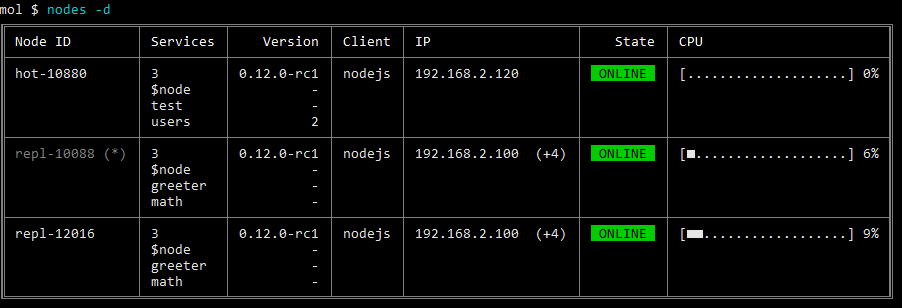
### List services
```bash
mol $ services
```
**Options**
```
-a, --all list all (offline) services
-d, --details print endpoints
-f, --filter filter services (e.g.: 'user*')
-i, --skipinternal skip internal services
-l, --local only local services
```
**Output**
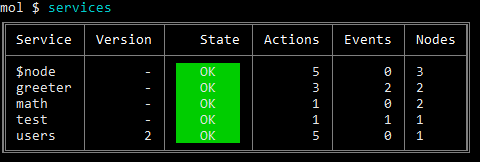
**Detailed output**
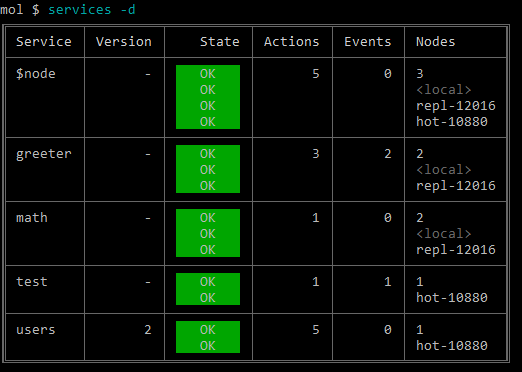
### List actions
```bash
mol $ actions
```
**Options**
```
-a, --all list all (offline) actions
-d, --details print endpoints
-f, --filter filter actions (e.g.: 'users.*')
-i, --skipinternal skip internal actions
-l, --local only local actions
```
**Output**
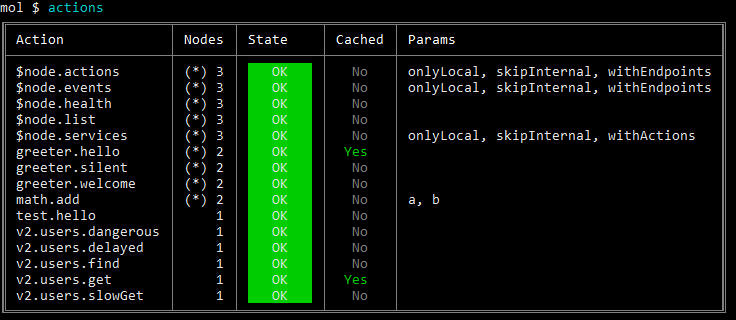
**Detailed output**
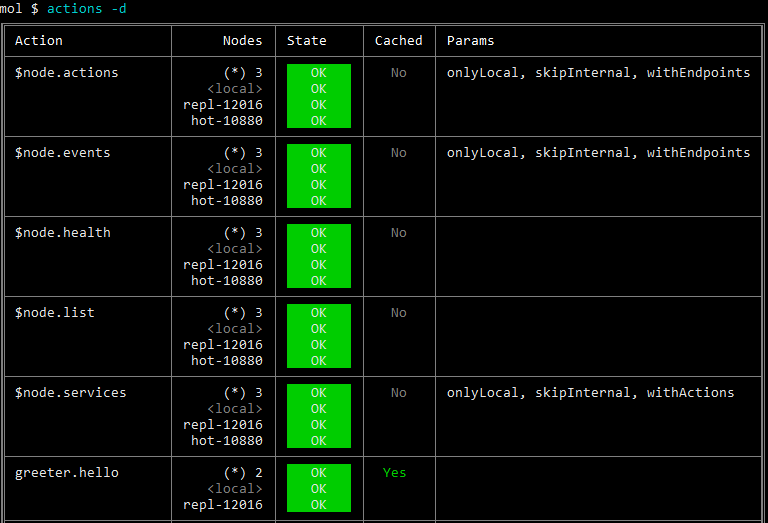
### List events
```bash
mol $ events
```
**Options**
```
-a, --all list all (offline) event listeners
-d, --details print endpoints
-f, --filter filter event listeners (e.g.: 'user.*')
-i, --skipinternal skip internal event listeners
-l, --local only local event listeners
```
**Output**
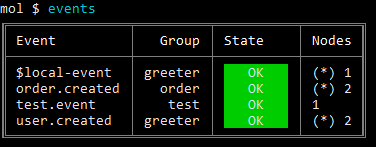
**Detailed output**
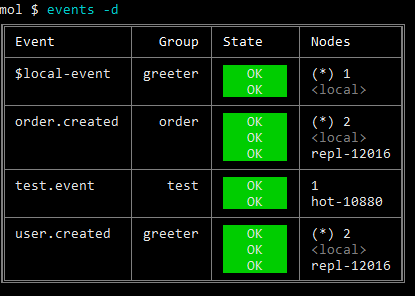
### Show common information
```bash
mol $ info
```
**Output**

### List environment variables
```bash
mol $ env
```
### Call an action
```bash
mol $ call "test.hello"
```
**Output**
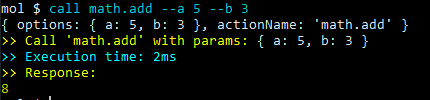
**Options**
```
--help output usage information
--load [filename] Load params from file
--stream [filename] Send a file as stream
--save [filename] Save response to file
```
#### Call an action with parameters
```bash
mol $ call "math.add" --a 5 --b Bob --c --no-d --e.f "hello"
```
Params will be `{ a: 5, b: 'Bob', c: true, d: false, e: { f: 'hello' } }`
#### Call an action with params, meta & options
```bash
mol $ call "math.add" --a 5 --#b Bob --$timeout 1
```
Params will be `{ a: 5 }`, meta will be `{ b: 'Bob' }` and options will be `{ timeout: 1 }`.
#### Call with JSON string parameter
```bash
mol $ call "math.add" '{"a": 5, "b": "Bob", "c": true, "d": false, "e": { "f": "hello" } }'
```
Params will be `{ a: 5, b: 'Bob', c: true, d: false, e: { f: 'hello' } }`
#### Call with parameters from file
```bash
mol $ call "math.add" --load
```
It tries to load the `/math.add.params.json` file to params.
```bash
mol $ call "math.add" --load my-params.json
```
It tries to load the `my-params.json` file to params.
#### Call with file stream
```bash
mol $ call "math.add" --stream my-picture.jpg
```
It loads the `my-picture.jpg` file and send to the `math.add` action as a `Stream`.
#### Call and save response to file
```bash
mol $ call "math.add" --save
```
It saves the response to the `/math.add.response.json` file. The extension is `.json` when the response is `object`. Otherwise it is `.txt`.
```bash
mol $ call "math.add" --save my-response.json
```
It saves the response to the `my-response.json` file.
### Direct call
Get health info from `node-12` node
```bash
mol $ dcall "node-12" "$node.health"
```
>Parameter passing is similar to `call` command.
### Emit an event
```bash
mol $ emit "user.created"
```
#### Emit an event with parameters
```bash
mol $ emit "user.created" --a 5 --b Bob --c --no-d --e.f "hello"
```
Params will be `{ a: 5, b: 'Bob', c: true, d: false, e: { f: 'hello' } }`
#### Emit an event with params & meta
```bash
mol $ emit "user.created" --a 5 --#b Bob --$groups acb
```
Params will be `{ a: 5 }`, meta will be `{ b: 'Bob' }` and options will be `{ groups: acb }`.
### Benchmark services
Moleculer REPL module has a bench command to measure your services.
```bash
# Call service until 5 seconds (default)
mol $ bench math.add
# Call service 5000 times
mol $ bench --num 5000 math.add
# Call service until 30 seconds
mol $ bench --time 30 math.add
```
**Options**
```
--num Number of iterates
--time Time of bench
--nodeID NodeID (direct call)
```
**Output**
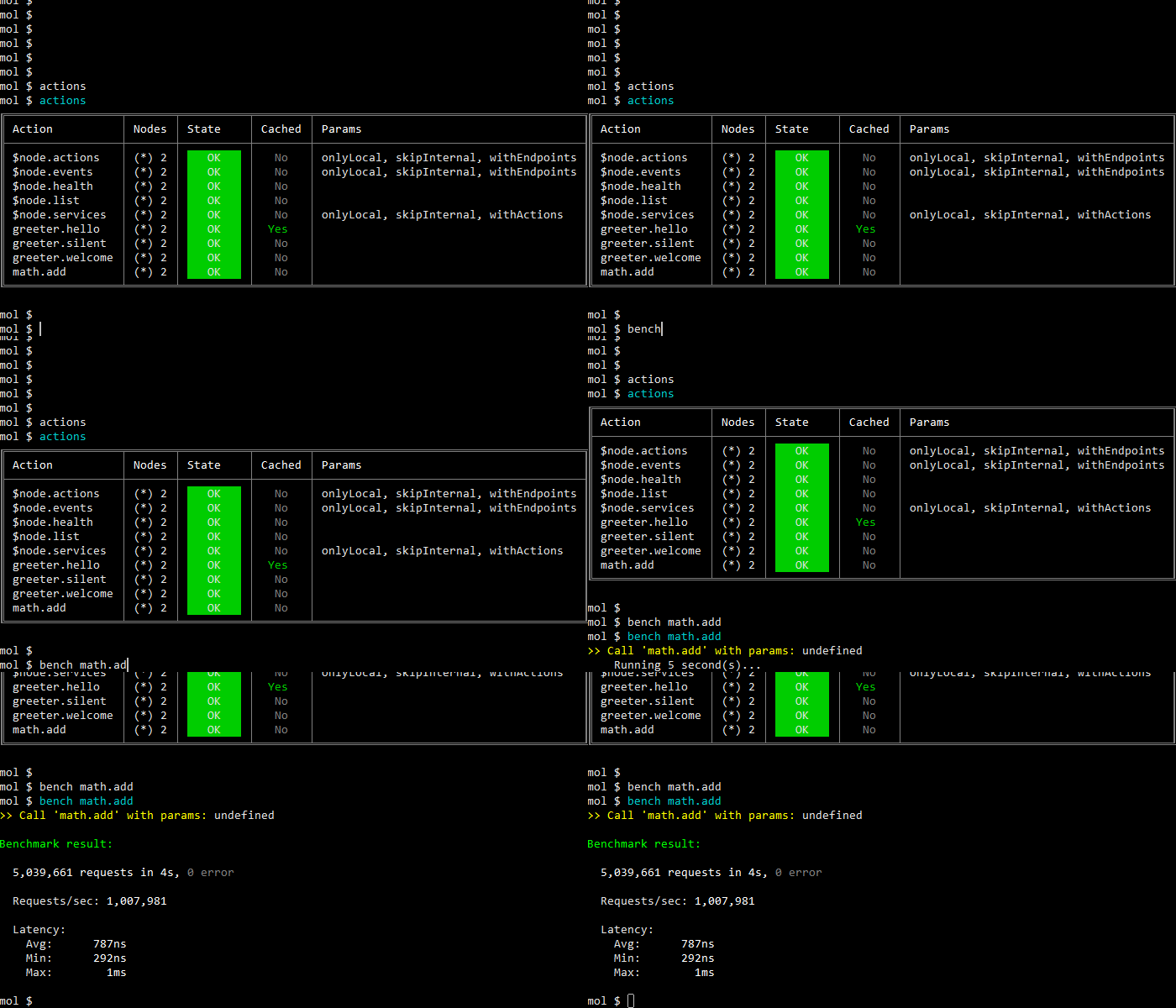
#### Parameters
Please note, parameters can be passed only as JSON string.
```bash
mol $ bench math.add '{ "a": 50, "b": 32 }'
```
### Load a service from file
```bash
mol $ load "./math.service.js"
```
### Load all services from a folder
```bash
mol $ loadFolder "./services"
```
The syntax is `loadFolder [fileMask]`. The optional `fileMask` is passed to `broker.loadServices()` (default: `**/*.service.js`), so you can load e.g. TypeScript services:
```bash
mol $ loadFolder "./services" "**/*.service.ts"
```
### List metrics
```bash
mol $ metrics
```
**Options**
```
-f, --filter filter metrics (e.g.: 'moleculer.**')
```
**Output**
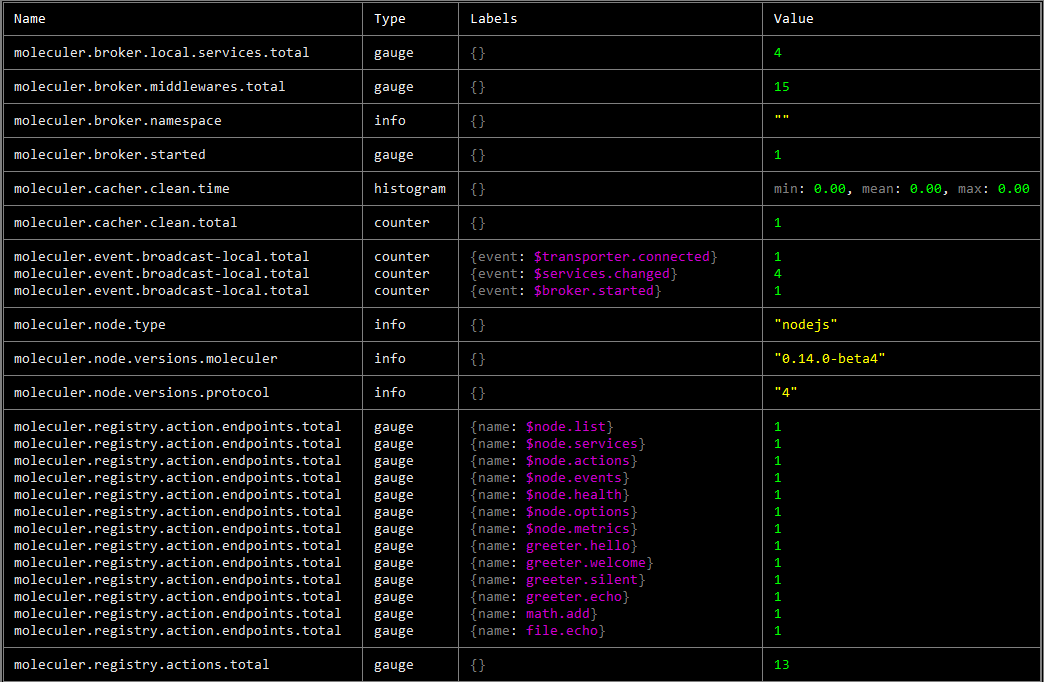
### Cache Keys
You can list keys of cache entries with
```bash
mol $ cache keys
```
**Options**
```
-f, --filter filter keys
```
### Cache Clear
You clear the cache with:
```bash
mol $ cache clear
```
that by default removes all the entries. If you want to remove a subset of entries, you must add a `pattern`:
**Clear with pattern**
```
mol $ cache clear greeter.*
```
### Event listener
REPL can subscribe and listen to events. To subscribe use:
```
mol $ listener add user.created
```
**Subscribe with group option**
```
mol $ listener add user.created --group abcd
```
To unsubscribe use:
```
mol $ listener remove user.created
```
To list all events that REPL is listening to use
```
mol $ listener list
```
### Custom commands
Custom REPL commands can be defined in broker options to extend Moleculer REPL commands.
```js
// moleculer.config.js
module.exports = {
replOptions: {
delimiter: "mol # ",
customCommands: [
{
command: "hello ",
description: "Call the greeter.hello service with name",
alias: "hi",
options: [
{ option: "-u, --uppercase", description: "Uppercase the name" },
],
types: {
string: ["name"],
boolean: ["u", "uppercase"],
},
//parse(command, args) {},
//validate(args) {},
//help(args) {},
allowUnknownOptions: true,
action(broker, args /*, helpers*/) {
const name = args.options.uppercase
? args.name.toUpperCase()
: args.name;
return broker.call("greeter.hello", { name }).then(console.log);
},
},
],
},
};
```
```bash
mol $ hello -u John
Hello JOHN
```
---
# Command Line Tool
Source: https://moleculer.services/docs/0.15/moleculer-cli.html
## moleculer-cli [](https://www.npmjs.com/package/moleculer-cli)
This is a [command-line tool](https://github.com/moleculerjs/moleculer-cli) for Moleculer to help developing & testing.
## Install
``` bash
$ npm i -g moleculer-cli
```
## Commands
## Init
The `init` command is used to scaffold a new Moleculer project.
``` bash
$ moleculer init project my-project
```
The above command downloads the template from [moleculerjs/moleculer-template-project](https://github.com/moleculerjs/moleculer-template-project), prompts some information and generates a new module to the `./my-project` folder.
### Answers from file
You can put the question answers into a JSON file and load it with the `--answers` argument. It can be useful to generate project programmatically.
```bash
$ moleculer init project my-project --answers ./answers.json
```
### Answers from CLI parameters
You can also pass answers directly as CLI parameters using the `--@key=value` syntax.
```bash
$ moleculer init project my-project --@projectName=my-project --@needTransporter=true
```
### Disable installing dependencies
You can disable the automatic NPM dependency installation with `--no-install` argument. It can be useful to generate project programmatically.
```bash
$ moleculer init project my-project --answers ./answers.json --no-install
```
### [Official templates](https://github.com/topics/moleculer-template)
* [**project**](https://github.com/moleculerjs/moleculer-template-project) - Generate a common Moleculer-based project. *Use it if you want to start a new project which is based on Moleculer framework*
* sample service (`greeter`)
* official [API Gateway](https://github.com/moleculerjs/moleculer-web) (optional)
* Docker & Docker Compose files
* tests & coverage with [Jest](https://jestjs.io/)
* lint with [ESLint](http://eslint.org/)
* [**project-typescript**](https://github.com/moleculerjs/moleculer-template-project-typescript) - Generate a Moleculer-based project in TypeScript. *Use it if you want to start a new TypeScript project which is based on Moleculer framework*
* `moleculer.config.ts` and TypeScript service skeletons (`greeter`, DB sample)
* official [API Gateway](https://github.com/moleculerjs/moleculer-web) with optional GraphQL & Socket.IO (optional)
* Docker, Docker Compose & Kubernetes files
* tests & coverage with [Vitest](https://vitest.dev/)
* lint with [ESLint](http://eslint.org/) & [Prettier](https://prettier.io/)
* [**nano**](https://github.com/moleculerjs/moleculer-template-nano) - Minimal project template for one microservice. *Use it if you want to create a microservice which connect to others via transporter*
* sample service (`greeter`)
* Docker & Docker Compose files
* tests & coverage with [Jest](https://jestjs.io/)
* lint with [ESLint](http://eslint.org/)
* Minimal Docker file
* [**module**](https://github.com/moleculerjs/moleculer-template-module) - Generate a new Moleculer module project (e.g.: `moleculer-xyz`). *Use it if you want to create a module for Moleculer framework*
* empty service skeleton
* examples skeleton
* readme skeleton
* tests & coverage with [Jest](https://jestjs.io/)
* lint with [ESLint](http://eslint.org/)
### Custom templates
``` bash
$ moleculer init username/repo my-project
```
Where username/repo is the GitHub repo shorthand for your fork.
The shorthand repo notation is passed to [giget](https://github.com/unjs/giget) so it can be `bitbucket:username/repo` for a Bitbucket repo and `username/repo#branch` for tags or branches.
### Local Templates
Instead of a GitHub repo, use a template from local filesystem:
``` bash
$ moleculer init ./path/to-custom-template my-project
```
### Template aliases
To simplify usage of custom templates (local and remote), it is possible to register an alias and use that afterwards instead of the whole repository url.
```bash
$ moleculer alias-template myAlias somegithubuser/reponame
$ moleculer alias-template otherAlias ./path/to/some-local/custom/template
$ moleculer init myAlias my-project
```
All registered template aliases are stored in the file `~/.moleculer-templates.json` and can also be edited manually.
### Creating Custom Templates
Moleculer templates consist of a `meta.js` file and a `template` directory.
##### `meta.js`
The `meta.js` file exports a function that returns an object defining the Moleculer CLI init interface. The function takes a parameter `values` that gives access to external values passed in from the CLI. The object has several keys which are explained below.
The `questions` property is an array of objects defining the questions asked in the init process. These objects are [Inquirer.js objects](https://github.com/SBoudrias/Inquirer.js#objects). Data collected here is stored in the Metalsmith `metadata` object.
The `metalsmith` property allows custom code to be executed at different points in the transformation process. The `before` function executes before the transformation is run, the `after` function executes after the transformation is run, and the `complete` function executes after the transformation is run and the files are copied to the destination directory.
The `metalsmith` functions take an argument `metalsmith` which gives a reference to the [Metalsmith](https://github.com/segmentio/metalsmith#metalsmith) object. A common use is to get the Metalsmith metadata by calling `metalsmith.metadata()` and then adding or mutating properties on the metadata object so it will be available for the rest of the transformation.
The `filters` object takes a set of keys matching a path and a value matching the name of a question variable. If the question variable's value is `false`, the specified path will be ignored during the transformation and those files will not be added to the project being intialized.
The `completeMessage` property takes a multiline string that will be displayed after the initialization is completed.
##### `template`
The `template` directory contains files which will be transformed using [Handlebars](https://handlebarsjs.com/) and then copied to the destination directory. Handlebars is given the `metadata` object from Metalsmith to be the source for string replacement.
Handlebars can also transform file names.
## Create a service
The `create service` command generates a new service file skeleton into your project. It asks for the service directory (default: `./services`) and, if not given as argument, the service name.
```bash
# Create a service interactively
$ moleculer create service
# Create a named service (./services/users.service.js)
$ moleculer create service users
# Create a TypeScript service (./services/users.service.ts)
$ moleculer create service users --typescript
```
## Start
This command starts a new `ServiceBroker` locally and switches to REPL mode.
```bash
$ moleculer start
```
**Options**
```
--version Show version number [boolean]
--help Show help [boolean]
--config, -c Load configuration from a file [string] [default: ""]
--ns Namespace [string] [default: ""]
--level Logging level [string] [default: "info"]
--id NodeID [string] [default: null]
--hot, -h Enable hot-reload [boolean] [default: false]
--commands Custom REPL command file mask (e.g.: ./commands/*.js)
[string] [default: null]
```
> Note that the `start` and `connect` commands use the lowercase `-h` short flag for hot-reload, while [Moleculer Runner](https://moleculer.services/docs/0.15/runner.html) uses the uppercase `-H` (`-h` is help there).
## Connect
This command starts a new `ServiceBroker`, connects to a transporter server and switches to REPL mode.
```bash
# Connect with TCP transporter
$ moleculer connect
# Connect to NATS
$ moleculer connect nats://localhost:4222
# Connect to Redis
$ moleculer connect redis://localhost
# Connect to MQTT
$ moleculer connect mqtt://localhost
# Connect to AMQP
$ moleculer connect amqp://localhost:5672
# Load all options from config file
$ moleculer connect --config ./moleculer.config.js
```
**Options**
```
--version Show version number [boolean]
--help Show help [boolean]
--config, -c Load configuration from a file [string] [default: ""]
--ns Namespace [string] [default: ""]
--level Logging level [string] [default: "info"]
--id NodeID [string] [default: null]
--hot, -h Enable hot-reload [boolean] [default: false]
--serializer Serializer [string] [default: null]
--commands Custom REPL command file mask (e.g.: ./commands/*.js)
[string] [default: null]
```
## Call
The `call` command can be used establish a connection with a Moleculer project and call an action with parameters. The result (stringified JSON) will be printed to the console. This means that you can process the result with another tool. The calling parameters should start with `@` prefix and the meta parameters should start with `#` prefix.
**Options**
```
--version Show version number [boolean]
--help Show help [boolean]
--config, -c Load configuration from a file [string] [default: ""]
--transporter, -t Transporter connection string (NATS, nats://127.0.0.1:4222,
...etc) [string] [default: null]
--ns Namespace [string] [default: ""]
--level Logging level [string] [default: "silent"]
--id NodeID [string] [default: null]
--serializer Serializer [string] [default: null]
```
**Example with params**
```bash
moleculer call math.add --transporter NATS --@a 5 --@b 3
```
**Example with params & meta**
```bash
moleculer call math.add --transporter NATS --@a 5 --@b 3 --#meta-key MyMetaValue
```
**Example with post processing the result with [jq](https://stedolan.github.io/jq/)**
```bash
moleculer call "\$node.health" | jq '.mem.free'
```
>The transporter can be defined via `TRANSPORTER` environment variable, as well.
**Example with transporter env var**
```bash
TRANSPORTER=nats://localhost:4222 moleculer call math.add --@a 5 --@b 3
```
## Emit
The `emit` command can be used establish a connection with a Moleculer project and emit an event with a payload. The calling parameters should start with `@` prefix and the meta parameters should start with `#` prefix.
**Options**
```
--version Show version number [boolean]
--help Show help [boolean]
--config, -c Load configuration from a file [string] [default: ""]
--transporter, -t Transporter connection string (NATS, nats://127.0.0.1:4222,
...etc) [string] [default: null]
--ns Namespace [string] [default: ""]
--level Logging level [string] [default: "silent"]
--id NodeID [string] [default: null]
--serializer Serializer [string] [default: null]
--broadcast, -b Send broadcast event [boolean] [default: false]
--group, -g Event groups [string] [default: null]
```
**Example with params**
```bash
moleculer emit user.created --transporter NATS --@id 3 --@name John
```
**Example with params & meta**
```bash
moleculer emit user.created --transporter NATS --@id 3 --@name John --#meta-key MyMetaValue
```
**Example with broadcast & groups**
```bash
moleculer emit user.created --transporter NATS --broadcast --@id 3 --@name John --group accounts
```
**Example with multi groups**
```bash
moleculer emit user.created --transporter NATS --broadcast --@id 3 --@name John --group accounts --group mail
```
>The transporter can be defined via `TRANSPORTER` environment variable, as well.
**Example with transporter env var**
```bash
TRANSPORTER=nats://localhost:4222 moleculer emit user.created --@id 3 --@name John
```
---
# Database Service
Source: https://moleculer.services/docs/0.15/moleculer-database.html
## @moleculer/database [](https://www.npmjs.com/package/@moleculer/database)
[`@moleculer/database`](https://github.com/moleculerjs/database) is the official database access service for Moleculer. It is a service mixin that gives your service a validated field schema, generated CRUD actions (with REST endpoints for the [API Gateway](https://moleculer.services/docs/0.15/moleculer-web.html)), populating between services, scopes, soft delete, caching, entity events and multi-tenancy — on top of pluggable adapters for NeDB, MongoDB and Knex (PostgreSQL, MySQL, SQLite, MSSQL...).
It is the successor of [moleculer-db](https://moleculer.services/docs/0.15/moleculer-db.html). New projects should use `@moleculer/database`; `moleculer-db` is still maintained for existing projects.
This page is a short introduction. **The full reference lives in the module repository: [@moleculer/database documentation](https://github.com/moleculerjs/database/blob/master/docs/README.md).**
> **Requirements**
> Node.js >= 22 and Moleculer >= 0.14.12 (0.15 recommended). The module follows the [one database per service](https://microservices.io/patterns/data/database-per-service.html) pattern: one service handles one entity/table. For multiple entities per service see the [FAQ](https://moleculer.services/docs/0.15/faq.html#DB-Adapters-moleculer-db).
## Features
- pluggable adapters: NeDB (in-memory or file, good for prototyping), MongoDB, Knex (SQL databases)
- generated CRUD actions with parameter validation and REST endpoints
- field definitions with sanitization, validation, defaults, read-only / immutable / virtual / hidden fields
- field-level permissions (read/write)
- populating entities from other Moleculer services
- scopes, soft delete, indexes, cascade delete
- action caching with automatic cache invalidation
- entity lifecycle events (`posts.created`, `posts.updated`, `posts.removed`)
- create/update/remove hooks
- streaming results
- multi-tenancy (record-, table- or database-based)
## Install
```bash
npm install @moleculer/database
```
Install the driver of the adapter you want to use:
```bash
npm install @seald-io/nedb # NeDB (optional, prototyping)
npm install mongodb # MongoDB
npm install knex pg # Knex + PostgreSQL (or mysql2, better-sqlite3, tedious...)
```
## Define a service
The field definitions use the [fastest-validator](https://github.com/icebob/fastest-validator) schema format, extended with database-specific properties (`primaryKey`, `columnName`, `readonly`, `onCreate`, `populate`, ...). All fields are optional unless `required: true` is set.
```js
// posts.service.js
const DbService = require("@moleculer/database").Service;
module.exports = {
name: "posts",
mixins: [
DbService({
adapter: "NeDB" // in-memory NeDB, replace it in production (see Adapters)
})
],
settings: {
fields: {
id: { type: "string", primaryKey: true, columnName: "_id" },
title: { type: "string", max: 255, trim: true, required: true },
content: { type: "string" },
votes: { type: "number", integer: true, min: 0, default: 0 },
status: { type: "boolean", default: true },
createdAt: { type: "number", readonly: true, onCreate: () => Date.now() },
updatedAt: { type: "number", readonly: true, onUpdate: () => Date.now() }
}
}
};
```
[Field properties reference](https://github.com/moleculerjs/database/blob/master/docs/README.md#fields)
## Generated actions
The mixin registers these actions on the service (all of them can be disabled with the `createActions: false` mixin option). With [moleculer-web](https://moleculer.services/docs/0.15/moleculer-web.html) and `autoAliases: true` the REST endpoints are generated automatically.
| Action | REST endpoint | Description |
| ------ | ------------- | ----------- |
| `find` | `GET /posts/all` | Find entities by query (`query`, `sort`, `limit`, `offset`, `fields`, `search`, `populate`, `scope`) |
| `list` | `GET /posts` | Paginated list (`page`, `pageSize` + the `find` params). Returns `{ rows, total, page, pageSize, totalPages }` |
| `count` | `GET /posts/count` | Count entities by query |
| `get` | `GET /posts/:id` | Get an entity by ID |
| `resolve` | – | Get one or more entities by ID(s), optionally as a map |
| `create` | `POST /posts` | Create an entity |
| `createMany` | – | Create multiple entities |
| `update` | `PATCH /posts/:id` | Update fields of an entity |
| `replace` | `PUT /posts/:id` | Replace an entity |
| `remove` | `DELETE /posts/:id` | Delete an entity (or soft-delete it if configured) |
```js
// Create a new post
let post = await broker.call("posts.create", {
title: "My first post",
content: "Content of my first post..."
});
// { id: 'Zrpjq8B1XTSywUgT', title: 'My first post', content: '...', votes: 0, status: true, createdAt: 1618065551990 }
// Find posts
const posts = await broker.call("posts.find", { sort: "-createdAt", query: { status: true } });
// Paginated list
const page = await broker.call("posts.list", { page: 1, pageSize: 10 });
// Get by ID
post = await broker.call("posts.get", { id: post.id });
// Update
post = await broker.call("posts.update", { id: post.id, title: "Modified post" });
// Remove
await broker.call("posts.remove", { id: post.id });
```
[Actions reference](https://github.com/moleculerjs/database/blob/master/docs/README.md#actions)
## Expose via API Gateway
```js
// api.service.js
const ApiGateway = require("moleculer-web");
module.exports = {
name: "api",
mixins: [ApiGateway],
settings: {
routes: [
{
path: "/api",
autoAliases: true // generates GET/POST/PATCH/PUT/DELETE /api/posts... from the actions
}
]
}
};
```
## Adapters
If no `adapter` is defined, the service uses an in-memory NeDB database. The adapter connects lazily, on the first request, so the service starts even if the database server is not available yet.
**MongoDB**
```js
mixins: [
DbService({
adapter: {
type: "MongoDB",
options: {
uri: "mongodb://127.0.0.1:27017",
dbName: "mydb" // collection name defaults to the service name
}
}
})
]
```
**Knex (PostgreSQL)**
```js
mixins: [
DbService({
adapter: {
type: "Knex",
options: {
tableName: "posts",
knex: {
client: "pg",
connection: "postgres://user:pass@localhost:5432/mydb"
}
}
}
})
]
```
Adapter documentation: [NeDB](https://github.com/moleculerjs/database/blob/master/docs/adapters/NeDB.md), [MongoDB](https://github.com/moleculerjs/database/blob/master/docs/adapters/MongoDB.md), [Knex](https://github.com/moleculerjs/database/blob/master/docs/adapters/Knex.md)
## Custom actions
Add your own actions next to the generated ones and use the entity methods of the mixin (`findEntities`, `resolveEntities`, `createEntity`, `updateEntity`, `removeEntity`, ...).
```js
// posts.service.js
module.exports = {
name: "posts",
mixins: [DbService({ adapter: "NeDB" })],
settings: { /* fields */ },
actions: {
voteUp: {
rest: "POST /:id/vote-up",
params: {
id: "string"
},
async handler(ctx) {
const entity = await this.resolveEntities(ctx, { id: ctx.params.id }, { throwIfNotExist: true });
return this.updateEntity(ctx, {
id: ctx.params.id,
votes: entity.votes + 1
});
}
}
}
};
```
[Methods reference](https://github.com/moleculerjs/database/blob/master/docs/README.md#methods)
## Populating
A field can be resolved from another service (typically its `resolve` action) when the caller asks for it with the `populate` parameter.
```js
// posts.service.js
settings: {
fields: {
// ...
author: {
type: "string",
populate: {
action: "users.resolve",
params: { fields: ["username", "fullName"] }
}
}
}
}
```
```js
const posts = await broker.call("posts.find", { populate: ["author"] });
// [{ id: "...", title: "...", author: { id: "...", username: "john", fullName: "John Doe" } }]
```
[Populating reference](https://github.com/moleculerjs/database/blob/master/docs/README.md#populating)
## Further reading
Everything below is documented in the module repository:
- [Mixin options & settings](https://github.com/moleculerjs/database/blob/master/docs/README.md#mixin-options)
- [Scopes](https://github.com/moleculerjs/database/blob/master/docs/README.md#scopes) and [soft delete](https://github.com/moleculerjs/database/blob/master/docs/README.md#soft-delete)
- [Indexes](https://github.com/moleculerjs/database/blob/master/docs/README.md#indexes)
- [Nested objects & arrays](https://github.com/moleculerjs/database/blob/master/docs/README.md#nested-objects--arrays)
- [Permissions](https://github.com/moleculerjs/database/blob/master/docs/README.md#permissions)
- [Caching](https://github.com/moleculerjs/database/blob/master/docs/README.md#caching) and [entity events](https://github.com/moleculerjs/database/blob/master/docs/README.md#events)
- [Cascade delete](https://github.com/moleculerjs/database/blob/master/docs/README.md#cascade-delete)
- [Service hooks](https://github.com/moleculerjs/database/blob/master/docs/README.md#service-hooks)
- [Streaming](https://github.com/moleculerjs/database/blob/master/docs/README.md#streaming)
- [Multi-tenancy](https://github.com/moleculerjs/database/blob/master/docs/README.md#multi-tenancy)
- [Examples](https://github.com/moleculerjs/database/tree/master/examples) and [benchmarks](https://github.com/moleculerjs/database/blob/master/benchmark/results/common/README.md)
---
# Database Adapters
Source: https://moleculer.services/docs/0.15/moleculer-db.html
Moleculer framework has an official set of [DB adapters](https://github.com/moleculerjs/moleculer-db). Use them to persist your data in a database.
> **Legacy module**
> `moleculer-db` is the previous generation data layer. Its successor is [`@moleculer/database`](https://moleculer.services/docs/0.15/moleculer-database.html) — use that for new projects. `moleculer-db` is still maintained for existing projects and this page stays as its reference.
> **Database per service**
> Moleculer follows the *one database per service* pattern. To learn more about this design pattern and its implications check this [article](https://microservices.io/patterns/data/database-per-service.html). For *multiple entities/tables per service* approach check [FAQ](https://moleculer.services/docs/0.15/faq.html#DB-Adapters-moleculer-db).
## Features
* default CRUD actions
* [cached](https://moleculer.services/docs/0.15/caching.html) actions
* pagination support
* pluggable adapter ([NeDB](https://github.com/seald/nedb) is the default memory adapter for testing & prototyping)
* official adapters for MongoDB, PostgreSQL, SQLite, MySQL, MSSQL.
* fields filtering
* populating
* encode/decode IDs
* entity lifecycle events for notifications
> **Try it in your browser!**
> [](https://codesandbox.io/s/github/moleculerjs/sandbox-moleculer-db/tree/master/?fontsize=14)
## Base Adapter [](https://www.npmjs.com/package/moleculer-db)
Moleculer's default adapter is based on [NeDB](https://github.com/seald/nedb) (the maintained `@seald-io/nedb` fork). Use it to quickly set up and test you prototype.
> **Warning**
> Only use this adapter for prototyping and testing. When you are ready to go into production simply swap to [Mongo](https://moleculer.services/docs/0.15/moleculer-db.html#Mongo-Adapter), [Mongoose](https://moleculer.services/docs/0.15/moleculer-db.html#Mongoose-Adapter) or [Sequelize](https://moleculer.services/docs/0.15/moleculer-db.html#Sequelize-Adapter) adapters as they all implement common [Settings](https://moleculer.services/docs/0.15/moleculer-db.html#Settings), [Actions](https://moleculer.services/docs/0.15/moleculer-db.html#Actions) and [Methods](https://moleculer.services/docs/0.15/moleculer-db.html#Methods).
### Install
```bash
$ npm install moleculer-db --save
```
### Usage
```js
"use strict";
const { ServiceBroker } = require("moleculer");
const DbService = require("moleculer-db");
const broker = new ServiceBroker();
// Create a DB service for `user` entities
broker.createService({
name: "users",
// Mixin DB service into (current) 'users' service
mixins: [DbService],
settings: {
fields: ["_id", "username", "name"],
entityValidator: {
username: "string"
}
},
afterConnected() {
// Seed the DB with ˙this.create`
}
});
broker.start()
// Create a new user
.then(() => broker.call("users.create", {
username: "john",
name: "John Doe",
status: 1
}))
// Get all users
.then(() => broker.call("users.find").then(console.log));
// List users with pagination
.then(() => broker.call("users.list", { page: 2, pageSize: 10 }).then(console.log));
// Get a user
.then(() => broker.call("users.get", { id: 2 }).then(console.log));
// Update a user
.then(() => broker.call("users.update", { id: 2, name: "Jane Doe" }).then(console.log));
// Delete a user
.then(() => broker.call("users.remove", { id: 2 }).then(console.log));
```
> More examples can be found on [GitHub](https://github.com/moleculerjs/moleculer-db/tree/master/packages/moleculer-db/examples)
## Settings
All DB adapters share a common set of settings:
| Property | Type | Default | Description |
| -------- | ---- | ------- | ----------- |
| `idField` | `String` | `"_id"` | Name of ID field. |
| `fields` | `Array.` | `null` | Field filtering list. It must be an `Array`. If the value is `null` or `undefined` doesn't filter the fields of entities. |
| `excludeFields` | `Array.` | `null` | List of excluded fields. It must be an `Array`. If the value is `null` or `undefined` it is ignored. |
| `populates` | `Array` | `null` | Schema for population. [Read more](#Populating). |
| `pageSize` | `Number` | `10` | Default page size in `list` action. |
| `maxPageSize` | `Number` | `100` | Maximum page size in `list` action. |
| `maxLimit` | `Number` | `-1` | Maximum value of limit in `find` action. `-1` means no limit. |
| `entityValidator` | `Object`, `function` | `null` | Validator schema or a function to validate the incoming entity in `create` & 'insert' actions. |
| `useDotNotation` | `Boolean` | `false` | Whether to use dot notation when updating an entity. It does **not** convert arrays to dot notation. |
| `cacheCleanEventType` | `String` | `"broadcast"` | How the cache clean event is sent. Values: `"broadcast"` or `"emit"`. |
> **Warning**
> `idField` does not work with Sequelize adapter as you can freely set your own ID while creating the model.
## Customization
As with all mixins, the standard [merge algorithm](https://moleculer.services/docs/0.15/services.html#Merge-algorithm) allows you to override the defaults applied by this mixin. For example to disable an action you can set the action to `false` in your service.
**Example**
```js
"use strict";
const { ServiceBroker } = require("moleculer");
const DbService = require("moleculer-db");
const broker = new ServiceBroker();
broker.createService({
name: "db-with-hooks",
// Load DB actions
mixins: [DbService],
actions: {
// Disable remove action
remove: false,
// Make create and insert public instead of published
create: {
visibility: "public",
},
insert: {
visibility: "public",
}
}
});
```
## Actions
DB adapters also implement CRUD operations. These [actions](https://moleculer.services/docs/0.15/actions.html) are [`published`](https://moleculer.services/docs/0.15/actions.html#Action-visibility) methods and can be called by other services.
### `find` 
Find entities by query.
#### Parameters
| Property | Type | Default | Description |
| -------- | ---- | ------- | ----------- |
| `populate` | `String`, `Array.` | - | Populated fields. _(optional)_ |
| `fields` | `String`, `Array.` | - | Fields filter. _(optional)_ |
| `excludeFields` | `String`, `Array.` | - | List of excluded fields. _(optional)_ |
| `limit` | `Number` | - | Max count of rows. _(optional)_ |
| `offset` | `Number` | - | Count of skipped rows. _(optional)_ |
| `sort` | `String` | - | Sorted fields. _(optional)_ |
| `search` | `String` | - | Search text. _(optional)_ |
| `iSearch` | `String` | - | Search text (case insensitive) *Available only using Sequelize*. _(optional)_ |
| `searchFields` | `String`, `Array.` | - | Fields for searching. _(optional)_ |
| `query` | `Object` | - | Query object. Passes to adapter. _(optional)_ |
#### Results
**Type:** `Array.` - List of found entities.
### `count` 
Get count of entities by query.
#### Parameters
| Property | Type | Default | Description |
| -------- | ---- | ------- | ----------- |
| `search` | `String` | - | Search text. _(optional)_ |
| `iSearch` | `String` | - | Search text (case insensitive) *Available only using Sequelize*. _(optional)_ |
| `searchFields` | `String`, `Array.` | - | Fields list for searching. _(optional)_ |
| `query` | `Object` | - | Query object. Passes to adapter. _(optional)_ |
#### Results
**Type:** `Number` - Count of found entities.
### `list` 
List entities by filters and pagination results.
#### Parameters
| Property | Type | Default | Description |
| -------- | ---- | ------- | ----------- |
| `populate` | `String`, `Array.` | - | Populated fields. _(optional)_ |
| `fields` | `String`, `Array.` | - | Fields filter. _(optional)_ |
| `excludeFields` | `String`, `Array.` | - | List of excluded fields. _(optional)_ |
| `page` | `Number` | `1` | Page number. _(optional)_ |
| `pageSize` | `Number` | `settings.pageSize` | Size of a page. _(optional)_ |
| `sort` | `String` | - | Sorted fields. _(optional)_ |
| `search` | `String` | - | Search text. _(optional)_ |
| `iSearch` | `String` | - | Search text (case insensitive) *Available only using Sequelize*. _(optional)_ |
| `searchFields` | `String`, `Array.` | - | Fields for searching. _(optional)_ |
| `query` | `Object` | - | Query object. Passes to adapter. _(optional)_ |
#### Results
**Type:** `Object` - List of found entities and count.
### `create`
Create a new entity.
#### Parameters
| Property | Type | Default | Description |
| -------- | ---- | ------- | ----------- |
| - | - | - | - |
*The whole `ctx.params` object is the entity to save (its fields are the entity fields). No fixed parameter schema; use `entityValidator` to validate it.*
#### Results
**Type:** `Object` - Saved entity.
### `insert`
Create many new entities.
#### Parameters
| Property | Type | Default | Description |
| -------- | ---- | ------- | ----------- |
| `entity` | `Object` | - | Entity to save. |
| `entities` | `Array.` | - | Entities to save. |
#### Results
**Type:** `Object`, `Array.` - Saved entity(ies).
### `get` 
Get entity by ID.
##### Parameters
| Property | Type | Default | Description |
| -------- | ---- | ------- | ----------- |
| `id` | `any`, `Array.` | **required** | ID(s) of entity. |
| `populate` | `Array.` | - | Field list for populate. |
| `fields` | `Array.` | - | Fields filter. |
| `mapping` | `Boolean` | - | Convert the returned `Array` to `Object` where the key is the value of `id`. |
#### Results
**Type:** `Object`, `Array.` - Found entity(ies).
### `update`
Update an entity by ID.
> After update, clear the cache & call lifecycle events.
#### Parameters
| Property | Type | Default | Description |
| -------- | ---- | ------- | ----------- |
| `id` | `any` | **required** | ID of the entity. |
*The other fields of `ctx.params` are the entity fields to update.*
#### Results
**Type:** `Object` - Updated entity.
### `remove`
Remove an entity by ID.
#### Parameters
| Property | Type | Default | Description |
| -------- | ---- | ------- | ----------- |
| `id` | `any` | **required** | ID of entity. |
#### Results
**Type:** `Number` - Count of removed entities.
## Methods
DB adapters also has a set of helper [methods](https://moleculer.services/docs/0.15/services.html#Methods).
### `getById`
Get entity(ies) by ID(s).
#### Parameters
| Property | Type | Default | Description |
| -------- | ---- | ------- | ----------- |
| `id` | `String`, `Number`, `Array` | **required** | ID or IDs. |
| `decoding` | `Boolean` | **required** | Need to decode IDs. |
#### Results
**Type:** `Object`, `Array.` - Found entity(ies).
### `clearCache`
Clear cached entities
#### Parameters
| Property | Type | Default | Description |
| -------- | ---- | ------- | ----------- |
| - | - | - | - |
*No input parameters.*
#### Results
**Type:** `Promise`
### `encodeID`
Encode ID of entity.
#### Parameters
| Property | Type | Default | Description |
| -------- | ---- | ------- | ----------- |
| `id` | `any` | **required** | - |
#### Results
**Type:** `any`
### `decodeID`
Decode ID of entity.
#### Parameters
| Property | Type | Default | Description |
| -------- | ---- | ------- | ----------- |
| `id` | `any` | **required** | - |
#### Results
**Type:** `any`
### `_find` 
Find entities by query.
#### Parameters
| Property | Type | Default | Description |
| -------- | ---- | ------- | ----------- |
| `populate` | `Array.` | - | Populated fields. |
| `fields` | `Array.` | - | Fields filter. |
| `limit` | `Number` | **required** | Max count of rows. |
| `offset` | `Number` | **required** | Count of skipped rows. |
| `sort` | `String` | **required** | Sorted fields. |
| `search` | `String` | **required** | Search text. |
| `iSearch` | `String` | **required** | Search text (case insensitive) *Available only using Sequelize*. |
| `searchFields` | `String` | **required** | Fields for searching. |
| `query` | `Object` | **required** | Query object. Passes to adapter. |
#### Results
**Type:** `Array.`
List of found entities.
### `_count` 
Get count of entities by query.
#### Parameters
| Property | Type | Default | Description |
| -------- | ---- | ------- | ----------- |
| `search` | `String` | **required** | Search text. |
| `iSearch` | `String` | **required** | Search text (case insensitive) *Available only using Sequelize*. |
| `searchFields` | `String` | **required** | Fields list for searching. |
| `query` | `Object` | **required** | Query object. Passes to adapter. |
#### Results
**Type:** `Number`
Count of found entities.
### `_list` 
List entities by filters and pagination results.
#### Parameters
| Property | Type | Default | Description |
| -------- | ---- | ------- | ----------- |
| `populate` | `Array.` | - | Populated fields. |
| `fields` | `Array.` | - | Fields filter. |
| `page` | `Number` | **required** | Page number. |
| `pageSize` | `Number` | **required** | Size of a page. |
| `sort` | `String` | **required** | Sorted fields. |
| `search` | `String` | **required** | Search text. |
| `iSearch` | `String` | **required** | Search text (case insensitive) *Available only using Sequelize*. |
| `searchFields` | `String` | **required** | Fields for searching. |
| `query` | `Object` | **required** | Query object. Passes to adapter. |
#### Results
**Type:** `Object`
List of found entities and count.
### `_create`
Create a new entity.
#### Parameters
| Property | Type | Default | Description |
| -------- | ---- | ------- | ----------- |
| `params` | `Object` | - | Entity to save. |
#### Results
**Type:** `Object`
Saved entity.
### `_insert`
Create many new entities.
#### Parameters
| Property | Type | Default | Description |
| -------- | ---- | ------- | ----------- |
| `entity` | `Object` | - | Entity to save. |
| `entities` | `Array.` | - | Entities to save. |
#### Results
**Type:** `Object`, `Array.`
Saved entity(ies).
### `_get` 
Get entity by ID.
#### Parameters
| Property | Type | Default | Description |
| -------- | ---- | ------- | ----------- |
| `id` | `any`, `Array.` | **required** | ID(s) of entity. |
| `populate` | `Array.` | - | Field list for populate. |
| `fields` | `Array.` | - | Fields filter. |
| `mapping` | `Boolean` | - | Convert the returned `Array` to `Object` where the key is the value of `id`. |
#### Results
**Type:** `Object`, `Array.`
Found entity(ies).
### `_update`
Update an entity by ID.
> After update, clear the cache & call lifecycle events.
#### Parameters
| Property | Type | Default | Description |
| -------- | ---- | ------- | ----------- |
| `params` | `Object` | - | Entity to update. |
#### Results
**Type:** `Object`
Updated entity.
### `_remove`
Remove an entity by ID.
#### Parameters
| Property | Type | Default | Description |
| -------- | ---- | ------- | ----------- |
| `id` | `any` | **required** | ID of entity. |
#### Results
**Type:** `Number`
Count of removed entities.
## Data Manipulation
You can easily use [Action hooks](https://moleculer.services/docs/0.15/actions.html#Action-hooks) to modify (e.g. add timestamps, hash user's passwords or remove sensitive info) before or after saving the data in DB. Hooks will only run before or after actions. If you need to run your data manipulations before or after the this._create(), this._update() or this._remove() methods, you can use the [Lifecycle events](https://moleculer.services/docs/0.15/moleculer-db.html#Lifecycle-entity-events)
**Example of hooks adding a timestamp and removing sensitive data**
```js
"use strict";
const { ServiceBroker } = require("moleculer");
const DbService = require("moleculer-db");
const broker = new ServiceBroker();
broker.createService({
name: "db-with-hooks",
// Load DB actions
mixins: [DbService],
// Add Hooks to DB actions
hooks: {
before: {
create: [
function addTimestamp(ctx) {
// Add timestamp
ctx.params.createdAt = new Date();
return ctx;
}
]
},
after: {
get: [
// Arrow function as a Hook
(ctx, res) => {
// Remove sensitive data
delete res.mail;
delete res.phoneNumber;
return res;
}
]
}
}
});
const user = {
name: "John Doe",
mail: "john.doe@example.com",
phoneNumber: 123456789
};
broker.start()
// Insert user into DB
// Call "create" action. Before hook will be triggered
.then(() => broker.call("db-with-hooks.create", user))
// Get user from DB
// Call "get" action. After hook will be triggered
.then(entry => broker.call("db-with-hooks.get", { id: entry._id }))
.then(res => console.log(res))
.catch(err => console.error(err));
```
## Populating
The service allows you to easily populate fields from other services. For example: If you have an `author` field in `post` entity, you can populate it with `users` service by ID of author. If the field is an `Array` of IDs, it will populate all entities via only one request
**Example of populate schema**
```js
broker.createService({
name: "posts",
mixins: [DbService],
settings: {
populates: {
// Shorthand populate rule. Resolve the `voters` values with `users.get` action.
"voters": "users.get",
// If the ID to populate is deep within the object, you can simply provide a dot-separated path to the ID to populate it.
"liked.by": "users.get"
// Define the params of action call. It will receive only with username & full name of author.
"author": {
action: "users.get",
params: {
fields: "username fullName"
}
},
// In case the original field shouldn't be overwritten with the populated values.
// The reviewer field will be added to the result containing the values
// resolved by the "users.get" action based on the reviewerId field.
"reviewer": {
field: "reviewerId",
action: "users.get",
params: {
fields: "username fullName"
}
},
// Custom populator handler function
"rate"(ids, items, rule, ctx) {
// items argument is a mutable array containing response items
// the resolved value from promise do not matter - items array will always be passed as populated response
// so you should du custom populate by mutating items, if confused check implementaion:
// https://github.com/moleculerjs/moleculer-db/blob/master/packages/moleculer-db/src/index.js#L636
return Promise.resolve(...);
}
}
}
});
// List posts with populated authors
broker.call("posts.find", { populate: ["author"]}).then(console.log);
// Deep population
broker.call("posts.find", { populate: ["liked.by"]}).then(console.log);
```
Recursive population is also supported. For example, if the users service populates a group field:
```js
broker.createService({
name: "users",
mixins: [DbService],
settings: {
populates: {
"group": "groups.get"
}
}
});
```
Then you can populate the group of a post author or liker like this:
```js
//Recursive population
broker.call("posts.find", { populate: ["author.group"]}).then(console.log);
//Recursive deep population
broker.call("posts.find", { populate: ["liked.by.group"]}).then(console.log);
```
> The `populate` parameter is available in `find`, `list` and `get` actions.
## Lifecycle entity events
There are 6 lifecycle entity events which are called when entities are manipulated.
```js
broker.createService({
name: "posts",
mixins: [DbService],
settings: {},
afterConnected() {
this.logger.info("Connected successfully");
},
beforeEntityCreate(json, ctx) {
this.logger.info("New entity will be created");
json.createdAt = new Date()
json.updatedAt = new Date()
return json; // You must return the modified entity here
},
beforeEntityUpdate(json, ctx) {
this.logger.info("Entity will be updated");
json.updatedAt = new Date()
return json;
},
beforeEntityRemove(json, ctx) {
this.logger.info("Entity will be removed");
return json;
},
entityCreated(json, ctx) {
this.logger.info("New entity created!");
},
entityUpdated(json, ctx) {
// You can also access to Context
this.logger.info(`Entity updated by '${ctx.meta.user.name}' user!`);
},
entityRemoved(json, ctx) {
this.logger.info("Entity removed", json);
},
});
```
> Please note! If you manipulate multiple entities (updateMany, removeMany), the `json` parameter will be a `Number` instead of entities!
## Extend with custom actions
Naturally you can extend this service with your custom actions.
```js
const DbService = require("moleculer-db");
module.exports = {
name: "posts",
mixins: [DbService],
settings: {
fields: ["_id", "title", "content", "votes"]
},
actions: {
// Increment `votes` field by post ID
vote(ctx) {
return this.adapter.updateById(ctx.params.id, { $inc: { votes: 1 } });
},
// List posts of an author
byAuthors(ctx) {
return this.find({
query: {
author: ctx.params.authorID
},
limit: ctx.params.limit || 10,
sort: "-createdAt"
});
}
}
}
```
## Mongo Adapter [](https://www.npmjs.com/package/moleculer-db-adapter-mongo)
This adapter is based on [MongoDB](http://mongodb.github.io/node-mongodb-native/).
### Install
```bash
$ npm install moleculer-db moleculer-db-adapter-mongo --save
```
> **Dependencies**
> To use this adapter you need to install [MongoDB](https://www.mongodb.com/) on you system.
### Usage
```js
"use strict";
const { ServiceBroker } = require("moleculer");
const DbService = require("moleculer-db");
const MongoDBAdapter = require("moleculer-db-adapter-mongo");
const broker = new ServiceBroker();
// Create a Mongoose service for `post` entities
broker.createService({
name: "posts",
mixins: [DbService],
adapter: new MongoDBAdapter("mongodb://localhost/moleculer-demo"),
collection: "posts"
});
broker.start()
// Create a new post
.then(() => broker.call("posts.create", {
title: "My first post",
content: "Lorem ipsum...",
votes: 0
}))
// Get all posts
.then(() => broker.call("posts.find").then(console.log));
```
### Options
**Example with connection URI**
```js
new MongoDBAdapter("mongodb://localhost/moleculer-db")
```
**Example with connection URI & options**
```js
new MongoDBAdapter("mongodb://db-server-hostname/my-db", {
// any MongoClient option, e.g.
connectTimeoutMS: 5000
})
```
> More MongoDB examples can be found on [GitHub](https://github.com/moleculerjs/moleculer-db/tree/master/packages/moleculer-db-adapter-mongo/examples)
## Mongoose Adapter [](https://www.npmjs.com/package/moleculer-db-adapter-mongoose)
This adapter is based on [Mongoose](https://mongoosejs.com/docs/).
### Install
```bash
$ npm install moleculer-db moleculer-db-adapter-mongoose mongoose --save
```
> **Dependencies**
> To use this adapter you need to install [MongoDB](https://www.mongodb.com/) on you system.
### Usage
```js
"use strict";
const { ServiceBroker } = require("moleculer");
const DbService = require("moleculer-db");
const MongooseAdapter = require("moleculer-db-adapter-mongoose");
const mongoose = require("mongoose");
const broker = new ServiceBroker();
// Create a Mongoose service for `post` entities
broker.createService({
name: "posts",
mixins: [DbService],
adapter: new MongooseAdapter("mongodb://localhost/moleculer-demo"),
model: mongoose.model("Post", mongoose.Schema({
title: { type: String },
content: { type: String },
votes: { type: Number, default: 0}
}))
});
broker.start()
// Create a new post
.then(() => broker.call("posts.create", {
title: "My first post",
content: "Lorem ipsum...",
votes: 0
}))
// Get all posts
.then(() => broker.call("posts.find").then(console.log));
```
### Options
**Example with connection URI**
```js
new MongooseAdapter("mongodb://localhost/moleculer-db")
```
**Example with URI and options**
```js
new MongooseAdapter("mongodb://db-server-hostname/my-db", {
user: process.env.MONGO_USERNAME,
pass: process.env.MONGO_PASSWORD
keepAlive: true
})
```
### Connect to multiple DBs
If your services are running on separate nodes and you wish to connect to multiple databases then you can use `model` in your service definition. On the other hand, if your services are running on a single node and you wish to connect to multiple databases, you should define the `schema` that will make multiple connections for you.
> More Mongoose examples can be found on [GitHub](https://github.com/moleculerjs/moleculer-db/tree/master/packages/moleculer-db-adapter-mongoose/examples)
## Sequelize Adapter [](https://www.npmjs.com/package/moleculer-db-adapter-sequelize)
SQL adapter (Postgres, MySQL, SQLite & MSSQL) for Moleculer DB service with [Sequelize](https://github.com/sequelize/sequelize).
### Install
```bash
$ npm install moleculer-db-adapter-sequelize --save
```
You have to install additional packages for your database server:
```bash
# For SQLite
$ npm install sqlite3 --save
# For MySQL
$ npm install mysql2 --save
# For PostgreSQL
$ npm install pg pg-hstore --save
# For MSSQL
$ npm install tedious --save
```
### Usage
```js
"use strict";
const { ServiceBroker } = require("moleculer");
const DbService = require("moleculer-db");
const SqlAdapter = require("moleculer-db-adapter-sequelize");
const Sequelize = require("sequelize");
const broker = new ServiceBroker();
// Create a Sequelize service for `post` entities
broker.createService({
name: "posts",
mixins: [DbService],
adapter: new SqlAdapter("sqlite://:memory:"),
model: {
name: "post",
define: {
title: Sequelize.STRING,
content: Sequelize.TEXT,
votes: Sequelize.INTEGER,
author: Sequelize.INTEGER,
status: Sequelize.BOOLEAN
},
options: {
// Options from https://sequelize.org/docs/v6/moved/models-definition/
}
},
});
broker.start()
// Create a new post
.then(() => broker.call("posts.create", {
title: "My first post",
content: "Lorem ipsum...",
votes: 0
}))
// Get all posts
.then(() => broker.call("posts.find").then(console.log));
```
### Options
Every constructor arguments are passed to the `Sequelize` constructor. Read more about [Sequelize connection](http://docs.sequelizejs.com/manual/installation/getting-started.html).
**Example with connection URI**
```js
new SqlAdapter("postgres://user:pass@example.com:5432/dbname");
```
**Example with connection options**
```js
new SqlAdapter('database', 'username', 'password', {
host: 'localhost',
dialect: 'mysql'|'sqlite'|'postgres'|'mssql',
pool: {
max: 5,
min: 0,
idle: 10000
},
noSync: true // If true, the model will not be synced by Sequelize
// SQLite only
storage: 'path/to/database.sqlite'
});
```
> More Sequelize examples can be found on [GitHub](https://github.com/moleculerjs/moleculer-db/tree/master/packages/moleculer-db-adapter-sequelize/examples)
---
# Clustering
Source: https://moleculer.services/docs/0.15/clustering.html
Moleculer framework supports several software architectures. The important property is that the service code is the same in all of them: whether a service runs in the same process as its callers or on another machine is a deployment decision, so you can start as a modular monolith and move to distributed microservices later without a rewrite.
## Monolith architecture
In this version, all services are running on the same node like a monolith — a *modular monolith*: the services are still separated in code, but calls between them are in-process. There is no network latency and no transporter module. _The local calls are the fastest._

## Microservices architecture
This is the well-known microservices architecture when all services are running on individual nodes and communicate via transporter. In this case, the network latency is not negligible. However, your services can be scaled to be resilient and fault-tolerant.

## Mixed architecture
In this case, we are running coherent services in a group on the same node. It combines the advantages of monolith and microservices architectures. For example, if the `posts` service calls the `users` service multiple times, put them to the same node, so that the network latency between these services is cut down. If the node is overloaded, just scale it up.

> **Tip**
> The ServiceBroker first tries to call the local instances of service (if exists) to reduce network latencies. This logic can be turned off in [broker options](https://moleculer.services/docs/0.15/configuration.html#Broker-options) with `preferLocal: false` property under the `registry` key.
## How choose
Do you choose between monolith and microservices when developing your application? Do you choose monolith approach because its easy to develop? Do you prefer microservices architecture because it is reliable and highly scalable? With Moleculer you don't have to choose. You can have the best of both approaches. During the development of your application load all services is single node. This way you can quickly debug and test of your application logic. When ready, simply distribute your services across multiple nodes. Don't worry, you don't have to change a single line of code in your services. Just select a transporter, load one service per node and you're done. Your application is running in microservices architecture.
---
# Deploying
Source: https://moleculer.services/docs/0.15/deploying.html
## Docker deployment
The example below shows how to use [moleculer-runner](https://moleculer.services/docs/0.15/runner.html) and Docker to deploy Moleculer services across multiple containers.
> **Note**
> Note that moleculer-runner is capable of reading environment variables, which are heavily used in Docker deployments. [More info about runner's configuration loading logic](https://moleculer.services/docs/0.15/runner.html#Configuration-loading-logic).
> The Docker files shown here are from [moleculer-demo](https://moleculer.services/docs/0.15/usage.html#Create-a-Moleculer-project) project.
> For mode detailed info about Docker and Kubernetes please check the [docker demo](https://github.com/moleculerjs/docker-demo) repository.
### Dockerfile
Dockerfile to run Moleculer services
```docker
FROM node:current-alpine
ENV NODE_ENV=production
RUN mkdir /app
WORKDIR /app
COPY package.json package-lock.json ./
RUN npm ci --omit=dev
COPY . .
CMD ["npm", "start"]
```
### Docker Compose
Docker compose files to run Moleculer services with NATS & Traefik (load balancing the API Gateway)
Set the necessary environment variables.
**docker-compose.env**
```bash
NAMESPACE=
LOGGER=true
LOGLEVEL=info
SERVICEDIR=services # Inform moleculer runner about the location of service files
TRANSPORTER=nats://nats:4222 # Set transporter in all containers
MONGO_URI=mongodb://mongo/project-demo # Set MongoDB URI
```
Configure the containers.
**docker-compose.yml**
```yaml
services:
api:
build:
context: .
image: project-demo
env_file: docker-compose.env
environment:
SERVICES: api # Moleculer Runner will start only the 'api' service in this container
PORT: 3000 # Port of API gateway
depends_on:
- nats
labels:
- "traefik.enable=true"
- "traefik.http.routers.api-gw.rule=PathPrefix(`/`)"
- "traefik.http.services.api-gw.loadbalancer.server.port=3000"
networks:
- internal
greeter:
build:
context: .
image: project-demo
env_file: docker-compose.env
environment:
SERVICES: greeter # Moleculer Runner will start only the 'greeter' service in this container
depends_on:
- nats
networks:
- internal
products:
build:
context: .
image: project-demo
env_file: docker-compose.env
environment:
SERVICES: products # Moleculer Runner will start only the 'products' service in this container
depends_on:
- mongo
- nats
networks:
- internal
mongo:
image: mongo:4
volumes:
- data:/data/db
networks:
- internal
nats:
image: nats:2
networks:
- internal
traefik:
image: traefik:v3
command:
- "--api.insecure=true" # Don't do that in production!
- "--providers.docker=true"
- "--providers.docker.exposedbydefault=false"
ports:
- 3000:80
- 3001:8080
volumes:
- /var/run/docker.sock:/var/run/docker.sock:ro
networks:
- internal
- default
networks:
internal:
volumes:
data:
```
**Start containers**
```bash
$ docker compose up -d
```
Access your app on `http://:3000/`. Traefik dashboard UI on `http://:3001/`
## Kubernetes deployment
Moleculer needs no special Kubernetes integration: a Moleculer node is a plain container (like the one built from the Dockerfile above), so you deploy it as a regular `Deployment` and let the nodes find each other through the transporter (e.g. a NATS service in the cluster). For community examples see [dkuida](https://github.com/dkuida)'s [step by step tutorial](https://dankuida.com/moleculer-deployment-thoughts-8e0fc8c0fb07), [lehno](https://github.com/lehno)'s [code samples](https://github.com/lehno/moleculer-k8s-examples), [tobydeh](https://github.com/tobydeh)'s [deployment guide](https://gist.github.com/tobydeh/0aa33a5b672821f777165159b6a22cc5) and the related [discussion](https://github.com/moleculerjs/moleculer/issues/512).
---
# Benchmark
Source: https://moleculer.services/docs/0.15/benchmark.html
In development, we measure every critical part of the framework to ensure the best possible performance.
## Request times
We [tested](https://github.com/icebob/microservices-benchmark) Moleculer against some other frameworks and measured the request times.
### Local request
```
Suite: Call local actions
√ Moleculer* 1,713,579 rps
√ Nanoservices* 90,510 rps
√ Seneca* 13,252 rps
Moleculer* 0% (1,713,579 rps) (avg: 583ns)
Nanoservices* -94.72% (90,510 rps) (avg: 11μs)
Seneca* -99.23% (13,252 rps) (avg: 75μs)
```
[](http://cloud.highcharts.com/show/utideti)
### Remote request
```
Suite: Call remote actions
√ Moleculer* 10,445 rps
√ Hemera* 6,655 rps
√ Cote* 15,442 rps
√ Seneca* 2,947 rps
Moleculer* -32.36% (10,445 rps) (avg: 95μs)
Hemera* -56.9% (6,655 rps) (avg: 150μs)
Cote* 0% (15,442 rps) (avg: 64μs)
Seneca* -80.91% (2,947 rps) (avg: 339μs)
```
[](http://cloud.highcharts.com/show/abyfite)
## Benchmark results
**Tester platform:**
- **OS**: Windows_NT 6.1.7601 x64
- **Node**: 8.11.0
- **v8**: 6.2.414.50
- **CPU**: Intel(R) Core(TM) i7-4770K CPU @ 3.50GHz × 8
- **Memory**: 16 GB
### Common test suite
```
Suite: Local call
√ broker.call (normal)* 1,595,635 rps
√ broker.call (with params)* 1,662,917 rps
broker.call (normal)* (#) 0% (1,595,635 rps) (avg: 626ns)
broker.call (with params)* +4.22% (1,662,917 rps) (avg: 601ns)
-----------------------------------------------------------------------
Suite: Call with middlewares
√ No middlewares* 1,621,427 rps
√ 5 middlewares* 664,141 rps
No middlewares* (#) 0% (1,621,427 rps) (avg: 616ns)
5 middlewares* -59.04% (664,141 rps) (avg: 1μs)
-----------------------------------------------------------------------
Suite: Call with metrics
√ No metrics* 1,546,373 rps
√ With metrics* 486,737 rps
No metrics* (#) 0% (1,546,373 rps) (avg: 646ns)
With metrics* -68.52% (486,737 rps) (avg: 2μs)
-----------------------------------------------------------------------
Suite: Remote call with FakeTransporter
√ Remote call echo.reply* 42,409 rps
√ Remote call echo.reply with tracking* 45,739 rps
Remote call echo.reply* (#) 0% (42,409 rps) (avg: 23μs)
Remote call echo.reply with tracking* +7.85% (45,739 rps) (avg: 21μs)
-----------------------------------------------------------------------
Suite: Context tracking
√ broker.call (without tracking)* 1,606,966 rps
√ broker.call (with tracking)* 1,588,692 rps
broker.call (without tracking)* (#) 0% (1,606,966 rps) (avg: 622ns)
broker.call (with tracking)* -1.14% (1,588,692 rps) (avg: 629ns)
-----------------------------------------------------------------------
```
### Calling test suite
```
Suite: Call methods
√ broker.call (normal)* 1,660,419 rps
√ broker.call (with params)* 1,706,815 rps
broker.call (normal)* (#) 0% (1,660,419 rps) (avg: 602ns)
broker.call (with params)* +2.79% (1,706,815 rps) (avg: 585ns)
-----------------------------------------------------------------------
Suite: Call with middlewares
√ Call without middlewares* 1,604,740 rps
√ Call with 1 middleware* 1,195,061 rps
√ Call with 5 middlewares* 655,822 rps
Call without middlewares* (#) 0% (1,604,740 rps) (avg: 623ns)
Call with 1 middleware* -25.53% (1,195,061 rps) (avg: 836ns)
Call with 5 middlewares* -59.13% (655,822 rps) (avg: 1μs)
-----------------------------------------------------------------------
Suite: Call with cachers
√ No cacher* 1,180,739 rps
√ Built-in cacher* 611,911 rps
√ Built-in cacher (keys filter)* 893,071 rps
No cacher* (#) 0% (1,180,739 rps) (avg: 846ns)
Built-in cacher* -48.18% (611,911 rps) (avg: 1μs)
Built-in cacher (keys filter)* -24.36% (893,071 rps) (avg: 1μs)
-----------------------------------------------------------------------
Suite: Call with param validator
√ No validator* 1,192,808 rps
√ With validator passes* 1,138,172 rps
√ With validator fail* 4,829 rps
No validator* (#) 0% (1,192,808 rps) (avg: 838ns)
With validator passes* -4.58% (1,138,172 rps) (avg: 878ns)
With validator fail* -99.6% (4,829 rps) (avg: 207μs)
-----------------------------------------------------------------------
Suite: Call with metrics
√ No metrics* 1,601,825 rps
√ With metrics* 493,759 rps
No metrics* (#) 0% (1,601,825 rps) (avg: 624ns)
With metrics* -69.18% (493,759 rps) (avg: 2μs)
-----------------------------------------------------------------------
```
### Cachers test suite
```
Suite: Set & get 1k data with cacher
√ Memory* 2,233,922 rps
√ Redis* 10,729 rps
Memory* 0% (2,233,922 rps) (avg: 447ns)
Redis* -99.52% (10,729 rps) (avg: 93μs)
-----------------------------------------------------------------------
Suite: Test getCacheKey
√ Dynamic 2,783,031 rps
√ Static 6,787,824 rps
Dynamic -59% (2,783,031 rps) (avg: 359ns)
Static 0% (6,787,824 rps) (avg: 147ns)
-----------------------------------------------------------------------
Suite: Test cloning on MemoryCacher
√ Without cloning* 4,608,810 rps
√ With cloning* 182,449 rps
Without cloning* 0% (4,608,810 rps) (avg: 216ns)
With cloning* -96.04% (182,449 rps) (avg: 5μs)
-----------------------------------------------------------------------
```
### Events test suite
```
Suite: Emit event
√ Emit event without subscribers 7,093,574 rps
√ Emit simple event to 1 subscribers 6,318,996 rps
√ Emit simple event to 20 subscribers 6,428,321 rps
√ Emit wildcard event to 20 subscribers 6,684,002 rps
√ Emit multi-wildcard event to 20 subscribers without params 7,176,790 rps
√ Emit multi-wildcard event to 20 subscribers with params 6,577,082 rps
Emit event without subscribers (#) 0% (7,093,574 rps) (avg: 140ns)
Emit simple event to 1 subscribers -10.92% (6,318,996 rps) (avg: 158ns)
Emit simple event to 20 subscribers -9.38% (6,428,321 rps) (avg: 155ns)
Emit wildcard event to 20 subscribers -5.77% (6,684,002 rps) (avg: 149ns)
Emit multi-wildcard event to 20 subscribers without params +1.17% (7,176,790 rps) (avg: 139ns)
Emit multi-wildcard event to 20 subscribers with params -7.28% (6,577,082 rps) (avg: 152ns)
-----------------------------------------------------------------------
```
### Middlewares test suite
```
Suite: Middleware test
√ Without internal & custom middlewares* 2,786,666 rps
√ Without custom middlewares* 1,745,153 rps
√ With 1 middlewares* 1,270,108 rps
√ With 10 middlewares* 473,433 rps
Without internal & custom middlewares* +59.68% (2,786,666 rps) (avg: 358ns)
Without custom middlewares* (#) 0% (1,745,153 rps) (avg: 573ns)
With 1 middlewares* -27.22% (1,270,108 rps) (avg: 787ns)
With 10 middlewares* -72.87% (473,433 rps) (avg: 2μs)
-----------------------------------------------------------------------
```
### Transporters test suite
```
Suite: Transport with 10bytes
√ Fake* 40,182 rps
√ NATS* 8,182 rps
√ Redis* 6,922 rps
√ MQTT* 6,985 rps
√ TCP* 10,639 rps
Fake* (#) 0% (40,182 rps) (avg: 24μs)
NATS* -79.64% (8,182 rps) (avg: 122μs)
Redis* -82.77% (6,922 rps) (avg: 144μs)
MQTT* -82.62% (6,985 rps) (avg: 143μs)
TCP* -73.52% (10,639 rps) (avg: 93μs)
-----------------------------------------------------------------------
```
### Serializers test suite
```
JSON length: 89
Avro length: 38
MsgPack length: 69
ProtoBuf length: 45
Thrift length: 76
Suite: Serialize packet with 10bytes
√ JSON 811,290 rps
√ Avro 624,283 rps
√ MsgPack 76,703 rps
√ ProtoBuf 770,425 rps
√ Thrift 110,583 rps
JSON (#) 0% (811,290 rps) (avg: 1μs)
Avro -23.05% (624,283 rps) (avg: 1μs)
MsgPack -90.55% (76,703 rps) (avg: 13μs)
ProtoBuf -5.04% (770,425 rps) (avg: 1μs)
Thrift -86.37% (110,583 rps) (avg: 9μs)
-----------------------------------------------------------------------
JSON length: 229
Avro length: 179
MsgPack length: 210
ProtoBuf length: 200
Thrift length: 258
Suite: Serialize packet with 150bytes
√ JSON 437,439 rps
√ Avro 348,092 rps
√ MsgPack 63,000 rps
√ ProtoBuf 408,807 rps
√ Thrift 93,022 rps
JSON (#) 0% (437,439 rps) (avg: 2μs)
Avro -20.42% (348,092 rps) (avg: 2μs)
MsgPack -85.6% (63,000 rps) (avg: 15μs)
ProtoBuf -6.55% (408,807 rps) (avg: 2μs)
Thrift -78.73% (93,022 rps) (avg: 10μs)
-----------------------------------------------------------------------
JSON length: 1131
Avro length: 1081
MsgPack length: 1113
ProtoBuf length: 1170
Thrift length: 1364
Suite: Serialize packet with 1kbytes
√ JSON 148,417 rps
√ Avro 125,403 rps
√ MsgPack 17,387 rps
√ ProtoBuf 143,478 rps
√ Thrift 63,276 rps
JSON (#) 0% (148,417 rps) (avg: 6μs)
Avro -15.51% (125,403 rps) (avg: 7μs)
MsgPack -88.29% (17,387 rps) (avg: 57μs)
ProtoBuf -3.33% (143,478 rps) (avg: 6μs)
Thrift -57.37% (63,276 rps) (avg: 15μs)
-----------------------------------------------------------------------
JSON length: 10528
Avro length: 10479
MsgPack length: 10510
ProtoBuf length: 11213
Thrift length: 12699
Suite: Serialize packet with 10kbytes
√ JSON 19,147 rps
√ Avro 18,598 rps
√ MsgPack 2,343 rps
√ ProtoBuf 20,118 rps
√ Thrift 14,284 rps
JSON (#) 0% (19,147 rps) (avg: 52μs)
Avro -2.86% (18,598 rps) (avg: 53μs)
MsgPack -87.77% (2,343 rps) (avg: 426μs)
ProtoBuf +5.07% (20,118 rps) (avg: 49μs)
Thrift -25.39% (14,284 rps) (avg: 70μs)
-----------------------------------------------------------------------
JSON length: 50601
Avro length: 50552
MsgPack length: 50583
ProtoBuf length: 54187
Thrift length: 61472
Suite: Serialize packet with 50kbytes
√ JSON 4,110 rps
√ Avro 4,032 rps
√ MsgPack 481 rps
√ ProtoBuf 4,362 rps
√ Thrift 3,401 rps
JSON (#) 0% (4,110 rps) (avg: 243μs)
Avro -1.9% (4,032 rps) (avg: 248μs)
MsgPack -88.3% (481 rps) (avg: 2ms)
ProtoBuf +6.13% (4,362 rps) (avg: 229μs)
Thrift -17.26% (3,401 rps) (avg: 294μs)
-----------------------------------------------------------------------
JSON length: 101100
Avro length: 101051
MsgPack length: 101084
ProtoBuf length: 108312
Thrift length: 122849
Suite: Serialize packet with 100kbytes
√ JSON 2,075 rps
√ Avro 2,045 rps
√ MsgPack 234 rps
√ ProtoBuf 2,202 rps
√ Thrift 1,752 rps
JSON (#) 0% (2,075 rps) (avg: 481μs)
Avro -1.47% (2,045 rps) (avg: 488μs)
MsgPack -88.73% (234 rps) (avg: 4ms)
ProtoBuf +6.1% (2,202 rps) (avg: 454μs)
Thrift -15.57% (1,752 rps) (avg: 570μs)
-----------------------------------------------------------------------
JSON length: 1010082
Avro length: 1010033
MsgPack length: 1010066
ProtoBuf length: 1082562
Thrift length: 1227635
Suite: Serialize packet with 1Mbytes
√ JSON 187 rps
√ Avro 184 rps
√ MsgPack 22 rps
√ ProtoBuf 195 rps
√ Thrift 156 rps
JSON (#) 0% (187 rps) (avg: 5ms)
Avro -1.81% (184 rps) (avg: 5ms)
MsgPack -88.04% (22 rps) (avg: 44ms)
ProtoBuf +4.44% (195 rps) (avg: 5ms)
Thrift -16.75% (156 rps) (avg: 6ms)
-----------------------------------------------------------------------
```
---
# Testing
Source: https://moleculer.services/docs/0.15/testing.html
Writing (unit) tests is a crucial part of software development as it ensures that all the components of an application work as expected. This page covers how to test a typical Moleculer-based application.
> **Testing Frameworks**
> Please note that we use [Jest](https://jestjs.io/) for testing. However, you can also use any other testing framework that offers the same capabilities.
## Common File Structure
The snippet presented bellow is a skeleton structure for writing unit tests for a Moleculer service.
```js
const { ServiceBroker } = require("moleculer");
// Load service schema
const ServiceSchema = require("../../services/.service");
describe("Test ''", () => {
// Create a service broker
let broker = new ServiceBroker({ logger: false });
// Create the actual service
let service = broker.createService(ServiceSchema);
// Start the broker. It will also init the service
beforeAll(() => broker.start());
// Gracefully stop the broker after all tests
afterAll(() => broker.stop());
/** Tests go here **/
});
```
To test the service two things are `required`: the `ServiceBroker` class and the schema of the service that is going to be tested. Next thing to do is to create an instance of `ServiceBroker` and, after that, create the actual instance of the service. Then Jest's `beforeAll()` helper function is used to start the service broker and, after all tests are complete the broker is stopped with the `afterAll()`.
With this setup in place we are ready to write the actual tests.
> TIP: Disable the logs, by setting `logger` to `false` during `broker` creation, to avoid polluting the console.
## Unit Tests
### Actions
#### Simple
A typical (yet very simplistic) [action](https://moleculer.services/docs/0.15/actions.html) looks like the one presented bellow:
```js
// services/helper.service.js
module.exports = {
name: "helper",
actions: {
toUpperCase: {
// Add param validation
params: {
name: "string"
},
handler(ctx) {
// Emit an event
ctx.emit("name.uppercase", ctx.params.name);
return ctx.params.name.toUpperCase();
}
}
}
};
```
The `toUpperCase` action of `helper` service receives a parameter `name` as input and, as a result, returns the uppercase `name`. This action also emits an (`name.uppercase`) event every time it's called. Moreover, the `toUpperCase` has some parameter validation, it only accepts `name` parameter if it's a string. So for the `toUpperCase` action there are three things that could be tested: the output value that it produces, if it emits an event and the parameter validation.
**Unit tests for the `helper` service actions**
```js
const { ServiceBroker, Context } = require("moleculer");
const { ValidationError } = require("moleculer").Errors;
// Load `helper` service schema
const HelperSchema = require("../../services/helper.service");
describe("Test 'helper' actions", () => {
let broker = new ServiceBroker({ logger: false });
let service = broker.createService(HelperSchema);
beforeAll(() => broker.start());
afterAll(() => broker.stop());
describe("Test 'helper.toUpperCase' action", () => {
it("should return uppercase name", async () => {
// call the action
const result = await broker.call("helper.toUpperCase", {
name: "John"
});
// Check the result
expect(result).toBe("JOHN");
});
it("should reject with a ValidationError", async () => {
expect.assertions(1);
try {
await broker.call("helper.toUpperCase", { name: 123 });
} catch (err) {
// Catch the error and see if it's a Validation Error
expect(err).toBeInstanceOf(ValidationError);
}
});
it("should emit 'name.uppercase' event ", async () => {
// Spy on context emit function
jest.spyOn(Context.prototype, "emit");
// Call the action
await broker.call("helper.toUpperCase", { name: "john" });
// Check if the "emit" was called
expect(Context.prototype.emit).toBeCalledTimes(1);
expect(Context.prototype.emit).toHaveBeenCalledWith(
"name.uppercase",
"john"
);
});
});
});
```
#### DB Adapters
Some actions persist the data that they receive. To test such actions it is necessary to mock the [DB adapter](https://moleculer.services/docs/0.15/moleculer-db.html). The example below shows how to do it:
```js
const DbService = require("moleculer-db");
module.exports = {
name: "users",
// Load the DB Adapter
// It will add "adapter" property to the "users" service
mixins: [DbService],
actions: {
create: {
handler(ctx) {
// Use the "adapter" to store the data
return this.adapter.insert(ctx.params);
}
}
}
};
```
**Unit tests for the `users` service actions with DB**
```js
const { ServiceBroker } = require("moleculer");
const UsersSchema = require("../../services/users.service");
const MailSchema = require("../../services/mail.service");
describe("Test 'users' service", () => {
let broker = new ServiceBroker({ logger: false });
let usersService = broker.createService(UsersSchema);
// Create a mock insert function
const mockInsert = jest.fn(params =>
Promise.resolve({ id: 123, name: params.name })
);
beforeAll(() => broker.start());
afterAll(() => broker.stop());
describe("Test 'users.create' action", () => {
it("should create new user", async () => {
// Replace adapter's insert with a mock
usersService.adapter.insert = mockInsert;
// Call the action
let result = await broker.call("users.create", { name: "John" });
// Check the result
expect(result).toEqual({ id: 123, name: "John" });
// Check if mock was called
expect(mockInsert).toBeCalledTimes(1);
expect(mockInsert).toBeCalledWith({ name: "John" });
});
});
});
```
### Events
[Events](https://moleculer.services/docs/0.15/events.html) are tricky to test as they are fire-and-forget, i.e., they don't return any values. However, it is possible to test the "internal" behavior of an event. For this kind of tests the `Service` class implements a helper function called `emitLocalEventHandler` that allows to call the event handler directly.
```js
module.exports = {
name: "helper",
events: {
async "helper.sum"(ctx) {
// Calls the sum method
return this.sum(ctx.params.a, ctx.params.b);
}
},
methods: {
sum(a, b) {
return a + b;
}
}
};
```
**Unit tests for the `helper` service events**
```js
describe("Test 'helper' events", () => {
let broker = new ServiceBroker({ logger: false });
let service = broker.createService(HelperSchema);
beforeAll(() => broker.start());
afterAll(() => broker.stop());
describe("Test 'helper.sum' event", () => {
it("should call the event handler", async () => {
// Mock the "sum" method
service.sum = jest.fn();
// Call the "helper.sum" handler
await service.emitLocalEventHandler("helper.sum", { a: 5, b: 5 });
// Check if "sum" method was called
expect(service.sum).toBeCalledTimes(1);
expect(service.sum).toBeCalledWith(5, 5);
// Restore the "sum" method
service.sum.mockRestore();
});
});
});
```
### Methods
[Methods](https://moleculer.services/docs/0.15/services.html#Methods) are private functions that are only available within the service scope. This means that it's not possible to call them from other services or use the broker to do it. So to test a certain method we need to call it directly from the service instance that implements it.
```js
module.exports = {
name: "helper",
methods: {
sum(a, b) {
return a + b;
}
}
};
```
**Unit tests for the `helper` service methods**
```js
describe("Test 'helper' methods", () => {
let broker = new ServiceBroker({ logger: false });
let service = broker.createService(HelperSchema);
beforeAll(() => broker.start());
afterAll(() => broker.stop());
describe("Test 'sum' method", () => {
it("should add two numbers", () => {
// Make a direct call of "sum" method
const result = service.sum(1, 2);
expect(result).toBe(3);
});
});
});
```
### Local Variables
Just as [methods](#Methods), [local variables](https://moleculer.services/docs/0.15/services.html#Local-Variables) are also only available within the service scope. This means that to test them we need to use the same strategy that is used in methods tests.
```js
module.exports = {
name: "helper",
/** actions, events, methods **/
created() {
this.someValue = 123;
}
};
```
**Unit tests for the `helper` service local variables**
```js
describe("Test 'helper' local variables", () => {
let broker = new ServiceBroker({ logger: false });
let service = broker.createService(HelperSchema);
beforeAll(() => broker.start());
afterAll(() => broker.stop());
it("should init 'someValue'", () => {
expect(service.someValue).toBe(123);
});
});
```
## Integration Tests
Integration tests involve testing two (or more) services to ensure that the interactions between them work properly.
### Services
Situations when one service depends on another one are very common. The example bellow shows that `notify` action of `users` service depends on the `mail` service. This means that to test the `notify` action we need to mock the `send` action of `email` service.
```js
// users.service.js
module.exports = {
name: "users",
actions: {
notify: {
handler(ctx) {
// Depends on "mail" service
return ctx.call("mail.send", { message: "Hi there!" });
}
}
}
};
```
```js
// mail.service.js
module.exports = {
name: "mail",
actions: {
send: {
handler(ctx) {
// Send email...
return "Email Sent";
}
}
}
};
```
**Integration tests for `users` service**
```js
const { ServiceBroker } = require("moleculer");
const UsersSchema = require("../../services/users.service");
const MailSchema = require("../../services/mail.service");
describe("Test 'users' service", () => {
let broker = new ServiceBroker({ logger: false });
let usersService = broker.createService(UsersSchema);
// Create a mock of "send" action
const mockSend = jest.fn(() => Promise.resolve("Fake Mail Sent"));
// Replace "send" action with a mock in "mail" schema
MailSchema.actions.send = mockSend;
// Start the "mail" service
let mailService = broker.createService(MailSchema);
beforeAll(() => broker.start());
afterAll(() => broker.stop());
describe("Test 'users.notify' action", () => {
it("should notify the user", async () => {
let result = await broker.call("users.notify");
expect(result).toBe("Fake Mail Sent");
// Check if mock was called
expect(mockSend).toBeCalledTimes(1);
});
});
});
```
### API Gateway
The logic that our services implement is also usually available via [API gateway](https://moleculer.services/docs/0.15/moleculer-web.html). This means that we also need to write integration tests for the API gateway. The example bellows show to to it:
> **Testing Frameworks**
> Please note that for the API gateway tests we use [supertest](https://github.com/visionmedia/supertest). Again, this is not mandatory and you can use any other tool that offers the same capabilities.
```js
// api.service.js
const ApiGateway = require("moleculer-web");
module.exports = {
name: "api",
mixins: [ApiGateway],
settings: {
port: process.env.PORT || 3000,
routes: [
{
path: "/api",
whitelist: ["**"],
// Generate aliases from the `rest` property of the actions
autoAliases: true
}
]
}
};
```
```js
// users.service.js
module.exports = {
name: "users",
actions: {
status: {
// Make action callable via API gateway as `GET /api/users/status`
// (the service name is the base path)
rest: "GET /status",
handler(ctx) {
// Check the status...
return { status: "Active" };
}
}
}
};
```
**API integration tests**
```js
process.env.PORT = 0; // Use random ports during tests
const request = require("supertest");
const { ServiceBroker } = require("moleculer");
// Load service schemas
const APISchema = require("../../services/api.service");
const UsersSchema = require("../../services/users.service");
describe("Test 'api' endpoints", () => {
let broker = new ServiceBroker({ logger: false });
let usersService = broker.createService(UsersSchema);
let apiService = broker.createService(APISchema);
beforeAll(() => broker.start());
afterAll(() => broker.stop());
it("test '/api/users/status'", () => {
return request(apiService.server)
.get("/api/users/status")
.then(res => {
expect(res.body).toEqual({ status: "Active" });
});
});
it("test '/api/unknown-route'", () => {
return request(apiService.server)
.get("/api/unknown-route")
.then(res => {
expect(res.statusCode).toBe(404);
});
});
});
```
---
# FAQ
Source: https://moleculer.services/docs/0.15/faq.html
## Core & Common
### Why am I getting `NATS error. Could not connect to server: Error: connect ECONNREFUSED 127.0.0.1:4222` error message when starting my project?
The NATS server is not part of the Moleculer. You have to install & start it before starting your project. Download it from here: https://nats.io/download/nats-io/nats-server/
```
[7480] 2019/10/06 14:18:05.801763 [INF] Starting nats-server version 2.0.0
[7480] 2019/10/06 14:18:05.805763 [INF] Git commit [not set]
[7480] 2019/10/06 14:18:05.809763 [INF] Listening for client connections on 0.0.0.0:4222
[7480] 2019/10/06 14:18:05.809763 [INF] Server id is NCHICRYD3SMATIT6QMO557ZDHQUY5JUYPO25TK4SAQYP7IPCIOGKTIRU
[7480] 2019/10/06 14:18:05.810763 [INF] Server is ready
```
### How can I start services with Moleculer Runner in debug mode?
Use the following command:
```bash
$ node --inspect=0.0.0.0:9229 node_modules/moleculer/bin/moleculer-runner services
```
### How to add V8 flags for Moleculer Runner?
```bash
$ node --max-old-space-size=8192 node_modules/moleculer/bin/moleculer-runner services
```
### What happens if I emit an event and the service with the event handler is offline?
Moleculer's events are fire-and-forget meaning that if the service is offline, the event will be lost. If you want persistent events you should look for the transporters that offer this kind of capabilities.
### Why the broker exits without any error when I start my service?
If there is no continuously running process (e.g., transporter connection, API gateway, DB connection) that keeps event loop running then the process will exit. It's normal behavior and not a bug. If you want to keep your service broker running then you should keep the event loop "busy". Try to enable the transporter in `moleculer.config.js`.
## API Gateway (moleculer-web)
### Why am I getting `413 - request entity too large` error message when sending a big POST body?
You should configure the `bodyParsers` to overwrite the default `100kb` POST body limit. [More info](https://github.com/expressjs/body-parser#limit).
```js
module.exports = {
name: "api",
settings: {
routes: [{
path: "/api",
// Use bodyparser modules
bodyParsers: {
json: { limit: "2MB" },
urlencoded: { extended: true, limit: "2MB" }
}
}]
}
}
```
> **Recommendation**
> Use [streaming feature](https://moleculer.services/docs/0.15/actions.html#Streaming) when you want to send big data to a service or receive from a service.
### How do I reformat error responses?
You should define an `onError` hook in API Gateway settings. [More info](https://moleculer.services/docs/0.15/moleculer-web.html#Error-handlers).
```js
// api.service.js
module.exports = {
mixins: [ApiService],
settings: {
// Global error handler
onError(req, res, err) {
res.setHeader("Content-Type", "application/json");
res.writeHead(err.code || 500);
res.end(JSON.stringify({
success: false,
message: err.message
}));
}
}
};
```
### Why am I getting `502 - Bad Gateway` when api-gateway is behind ALB on AWS?
You need to adjust the keepAliveTimeouts in the HTTP server. You can access the HTTP server instance in `created()` function of api-gateway. More info [here](https://github.com/moleculerjs/moleculer-web/issues/226).
```js
module.exports = {
mixins: [ApiService],
created() {
// Ensure all inactive connections are terminated by the ALB, by setting this a few seconds higher than the ALB idle timeout
this.server.keepAliveTimeout = 65000;
// Ensure the headersTimeout is set higher than the keepAliveTimeout due to this nodejs regression bug: https://github.com/nodejs/node/issues/27363
this.server.headersTimeout = 66000;
}
};
```
## DB Adapters (moleculer-db)
### How can I manage multiple entities/tables per service?
At the moment, [Moleculer DB](https://moleculer.services/docs/0.15/moleculer-db.html) only supports [one model per service](https://microservices.io/patterns/data/database-per-service.html). This design works well if you are using a NoSQL database, especially Document database, because you can easily nest all child entities. However, for SQL databases things get tricky because you can have multiple and complex relations between the entities/tables. Due to this, its difficult (with the current workforce) to create a solution that will work for everyone. Therefore, for scenarios with multiple entities and relationships you will have to write your own adapter.
### `moleculer-db` violates Domain-Driven Design (DDD)?
`moleculer-db` is a simple (and optional) service mixin to handle one DB entity/table. By no means it obliges or forces you to change your mindset or your way of implementing/modeling things. If the features provided by the `moleculer-db` don't fit your needs then you should write your own service with custom actions.
---
# Contributing
Source: https://moleculer.services/docs/0.15/contributing.html
We welcome you to join the development of Moleculer. This document helps you through the process.
## Before You Start
Please follow the coding style:
- Use tabs with size of 4 for indents.
- Always use strict mode & semicolons.
- Use double quotes instead of single quotes.
## Contribution in the core modules
Follow this workflow if you would like to modify the core modules.
### Workflow
1. Fork the [moleculerjs/moleculer](https://github.com/moleculerjs/moleculer) repo.
2. Clone the repository to your computer and install dependencies.
```bash
$ git clone https://github.com//moleculer.git
$ cd moleculer
$ npm install
```
3. Start Moleculer in dev mode
```bash
$ npm run dev
```
or in continuous test mode
```bash
$ npm run ci
```
4. Fix the bug or add a new feature.
5. Run tests & check the coverage report.
```bash
$ npm test
```
> If you added new features, please add relevant new test cases! We aim to 100% cover.
> **Note**
> Your pull request will only get merged when tests passed and covered all codes. Don't forget to run tests before submission.
6. Commit & push the branch.
7. Create a pull request and describe the change.
8. If you've changed APIs, update the [documentation](https://github.com/moleculerjs/site), as well.
## Contribution to create a new Moleculer module
Follow this workflow if you would like to create a new module for Moleculer
### Workflow
1. Install the command-line tool.
```bash
$ npm install moleculer-cli -g
```
2. Create a new module skeleton (named `moleculer-awesome`).
```bash
$ moleculer init module moleculer-awesome
```
3. Edit `src/index.js` and implement the logic.
4. For development use the `dev` mode (it starts your module with `example/simple/index.js`)
```bash
$ npm run dev
```
or the continuous test mode
```bash
$ npm run ci
```
5. Create tests in `test/unit/index.spec.js` & cover the full source.
```bash
$ npm test
```
6. If it's done and you think it will be useful for other users, [tell us!](https://github.com/moleculerjs/moleculer/issues)
## Reporting Issues
When you encounter some problems when using Moleculer, you can find the solutions in [FAQ](https://moleculer.services/docs/0.15/faq.html) or ask us on [Discord](https://discord.gg/TSEcDRP) or on [StackOverflow](https://stackoverflow.com/questions/tagged/moleculer). If you can't find the answer, please report it on [GitHub Issues](https://github.com/moleculerjs/moleculer/issues).
Thank you!
---
# ServiceBroker
Source: https://moleculer.services/docs/0.15/api/service-broker.html
## defaultOptions
`defaultOptions`
Default broker options
## ServiceBroker
`new ServiceBroker(options)`
Service broker class
### Static Members
#### constructor
`new ServiceBroker(options: Object)`
Creates an instance of ServiceBroker.
##### Parameters
| Property | Type | Default | Description |
| -------- | ---- | ------- | ----------- |
| `options` | Object | - | - |
#### registerMiddlewares
`registerMiddlewares(userMiddlewares)`
Register middlewares (user & internal)
##### Parameters
| Property | Type | Default | Description |
| -------- | ---- | ------- | ----------- |
#### start
`start()`
Start broker. If has transporter, transporter.connect will be called.
#### stop
`stop()`
Stop broker. If has transporter, transporter.disconnect will be called.
#### repl
`repl()`
Switch the console to REPL mode.
##### Examples
```js
broker.start().then(() => broker.repl());
```
#### getLogger
`getLogger(module: String, props): Logger`
Get a custom logger for sub-modules (service, transporter, cacher, context...etc)
##### Parameters
| Property | Type | Default | Description |
| -------- | ---- | ------- | ----------- |
| `module` | String | - | Name of module |
| `props` | | - | Module properties (service name, version, ...etc |
#### fatal
`fatal(message: String, err, needExit: boolean)`
Fatal error. Print the message to console and exit the process (if need)
##### Parameters
| Property | Type | Default | Description |
| -------- | ---- | ------- | ----------- |
| `message` | String | - | - |
| `err` | | - | - |
| `needExit` | | - | - |
#### loadServices
`loadServices(folder: string, fileMask: string): Number`
Load services from a folder
##### Parameters
| Property | Type | Default | Description |
| -------- | ---- | ------- | ----------- |
| `folder` | | - | Folder of services |
| `fileMask` | | - | Service filename mask |
#### loadService
`loadService(filePath, Path: string): Service`
Load a service from file
##### Parameters
| Property | Type | Default | Description |
| -------- | ---- | ------- | ----------- |
| `Path` | string | - | of service |
#### watchService
`watchService(service: Service)`
Watch a service file and hot reload if it's changed.
##### Parameters
| Property | Type | Default | Description |
| -------- | ---- | ------- | ----------- |
| `service` | Service | - | - |
#### createService
`createService(schema: any): Service`
Create a new service by schema
##### Parameters
| Property | Type | Default | Description |
| -------- | ---- | ------- | ----------- |
| `schema` | any | - | Schema of service or a Service class |
#### addLocalService
`addLocalService(service: Service)`
Add a local service instance
##### Parameters
| Property | Type | Default | Description |
| -------- | ---- | ------- | ----------- |
| `service` | Service | - | - |
#### registerLocalService
`registerLocalService(registryItem: Object)`
Register a local service to Service Registry
##### Parameters
| Property | Type | Default | Description |
| -------- | ---- | ------- | ----------- |
| `registryItem` | Object | - | - |
#### destroyService
`destroyService(service: Service)`
Destroy a local service
##### Parameters
| Property | Type | Default | Description |
| -------- | ---- | ------- | ----------- |
| `service` | Service | - | - |
#### servicesChanged
`servicesChanged(localService)`
It will be called when a new local or remote service
is registered or unregistered.
##### Parameters
| Property | Type | Default | Description |
| -------- | ---- | ------- | ----------- |
#### registerInternalServices
`registerInternalServices()`
Register internal services
#### getLocalService
`getLocalService(name|obj): Service`
Get a local service by name (e.g. `posts` or `v2.posts`) or by object (e.g. `{ name: "posts", version: 2 }`)
##### Parameters
| Property | Type | Default | Description |
| -------- | ---- | ------- | ----------- |
| `name` | String\|Object | - | - |
#### waitForServices
`waitForServices(serviceNames, timeout: Number, interval: Number, logger): Promise`
Wait for other services
##### Parameters
| Property | Type | Default | Description |
| -------- | ---- | ------- | ----------- |
| `serviceNames` | | - | - |
| `timeout` | Number | - | Timeout in milliseconds |
| `interval` | Number | - | Check interval in milliseconds |
#### findNextActionEndpoint
`findNextActionEndpoint(actionName: String, opts): undefined`
Find the next available endpoint for action
##### Parameters
| Property | Type | Default | Description |
| -------- | ---- | ------- | ----------- |
| `actionName` | String | - | - |
| `opts` | | - | - |
#### call
`call(actionName: String, params: Object, opts: Object): Promise`
Call an action
##### Parameters
| Property | Type | Default | Description |
| -------- | ---- | ------- | ----------- |
| `actionName` | String | - | name of action |
| `params` | Object | - | params of action |
| `opts` | Object | - | options of call (optional) |
#### mcall
`mcall(def, options): Promise|Object>|PromiseSettledResult`
Multiple action calls.
##### Parameters
| Property | Type | Default | Description |
| -------- | ---- | ------- | ----------- |
| `def` | Array/Object | - | Calling definitions. |
| `opts` | Object | - | Calling options for each call. |
| `opts.settled` | Boolean | false | Set `true` for result of each promise with reject (only works from node.js version >= 12.9.0) |
##### Examples
Call `mcall` with an array:
```js
broker.mcall([
{ action: "posts.find", params: { limit: 5, offset: 0 } },
{ action: "users.find", params: { limit: 5, sort: "username" }, options: { timeout: 500 } }
]).then(results => {
let posts = results[0];
let users = results[1];
})
```
Call `mcall` with an Object:
```js
broker.mcall({
posts: { action: "posts.find", params: { limit: 5, offset: 0 } },
users: { action: "users.find", params: { limit: 5, sort: "username" }, options: { timeout: 500 } }
}).then(results => {
let posts = results.posts;
let users = results.users;
})
```
**`mcall` with options**
```js
await broker.mcall(
[
{ action: 'posts.find', params: { author: 1 }, options: { /* Calling options for this call. */} },
{ action: 'users.find', params: { name: 'John' } },
{ action: 'service.notfound', params: { notfound: 1 } },
],
{
// result of each promise with reject
settled: true,
// set meta for each call
meta: { userId: 12345 }
}
);
```
#### emit
`emit(eventName: string, payload: any, groups)`
Emit an event (grouped & balanced global event)
##### Parameters
| Property | Type | Default | Description |
| -------- | ---- | ------- | ----------- |
| `eventName` | string | - | - |
| `payload` | any | - | - |
| `groups` | | - | - |
#### broadcast
`broadcast(eventName: string, payload: any, groups)`
Broadcast an event for all local & remote services
##### Parameters
| Property | Type | Default | Description |
| -------- | ---- | ------- | ----------- |
| `eventName` | string | - | - |
| `payload` | any | - | - |
| `groups` | | - | - |
#### broadcastLocal
`broadcastLocal(eventName: string, payload: any, groups, nodeID)`
Broadcast an event for all local services
##### Parameters
| Property | Type | Default | Description |
| -------- | ---- | ------- | ----------- |
| `eventName` | string | - | - |
| `payload` | any | - | - |
| `groups` | | - | - |
| `nodeID` | | - | - |
#### ping
`ping(nodeID, timeout): Promise`
Send ping to a node (or all nodes if nodeID is null)
##### Parameters
| Property | Type | Default | Description |
| -------- | ---- | ------- | ----------- |
| `nodeID` | | - | - |
| `timeout` | | - | - |
#### getHealthStatus
`getHealthStatus(): Promise`
Get local node health status
#### getLocalNodeInfo
`getLocalNodeInfo()`
Get local node info.
#### getEventGroups
`getEventGroups(eventName: String)`
Get event groups by event name
##### Parameters
| Property | Type | Default | Description |
| -------- | ---- | ------- | ----------- |
| `eventName` | String | - | - |
#### emitLocalServices
`emitLocalServices(event: String, payload: any, groups: any, sender: String, broadcast: boolean)`
Emit event to local nodes. It is called from transit when a remote event received
or from
##### Parameters
| Property | Type | Default | Description |
| -------- | ---- | ------- | ----------- |
| `event` | String | - | - |
| `payload` | any | - | - |
| `groups` | any | - | - |
| `sender` | String | - | - |
| `broadcast` | boolean | - | - |
#### getCpuUsage
`getCpuUsage(): undefined`
Get node overall CPU usage
#### MOLECULER_VERSION
`MOLECULER_VERSION`
Version of Moleculer
#### PROTOCOL_VERSION
`PROTOCOL_VERSION`
Version of Protocol
#### defaultOptions
`defaultOptions`
Default configuration
---
# Service
Source: https://moleculer.services/docs/0.15/api/service.html
## Service
`new Service(broker, schema)`
Service class
### Instance Members
#### parseServiceSchema
`parseServiceSchema(schema: Object)`
Parse Service schema & register as local service
##### Parameters
| Property | Type | Default | Description |
| -------- | ---- | ------- | ----------- |
| `schema` | Object | - | of Service |
#### applyMixins
`applyMixins(schema: Schema): Schema`
Apply
##### Parameters
| Property | Type | Default | Description |
| -------- | ---- | ------- | ----------- |
| `schema` | Schema | - | - |
#### mergeSchemas
`mergeSchemas(mixinSchema: Object, svcSchema: Object): Object`
Merge two Service schema
##### Parameters
| Property | Type | Default | Description |
| -------- | ---- | ------- | ----------- |
| `mixinSchema` | Object | - | Mixin schema |
| `svcSchema` | Object | - | Service schema |
### Static Members
#### constructor
`new Service(broker: ServiceBroker, schema: Object)`
Creates an instance of Service by schema.
##### Parameters
| Property | Type | Default | Description |
| -------- | ---- | ------- | ----------- |
| `broker` | ServiceBroker | - | broker of service |
| `schema` | Object | - | schema of service |
#### waitForServices
`waitForServices(serviceNames, timeout: Number, interval: Number): Promise`
Wait for other services
##### Parameters
| Property | Type | Default | Description |
| -------- | ---- | ------- | ----------- |
| `serviceNames` | | - | - |
| `timeout` | Number | - | Timeout in milliseconds |
| `interval` | Number | - | Check interval in milliseconds |
---
# Context
Source: https://moleculer.services/docs/0.15/api/context.html
## Context
`new Context(broker, endpoint)`
Context class for action calls
#### Properties
| Property | Type | Default | Description |
| -------- | ---- | ------- | ----------- |
| `id` | String | - | Context ID |
| `broker` | ServiceBroker | - | Broker instance |
| `action` | Action | - | Action definition |
| `nodeID` | | - | Node ID |
| `caller` | String | - | Action name of the caller. E.g.: `v3.myService.myAction` |
| `parentID` | String | - | Parent Context ID |
| `tracing` | Boolean | - | Need send metrics events |
| `level` | | - | Level of context |
### Static Members
#### constructor
`new Context(broker: ServiceBroker, endpoint: Endpoint)`
Creates an instance of Context.
##### Parameters
| Property | Type | Default | Description |
| -------- | ---- | ------- | ----------- |
| `broker` | ServiceBroker | - | Broker instance |
| `endpoint` | Endpoint | - | Endpoint (action & nodeID) |
#### create
`create(broker: ServiceBroker, endpoint: Endpoint, params, opts: Object): Context`
Create a new Context instance
##### Parameters
| Property | Type | Default | Description |
| -------- | ---- | ------- | ----------- |
| `broker` | ServiceBroker | - | - |
| `endpoint` | Endpoint | - | - |
| `params` | | - | - |
| `opts` | Object | - | - |
#### id
`id`
Context ID getter
##### Parameters
| Property | Type | Default | Description |
| -------- | ---- | ------- | ----------- |
#### setParams
`setParams(newParams: Object, cloning: Boolean)`
Set params of context
##### Parameters
| Property | Type | Default | Description |
| -------- | ---- | ------- | ----------- |
| `newParams` | Object | - | - |
| `cloning` | Boolean | - | - |
#### call
`call(actionName: String, params, opts): Promise`
Call an other action. It creates a sub-context.
##### Parameters
| Property | Type | Default | Description |
| -------- | ---- | ------- | ----------- |
| `actionName` | String | - | - |
| `params` | | - | - |
| `opts` | | - | - |
##### Examples
**Call an other service with params & options**
```js
ctx.call("posts.get", { id: 12 }, { timeout: 1000 });
```
#### emit
`emit(eventName: string, data, groups, payload: any)`
Emit an event (grouped & balanced global event)
##### Parameters
| Property | Type | Default | Description |
| -------- | ---- | ------- | ----------- |
| `eventName` | string | - | - |
| `groups` | | - | - |
| `payload` | any | - | - |
##### Examples
```js
ctx.emit("user.created", { entity: user, creator: ctx.meta.user });
```
#### broadcast
`broadcast(eventName: string, data, groups, payload: any)`
Emit an event for all local & remote services
##### Parameters
| Property | Type | Default | Description |
| -------- | ---- | ------- | ----------- |
| `eventName` | string | - | - |
| `groups` | | - | - |
| `payload` | any | - | - |
##### Examples
```js
ctx.broadcast("user.created", { entity: user, creator: ctx.meta.user });
```